Control Station Duetto Web interface – Customization
2.0/0518 53
Call View
In this section, the layout and the function of several interfaces of DUETTO can be configured (appe-
arance of incoming calls, keypad, door call interface, video interface and push-to-talk).
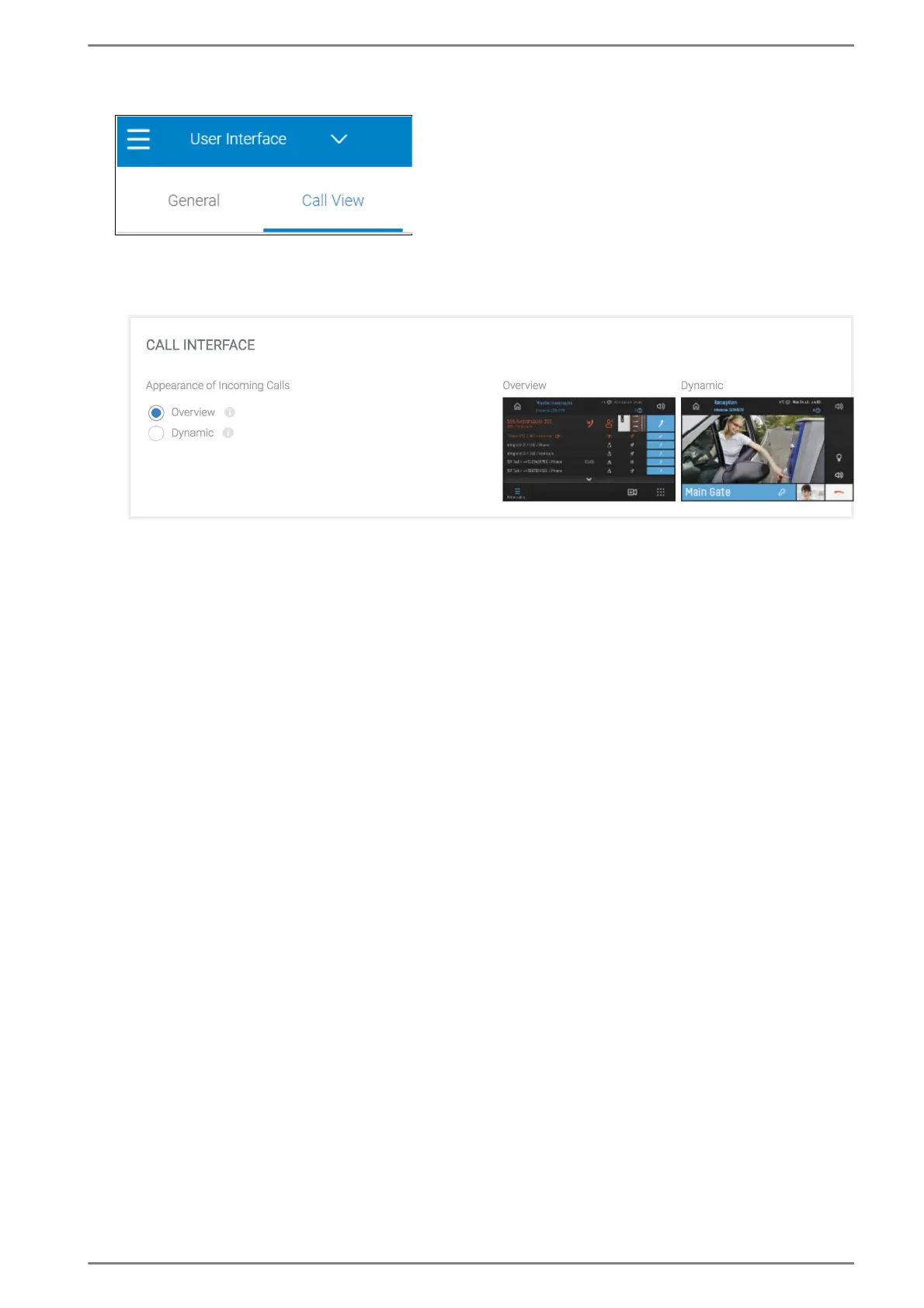
Call View > Call Interface
Select the desired radio button for showing incoming calls. The following radio buttons are avail-
able:
Overview: Shows an overview of all calls that are active or pending on DUETTO. If an entry is
selected, the information will be shown in full-screen mode.
Dynamic: All incoming calls are shown in full-screen mode. Tap the overview screen to open
it. The call with the highest priority will always be shown in the foreground.



 To Next Page