Control Station Duetto Web interface – Customization
2.0/0518 63
Function Description
HTTP text polling
Requests an HTTP URL in periodical intervals and shows the received string (if avail-
able) on the button element. This can be used to e.g. display the temperature as pro-
vided by the HTTP server of an appliance, such as a heating control unit. The follow-
ing settings are available:
Link: In this field, enter the URL through which the value will be requested.
Poll interval (s): In this field, the interval (in seconds) at which the value is request-
ed.
NOTES: Requirements for playback of an external video stream
Supported transmission protocols and codecs
DUETTO supports the following transmission protocols and codecs:
Transmission protocol: http, rtsp
Video codec: H.264 Constrained Baseline, MPEG-4
Audio codec: AAC, AC3 32kHz Mono
Resolution for proper playback of video stream
In order to ensure proper playback of the video stream, the resolution of the video file must not exceed
800 x 600 pixel.
GOOD TO KNOW: Video stream syntax
Video stream for network locations
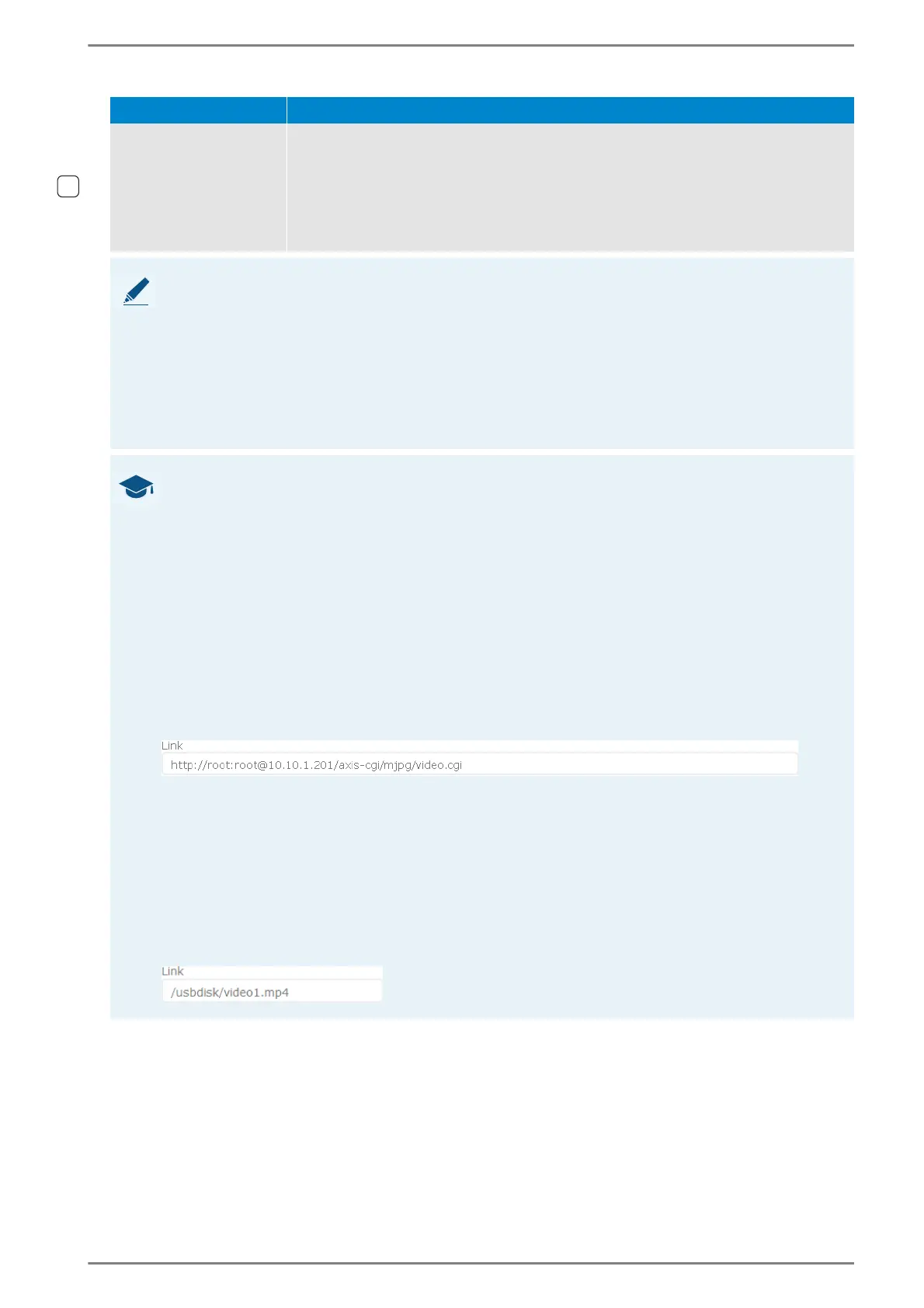
If the video stream will be received from a network location, use the following syntax:
<Transmission psrotocol>://<Username>:<Password>@<IP address>/<video stream URL>
The following parameters have to be entered for an IP camera:
<Transmission protocol>: Video transmission protocol (“http” or “rtsp”).
<Username>: User name for authentication of the external IP camera (if required).
<Password>: Password for authentication of the external IP camera (if required).
<IP address>: IP address of the external IP camera.
<Video stream URL>: Video link through which the video stream of the external IP camera
can be retrieved.
Example:
Video stream for local file
It is possible to play back videos from USB flash drive connected to one of the USB ports of
the DUETTO device. Use the following syntax:
/usbdisk/<Directory>/<Filename>
The following parameters have to be entered to display a video file:
<Directory>: Subdirectory where on the storage medium the video file is stored.
<Filename>: Name of the video file with file extension.
Example:



 To Next Page