Engineering Manual Engineer Menu 2-5
99
Option 2-5-4: Setting Up the RS232 Port
Option 2-5-4-1: Setting the Baud Rate
e.g.
Communication 4
RS232 Options
RS232 Options 1
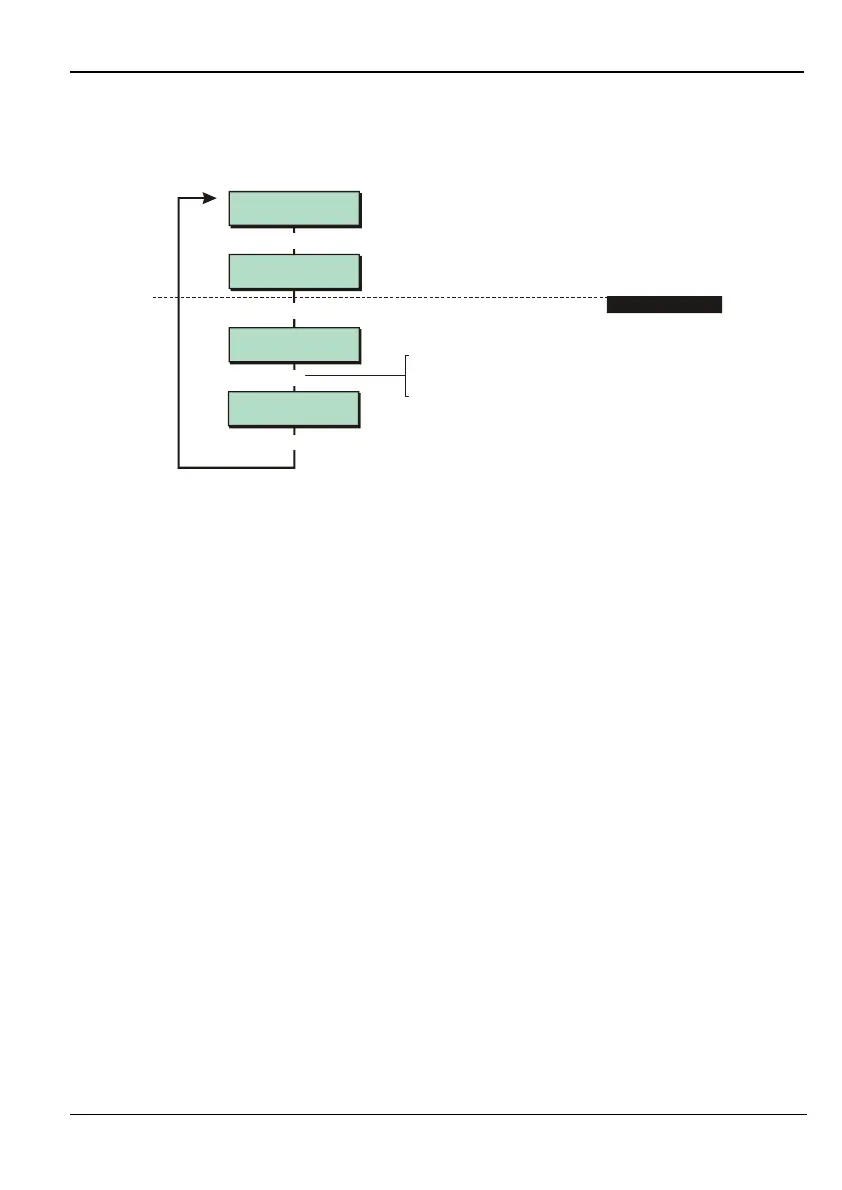
RS232 Baud
RS232 Baud 7
38400
RS232 Baud 1
600
[
|
[
1. SELECT BAUD RATE
To select the baud rate:
Press or
"
|¬
to scroll, or
Enter hot key (1-7)
"
[
This option allows you to set the baud rate for the serial (RS232) port.
This option is available for M1000 panel only.
Use a baud rate of 38400 when using the Downloader software.
Option 2-5-4-2: Enabling the WebWayOne Interface
The Remote Modem option is used to enable the panel to interface with WebWayOne IP
communicators. Do not change the default setting of "Disable" without being instructed by
your Alarm Transmission System (ATS) supplier.



 To Next Page