Engineer Menu 2-7 Engineering Manual
110
sounder cables routed with network cables. The system can operate with no ill effects with up
to 20 errors in a 24-hour period.
Option 2-7-3-7 – Resetting User 1 (the default Manager User)
Equipment 7
Default User 1
[
[ENT] to DEFAULT
user code 1.
[
Press to confirm reset
of user 1 passcode
[
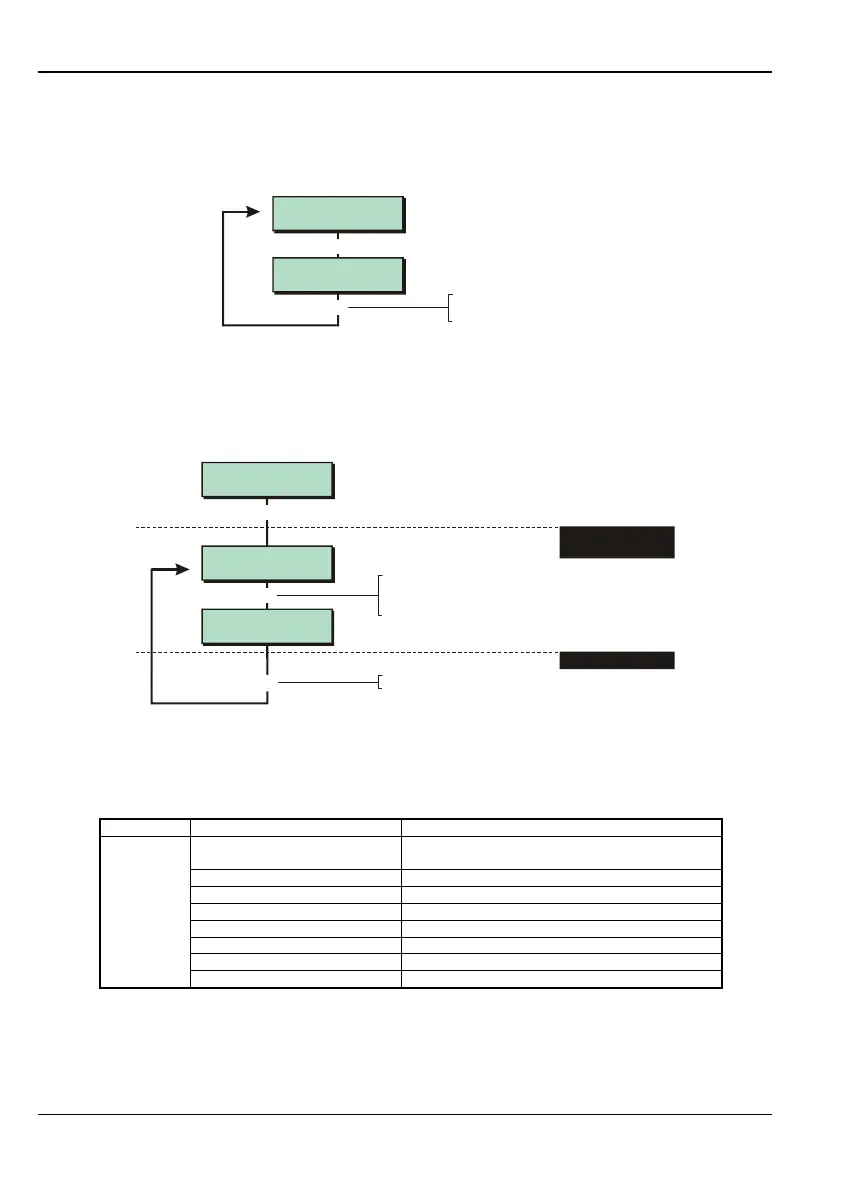
This option allows you to reset user 01 (a Manager user) back to the factory default code of
5678, or 567800 (if 6-digit user codes are used; see page 79). The operation is logged.
Option 2-7-3-8 – Applying Default NVM Settings
e.g.
Equipment 8
Default NVM
[ENT] to DEFAULT
Custom Text?
[ENT] to DEFAULT
Modem Data?
[
|
[
Press to confirm setting defaults
[
1. SELECT DATA TO
DEFAULT
To select the data to default:
Press or
"
"
|¬
to scroll, or
Enter option hot key (0-9)
2. CONFIRM ACTION
You can use this option to set specific categories of system settings back to the factory
defaults. The default settings are listed in the following table.
Option Settings Defaulted Default Value
Reset Message
CALL ENGINEER TO RESET SYSTEM
Location Text PANEL LOCATION TEXT NOT SETUP
Printer Title MENVIER SECURITY M-RANGE SYSTEM
Remote Reset Msg RING A.R.C FOR REM. RESET CODE
Banner Text Blank
Group Names Blank
Aux Tamper 1 Blank
Custom Text
(Eng 1-7)
Aux Tamper 2 Blank



 To Next Page