23
Chapter 3: Using Engineer Menu 1
Options in Engineer Menu 1
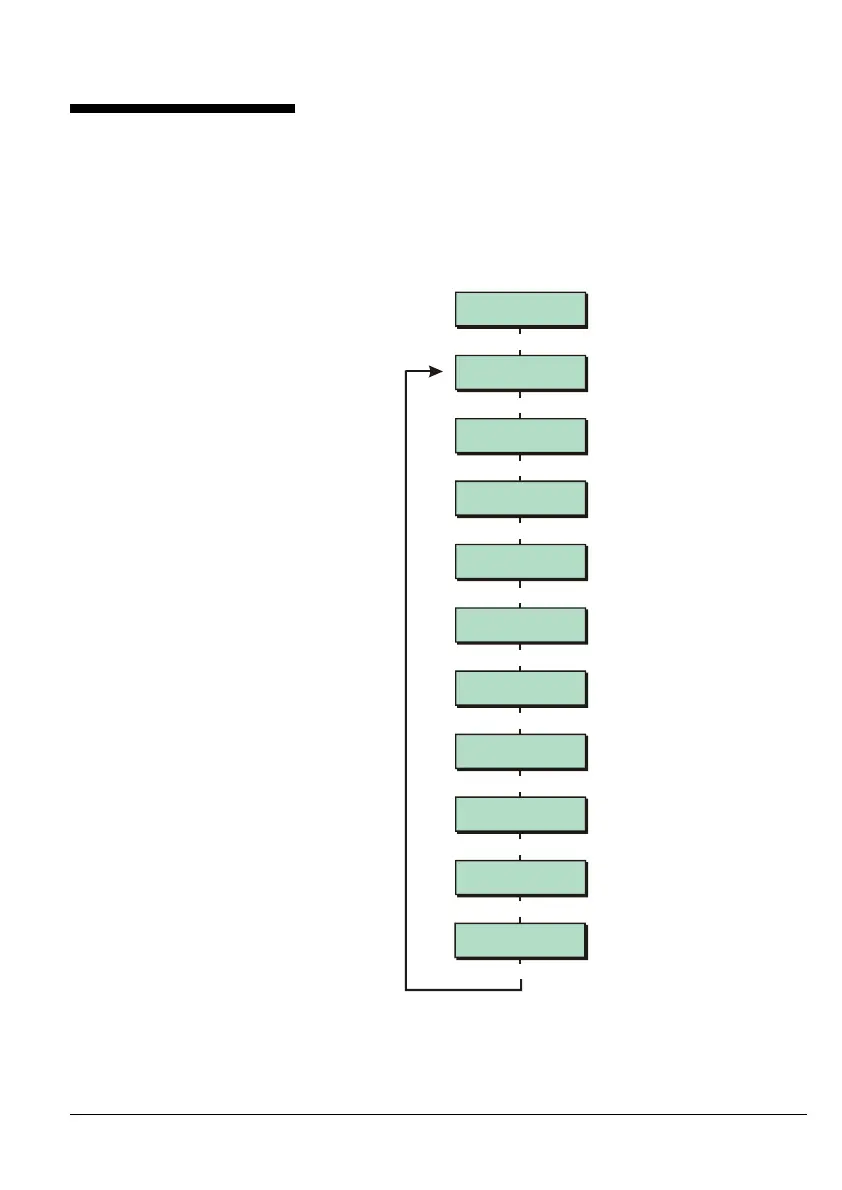
The flowchart shown opposite
illustrates the options in Engineer
Menu 1.
The order of the options in
Engineer Menu 1 reflects the
typical order that the options
should be used to set up a
system.
Eng 1 Menu 2
Zones Advanced
Eng 1 Menu 3
Ward Options
Eng 1 Menu 4
Outputs
Eng 1 Menu 1
Program Zones
|
|
|
Use or
|¬
to scroll through options,
or press hot key (1-0)
Engineer Level 1
Press [Ent]or[2]
[
Eng 1 Menu 7
Custom Text
Eng 1 Menu 8
Group Options
Eng 1 Menu 9
Configuration
Eng 1 Menu 0
Goto User Menu 1
Eng 1 Menu 6
Setting Modes
|
|
|
Eng 1 Menu 5
Timers
|
|
|
|



 To Next Page