Engineer Menu 2-7 Engineering Manual
108
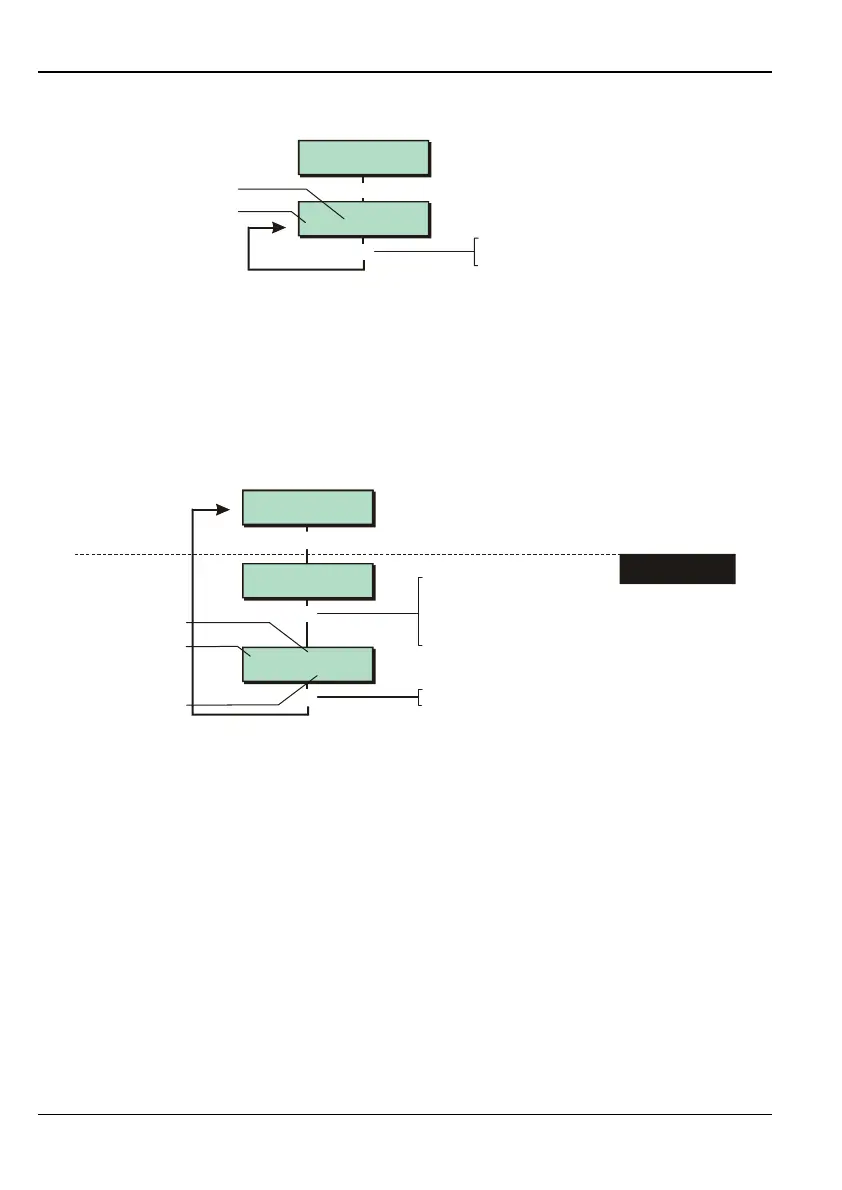
Option 2-7-3-3 – Confirming the Network Devices
Equipment 3
Confirm Devices
[
[ENT] to CONFIRM
002 LEC2S
[
No of devices
Device type
Press to confirm and view next
device type. Press to exit
[
]
This option allows you to confirm the correct number of devices are connected to the network
ports.
It is not normally necessary to use this option, since the procedure is started automatically
when you enter your engineer code (if there have been changes to the devices attached).
A keypad may be shown as a "LEC2". If a key is pressed at the keypad, it will be included
in the remote keypad total the next time you use this option.
Option 2-7-3-4 – Checking a Zone's Resistance
1,01A Remote
02.200 K Ohms
[
1234567890123456
1234567890123456
Equipment 4
Zone Resistance
Panel Zone 1
02.173 K Ohms
r
1. SELECT ZONE TO
VIEW
Press when you have finished
]
]
e.g.
Device type
Zone no. (network 1,
device 01, zone A)
Resistance
To select zone:
Press or
"
"
|¬
r
to scroll, or
Press to choose zone on next network
(e.g. to change 0001 to 1001), or
Enter zone number (e.g. 0002)
"
You can use this option to view the resistance at a zone. For zones connected to the panel,
the accuracy of this measurement is better than 100 Ohms. An open circuit at a panel zone
will display as 11.463k Ohms.
The displayed resistance value for zones connected to an MNode, XNode or keypad are
rounded and approximate.
Refer to page 83 for the expected resistance values for each condition at a zone.



 To Next Page