Engineer Menu 1-8 Engineering Manual
70
Option 1-8-2: Setting the Ward Group Setting Mode
Group Options 2
Exit Modes
Exit For Group 1
Timed Exit
e.g.
[
Eng 1 Menu 8
Group Options
Exit For Group 2
Timed Exit
Exit For Group 2
> Timed Exit
Exit For Group 2
> Instant Set
Group Options 1
Assign Groups
[
|
[
[
|
|
e.g.
X
To select the group:
Press or
"
"
|¬
to scroll, or
Press the hot key (e.g. 2)
Press to save changes
[
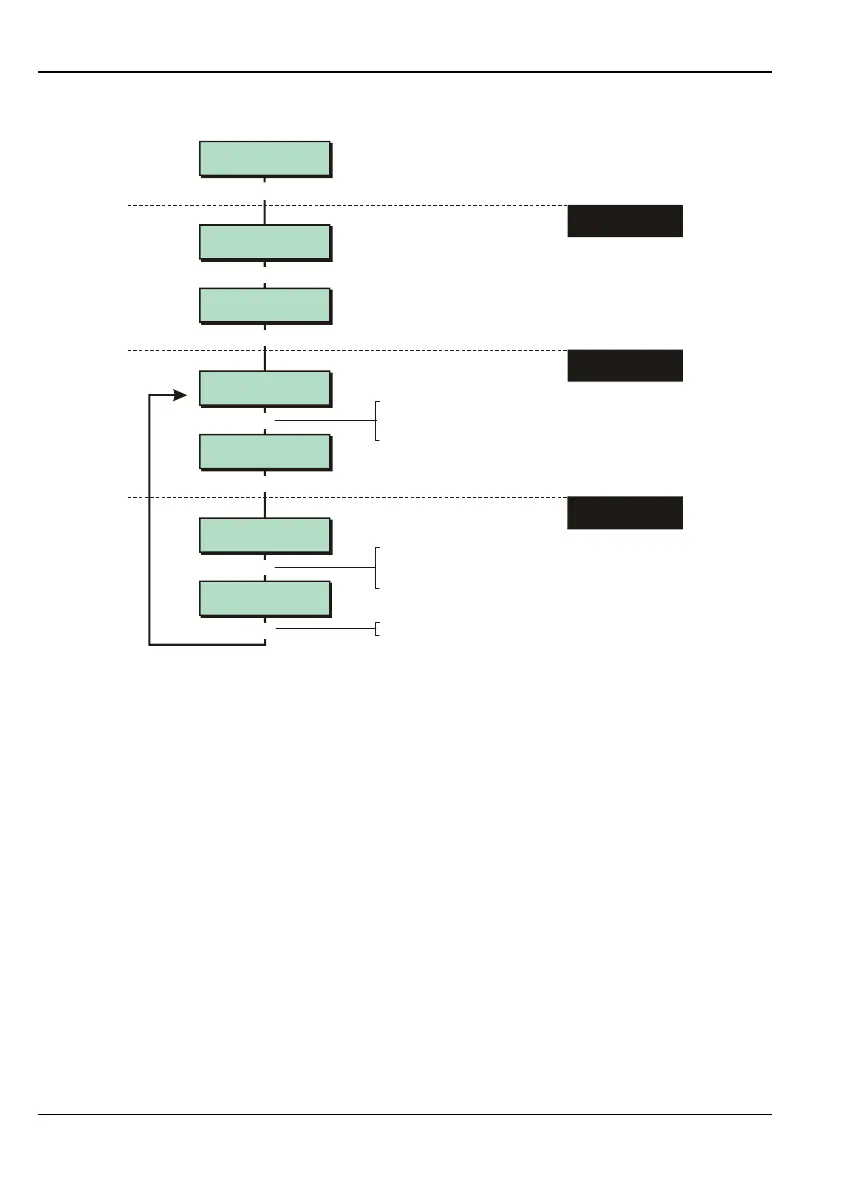
1. SELECT "EXIT
MODES" OPTION
2. SELECT THE
GROUP
To select setting mode:
Press or
"
"
|¬
to scroll, or
Press the hot key (1 to 7)
3. SELECT SETTING
MODE
This option is relevant only when a user sets wards through a ward group. The option specifies
the setting mode for the wards in the selected ward group. You can specify a different setting
mode for each ward group. When a ward group is set, the mode you select here is used
instead of the modes selected in option 1-6 (page 65).
In addition to the options documented from page 65, the following option is also available:
7 – Silent Set
Selecting this option will cause the wards in the ward group to set silently.
Assigning the Access attribute (page 30) to walk-through zones prevents "zone triggered"
sounds from occurring during the exit or entry procedure
Example
Assume the following:
If ward 1 is set as "Timed Exit" in option 1-6, and
ward 2 is set as "Instant Set" in option 1-6, and
ward group 1 (which contains wards 1 and 2) is set to "Exit Terminate" in option 1-8-2,
Then:
When setting ward group 1, "Exit Terminate" is used for both wards 1 and 2.



 To Next Page