Engineer Menu 2-5 Engineering Manual
96
This option is not available for M550 and M750 panels.
Use this option to specify the telephone numbers of up to three Alarm Receiving Centres
(ARC).
You can use the
r
key to insert a 4-second pause between any two digits of the telephone
number (see page 89 for further details).
Depending on the Dialling Mode setting (page 96), alarms can be communicated to more
than one ARC. Specify the ARC telephone numbers in order of priority (i.e. the ARC you want to
use most often should be ARC number 1).
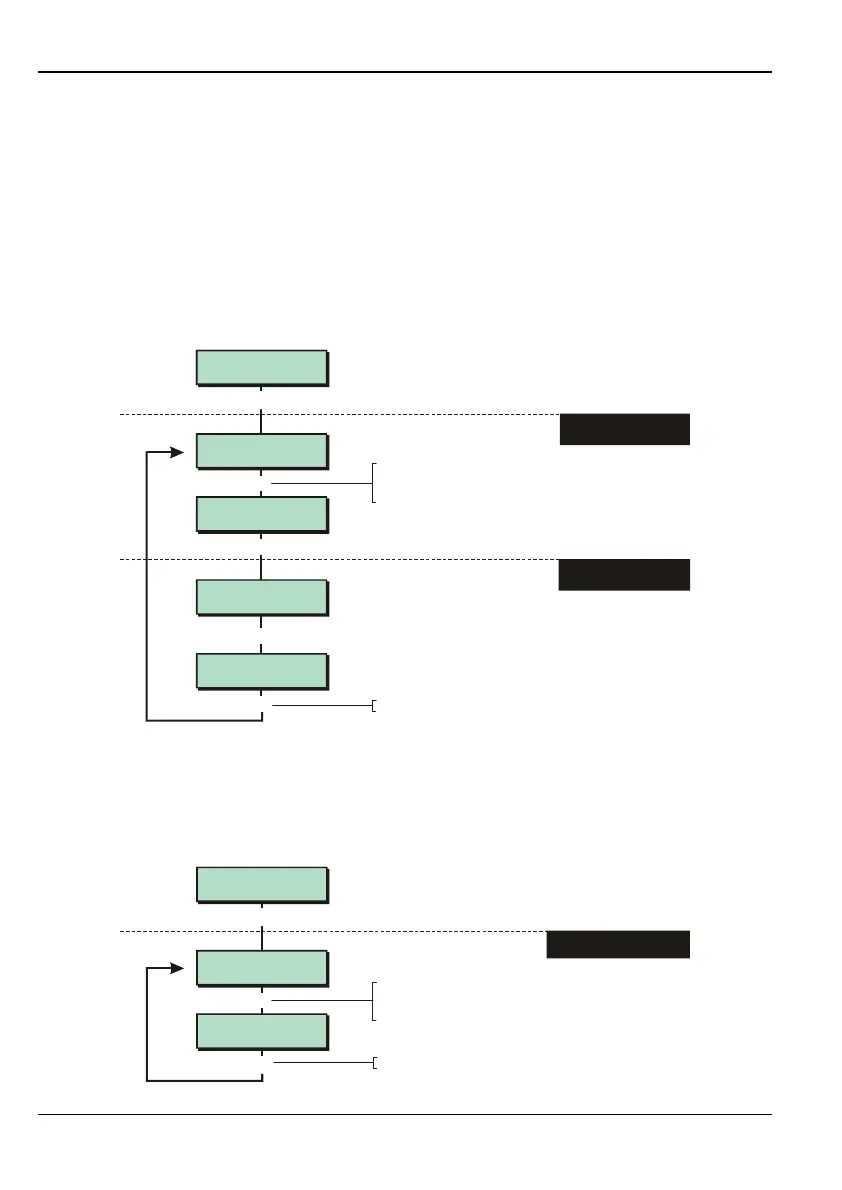
Option 2-5-2-3 – Specifying the ARC Account Number
Account No. 2
2345
2345
^ccount No. 2
[
1234567890123456
1234567890123456
DigiCom 3
Account Numbers
2346
Acc^unt No. 2
Account No. 1
1234
[
|
e.g.
To select the account number:
Press or
"
"
|¬
to scroll, or
Press the hot key
1. SELECT ACCOUNT
NUMBER 1-8
2. ENTER ACCOUNT
NUMBER
[
Press to save changes and continue
[
Enter number
You can delete a digit by positioning
the cursor under the digit and
pressing the key.
r
This option is not available for M550 and M750 panels.
Use this option to specify the Alarm Receiving Centre (ARC) account number that the panel
should provide when calling the ARC.
Option 2-5-2-4 – Specifying the Dialling Mode
Dialling Mode 2
Alternate
[
1234567890123456
1234567890123456
DigiCom 4
Dialling Mode
Dialling Mode 1
Consecutive
[
|
e.g.
To select option:
Press or
"
"
|¬
to scroll, or
Press the hot key (1-3)
1. SELECT DIALLING MODE
Press to save changes and continue
[



 To Next Page