20
Chapter 2: Getting Started
Starting the Panel for the First Time
Use the following procedure when starting a new system:
1. Follow the power-up procedure documented in the panel's installation instructions. Make
sure you apply a factory restart to ensure that the system begins with its factory default
settings.
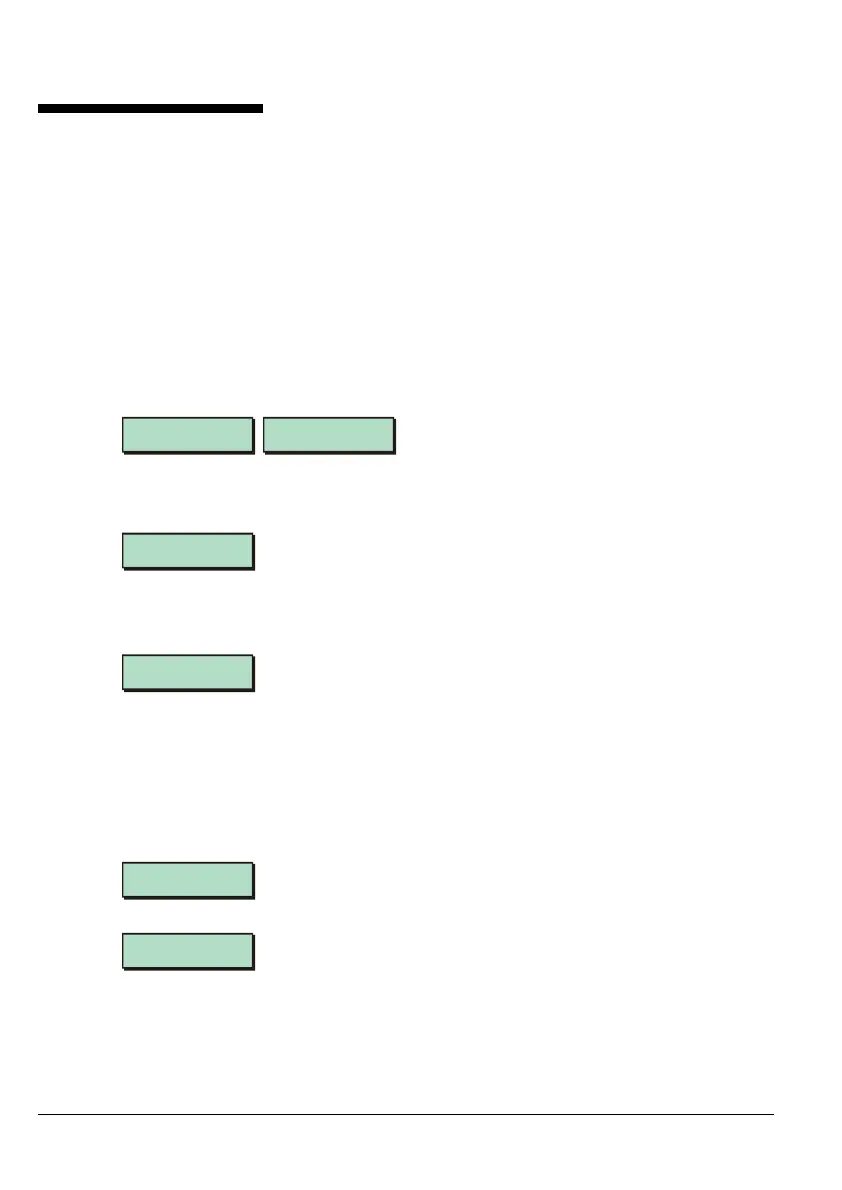
A startup screen similar to one of the following is displayed (actual screen depends on
keypad):
Menvier Security
Version: 4.1
FORIGIEN LETTERS
àÄâÂéèÖ¿
2. If the panel's lid is off, the sounder may start soon after power is switched on. This
indicates a tamper alarm.
3. The following message may be displayed:
! ALERTS !
12:04 Tue 03 MAY
4. Enter your engineer code (default 1234). This should silence the sounder.
5. The following is displayed:
[ENT] to CONFIRM
001 LEC2S
The next messages show the number of each type of device found. EXP KEYPADS are
keypads on an XNode or MNode. NODES include MIDNodes, IDNodes and TS Nodes.
XNODES include XNodes and MNodes.
If the number of devices detected is not as expected, check the connections to the
devices and their address settings (normally set by a link on the device's PCB).
6. Press ] when you see the following:
Equipment
Confirmed
7. The following is displayed:
Engineer Level 1
Press [Ent]or[2]
You are now logged on as an engineer and are ready to configure the system.
This displays the number of LEC devices that the panel
recognises as being connected to the control panel's networks.
In this example, the panel has found one LEC devices (possibly
an old keypad). Press [ to see the next message.



 To Next Page