Engineer Menu 1-8 Engineering Manual
72
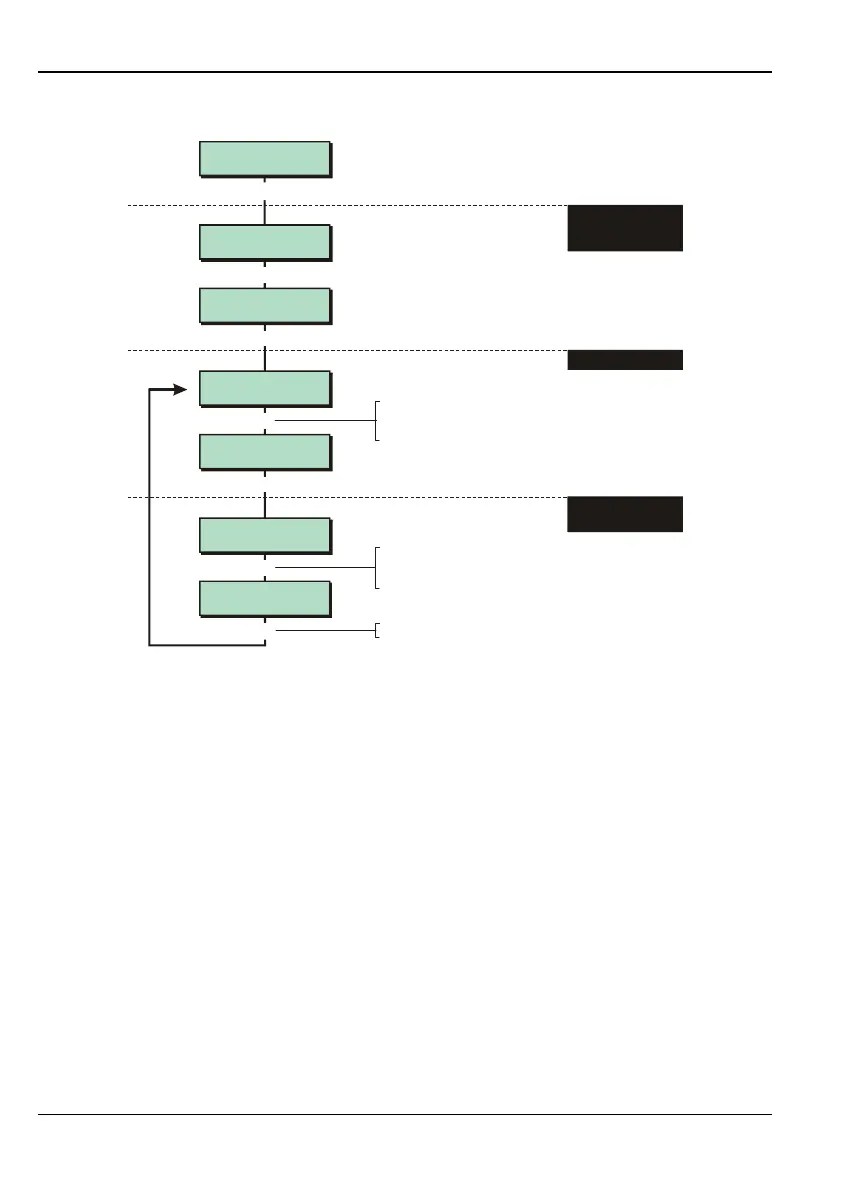
Option 1-8-4: Setting the Ward Group Alarm Response
Group Options 4
Alarm Response
Alarm Response
Grp. 1 Full
e.g.
[
Eng 1 Menu 8
Group Options
Alarm Response
Grp. 2 Full
Alarm Response
Grp. 2> Full
larm Response
Grp. 2> Local
Group Options 1
Assign Groups
[
|
[
[
4
|
e.g.
X
To select group:
Press or
"
"
|¬
to scroll, or
Press the hot key (e.g. 2)
Press to save changes
[
1. SELECT "ALARM
RESPONSE"
OPTION
2. SELECT GROUP
To select setting mode:
Press or
"
"
|¬
to scroll, or
Press the hot key (1 to 3)
3. SELECT SETTING
MODE
This option is relevant only when a user sets a ward group. The option specifies how the system
responds to an alarm.
You can specify a different setting for each ward group.
Refer to the notes on page 35 for details of the keypad sounders that operate when an
alarm occurs.
1 – Full
Causes an alarm to operate keypad sounders, extension loudspeaker, external sounders,
strobe and communications (if used).
2 – Local
Causes an alarm to operate keypad sounders, extension loudspeakers, external
sounders and strobe only.
3 – Internal
Causes an alarm to operate keypad sounders and extension loudspeakers only.



 To Next Page