EasyManua.ls Logo

Cooper Security M750 - Option 2-7-3: Performing Equipment Tests; Option 2-7-3-1 - Determining the Software Version

Cooper Security M750
140 pages
Print Icon
To Next Page IconTo Next Page
To Previous Page IconTo Previous Page
Loading...
Engineer Menu 2-7 Engineering Manual
106
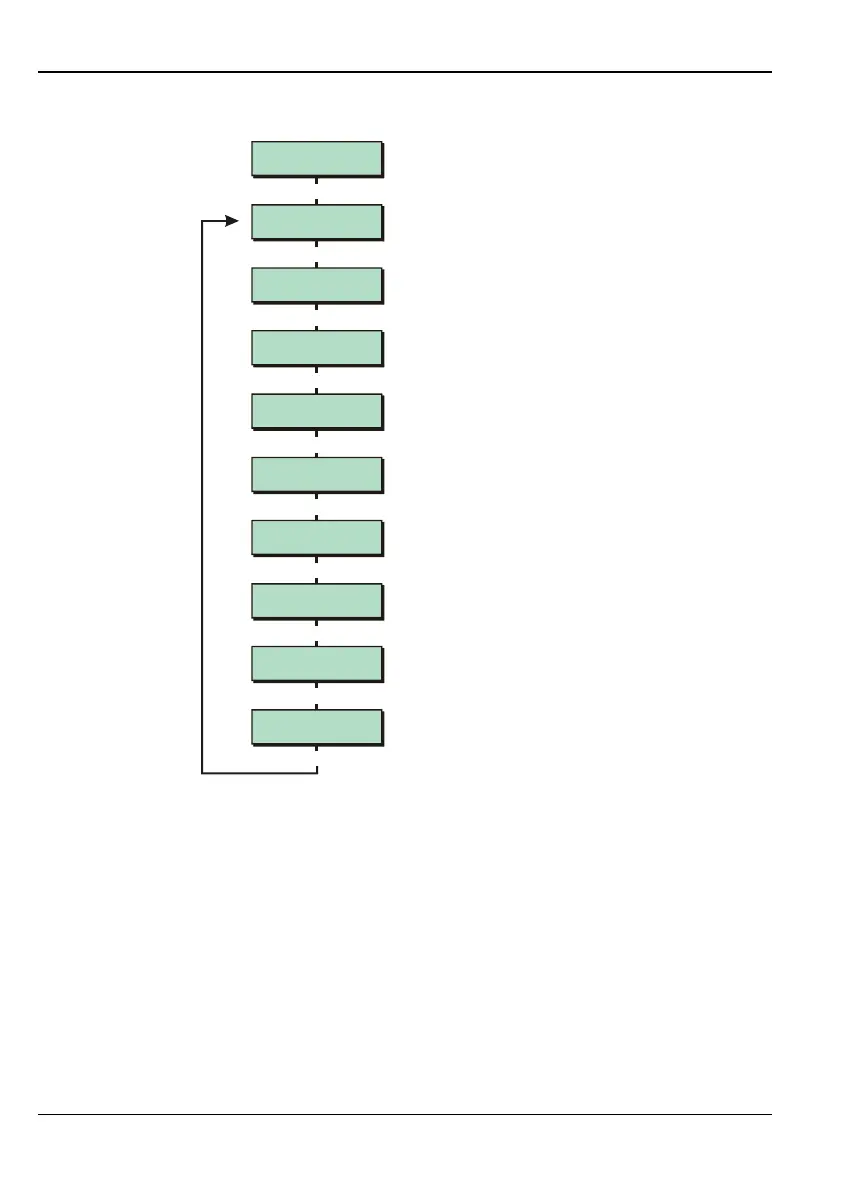
Option 2-7-3: Performing Equipment Tests
Equipment 2
False Setting
Equipment 3
Confirm Devices
Equipment 4
Zone Resistance
Equipment 1
Software Version
|
|
|
Use or
to scroll through options,
or press hot key (1-9)
Built In Tests 3
Equipment
[
Equipment 7
Default User 1
Equipment 8
Default NVM
Equipment 9
Test Display
Equipment 6
Network Errors
|
|
|
Equipment 5
Network Devices
|
|
|
Option
2
-
7
-
3
-
1
– Determining the Software Version
Select this option to find out which version of firmware the panel is currently using.

Table of Contents

Other manuals for Cooper Security M750

Related product manuals