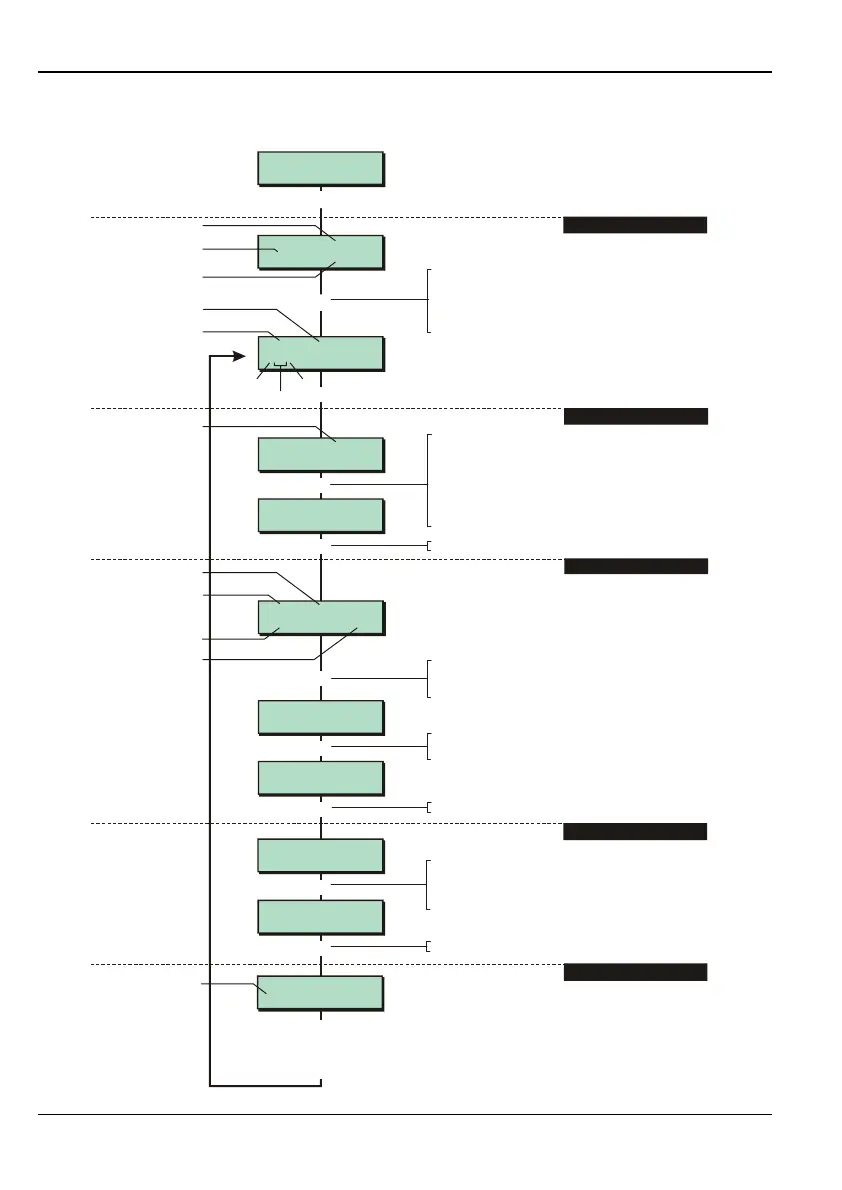
Engineer Menu 1-1 Engineering Manual
24
Option 1-1: Programming Zones
- NO TEXT -
1011>Not Used
e.g.
r
Panel Zone 1
0001 Not Used
- NO TEXT -
1011>Normal Alm
1011 Normal Alm
ACCESS NO
1011 Normal Alm
DOUBLE KNOCK NO
1,01A Remote
1011 Not Used
r
|
[
[
|
e.g.
To select attribute:
Press or
"
"
|¬
to scroll, or
Press the attribute hot key (1-9)
^ Description
Use the keys similar to the keys on a
mobile phone (see Appendix A). Press
or to move cursor to next character.
Press to save changes and continue
|
¬
[
2. SELECT ZONE TYPE
3. SELECT ATTRIBUTES
5. ENTER ZONE DESCRIPTION
[
Eng 1 Menu 1
Program Zones
1. SELECT ZONE NUMBER
1011 Normal Alm
DOUBLE KNOCK YES
[
1011 is in
Ward > 1*******
2
e.g.
1011 is in
Ward > 12******
[
e.g.
Location
Zone description
Zone no. (network 1,
device 01, zone A)
Zone type
Zone No.
Network
Device
Zone
Indicates device
that zone is on
Zone no.
Zone type
Attribute type
YES or NO
Cursor
Press
r
to toggle YES/NO. You can modify
more than one attribute for the zone
4. SELECT ZONE'S WARDS
To select the zone number:
Press
"
Press or to scroll, or
to choose zone on next network
(e.g. to change 0001 to 1001), or
Enter zone number (e.g. 0002)
|¬
r
"
"
The top line displays "NO TEXT" if the zone
description is not yet defined.
To select zone type:
Press or
"
"
|¬
r
to scroll, or
Press the zone type hot key (1-9)
Press if you want to copy the previously
programmed zone.
Press to save changes and continue
[
Press to save changes and continue
[
Press the relevant ward number to add or
remove wards. * indicates zone is not in
ard. On the 3000 panel, scrolling displays
the higher ward blocks
Press to save changes and continue
[



 To Next Page