Engineering Manual Engineer Menu 1-2
33
Option 1-2: Choosing Advanced Zone Options
Resistance 1
4K7 / 2K2
e.g.
|
Panel Zone 1
0001 Normal Alm
Resistance 2
1K0 / 1K0
Set Output Group
Output Group >--
Set Output Group
Output Group >01
Panel Zone 2
0002 Entry
[
|
[
[
|
e.g.
2. SELECT ZONE
RESISTANCE
3. SELECT ZONE'S
OUTPUT GROUP
[
Eng 1 Menu 2
Zones Advanced
1. SELECT ZONE
e.g.
Location
Zone type (set
up in Eng 1-1)
Zone
To select zone:
Press
"
Press or to scroll, or
to choose zone on next network
(e.g. to change 0001 to 1001), or
Enter zone number (e.g. 0002)
|¬
r
"
"
To select zone resistances:
Press or
"
"
|¬
to scroll, or
Press the hot key (1-4)
Press to save changes and continue
[
To select zone output group:
Press or
"
"
|¬
to scroll, or
Enter group number (e.g. 04)
Press to save changes and continue
[
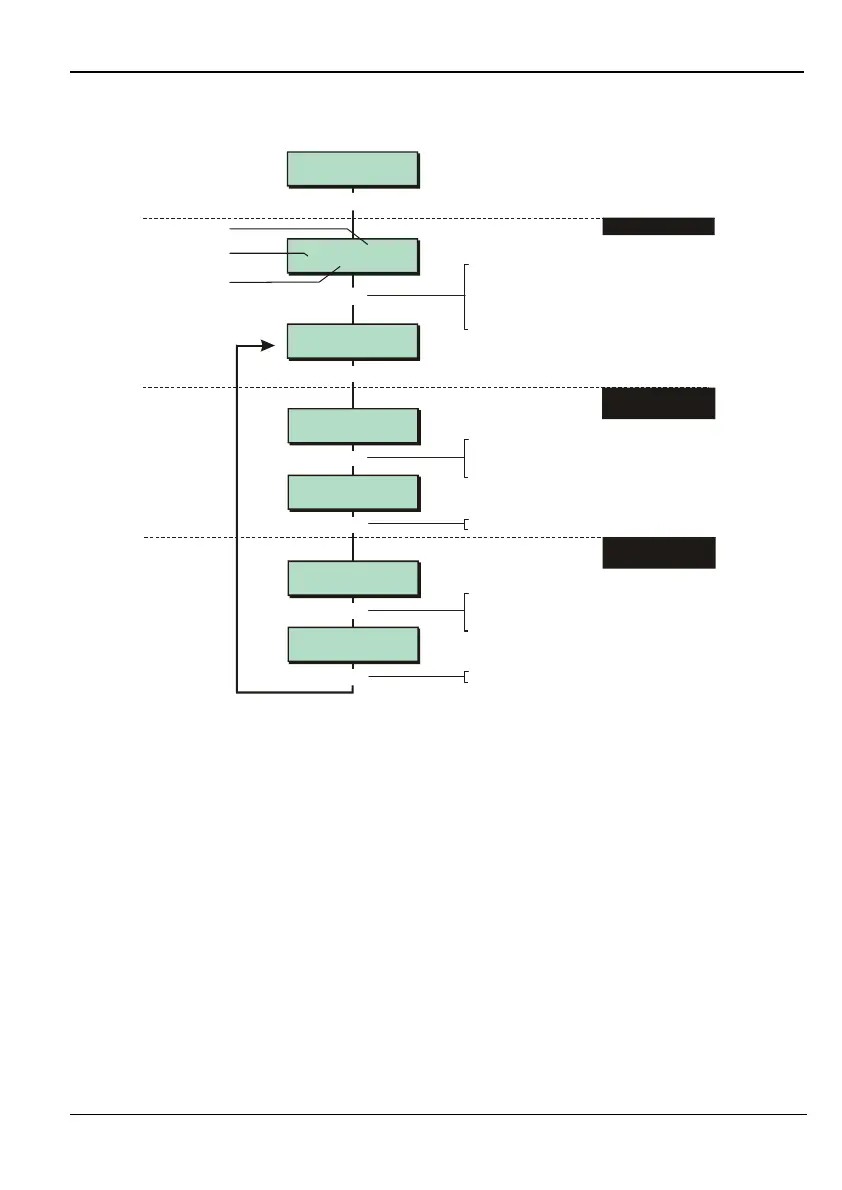
This option enables you to select the resistance values used at the sensor, and to create
output groups.
Step 1 – Select Zone Number
Choose the zone you want to set up by selecting its zone number (see page 25 for further
details).
Step 2 – Select Zone Resistance
Select the resistance values used at the zone sensor. The first value is the alarm shunt
resistance, and the second is the end-of-line resistance. If you are using a zone with masking
(page 29), select 4K7/2K2.
This option is relevant only if the zone sensor is connected using the fully-supervised loop
connection method, as described in the Installation Instructions.



 To Next Page