Engineering Manual Engineer Menu 2-5
87
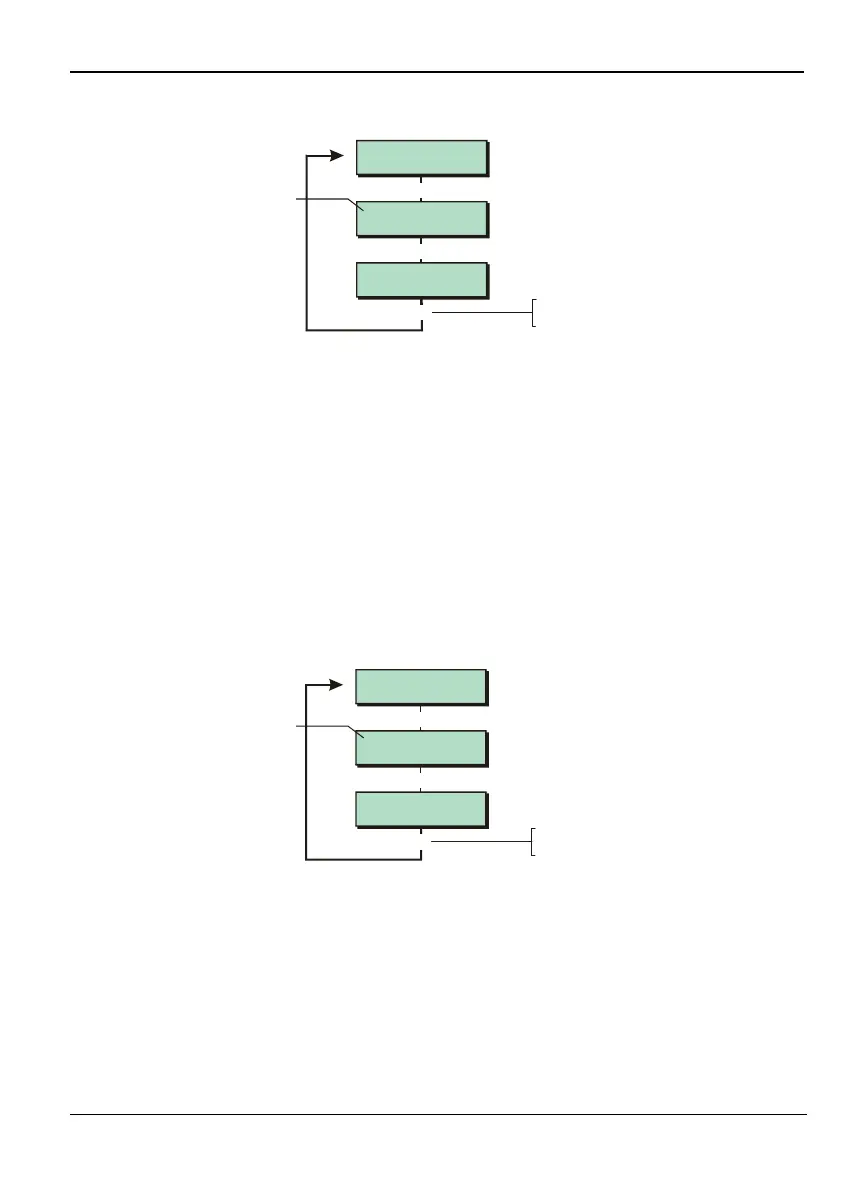
Option 2-5-1-1 – Defining the Downloader Password
ExistingPassword
^Password
NewPassword
Password ^
[
Press to save changes
and continue
[
Enter password
Downloader 1
Password
[
Shows current
setting (if defined)
The first connection from Downloader is accepted without first having to set up the
password or Site ID at the panel. During this first connection, the Site ID and password are
set up automatically by Downloader. There is therefore not normally a need to use this
option.
This option allows you to specify the password used by Downloader to connect to the panel.
The password is used if Downloader connects through the on-board modem (if fitted) or USB
port. The password can be up to 16 characters long and provides a means of security to
prevent unauthorised communications with the panel from a computer running the
Downloader software.
The password specified in the site profile at the Downloader software must match the
password that is stored in the control panel.
Refer to page 123 for details of the keys to use to enter or change the password.
Option 2-5-1-2 – Defining the Site Identification
1234
^Site ID
2345
Si^e ID
[
Press to save changes
and continue
[
Enter ID
Downloader 2
Site ID
[
Shows current
setting (if defined)
This option allows you to specify a site identification for the panel (use no more than 12
characters). When calling in via the on-board modem (if fitted) or USB port, the Downloader
software must supply the same site ID as defined at the control panel before the connection is
accepted. The site ID also enables the Downloader software to obtain the correct site profile
when the control panel rings the remote PC.
Refer to page 123 for details of the keys to use to enter the site ID. See also the note in the
previous section (Downloader Password).



 To Next Page