Engineering Manual Engineer Menu 2-3
85
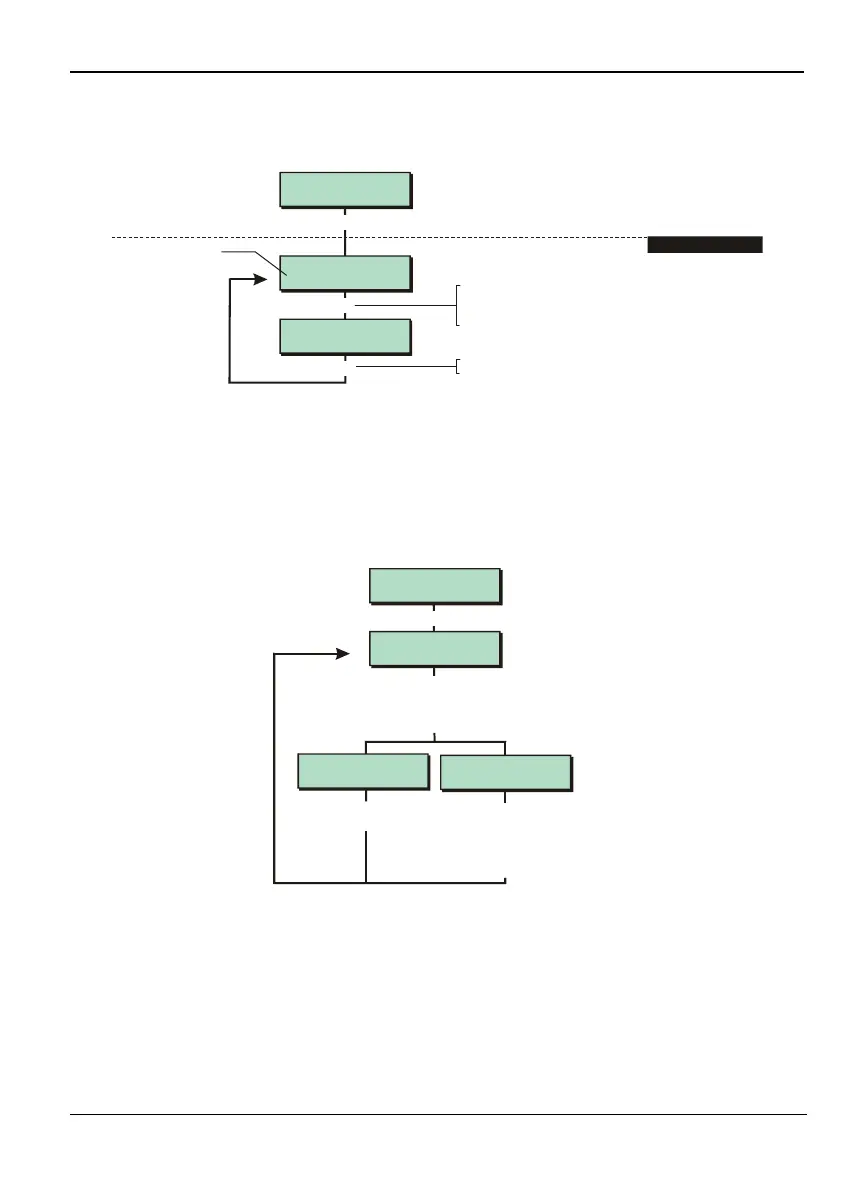
Option 2-3: Setting the Loudspeaker Volume Level
e.g.
Eng 2 Menu 3
Volume Control
Volume Control
>>
Volume Control
>
[
¬
[
Press to save changes and continue
[
1. SET VOLUME LEVEL
To set volume level:
Press or
"
"
|¬
to scroll, or
Enter volume level (e.g. 2)
Shows volume level
(sounder operates)
This option allows you to adjust the volume level of the extension loudspeaker connected to
the control panel, or to disable it completely.
It does not affect the keypad volume, but the keypad will sound when changing the
volume.
Option 2-4: Changing Your Passcode and Name
Eng 2 Menu 4
Change Passcode
To select whether to change engineer
passcode or name:
Press or
"
"
|¬
to scroll, or
Press the hot key (1or 2)
Enter new code,
then press
[
Engineer Code 1
Code
[
Engineer
^ngineer Name
Enter new code..
----
Use the keys similar to the text keys
on a mobile phone (see Appendix
A). Press
|¬
or to move cursor to
next character. Press to save
changes and continue
[
This option allows you to change your engineer code and name.
The engineer name is displayed against appropriate entries in the system log (page 116).
The code is either four or six digits, depending on whether the 4 Digit Codes or 6 Digit Codes
configuration option is selected (page 79). The default code is 1234 if four-digit codes are
used, and 123400 if six-digit codes are used.
To set the engineer code to the default, open the panel lid, silence the tamper alarm by
entering a user code, then with power still applied to the PCB, momentarily short the
"Factory Restart" pins on the PCB.



 To Next Page