Engineer Menu 2-5 Engineering Manual
86
Option 2-5: Setting Up Communications
Communication 3
Start CallBack
Communication 4
RS232 Options
Communication 2
DigiCom
|
|
|
Use or
|¬
to scroll through options,
or press hot key (1-4)
Communication 1
Downloader
|
Eng 2 Menu 5
Communications
[
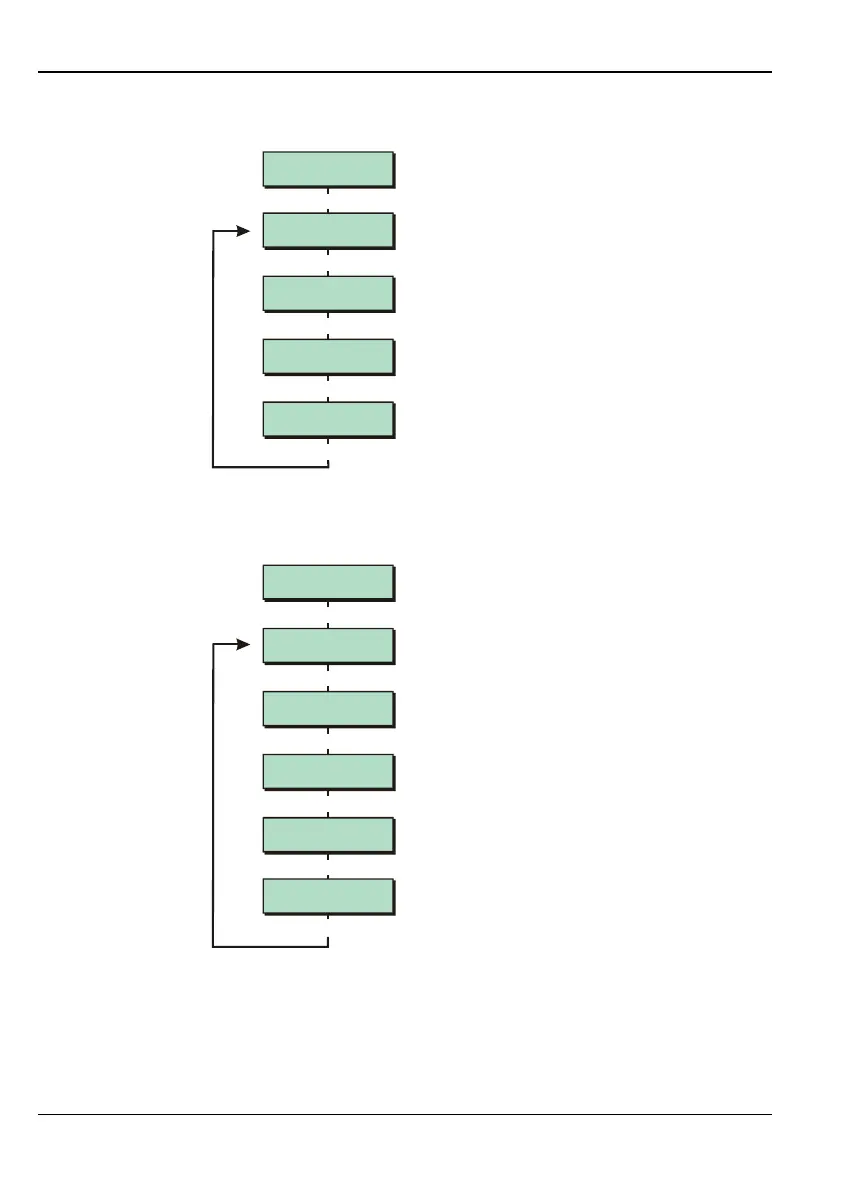
The options in the Communication menu are described next.
Option 2-5-1: Setting Up the Downloader Options
Downloader 2
Site ID
Downloader 3
Access Mode
Downloader 4
Edit Call Nos.
Downloader 1
Password
|
|
|
Use or
|¬
to scroll through options,
or press hot key (1-5)
|
Communication 1
Downloader
[
Downloader 5
Modem Options
|
The options in the Downloader menu relate to communications via the on-board modem or
USB port with a remote PC that is running the Downloader software. The options in the
Downloader menu are described next.



 To Next Page