Engineering Manual Engineer Menu 1-9
73
Option 1-9: Choosing the Configuration Options
Configuration 2
DD243
DD243 1
Confirmation On
[
1234567890123456
1234567890123456
Eng 1 Menu 9
Configuration
DD243 2
Sndrs on Unconf
Configuration 1
General
[
|
|
e.g.
e.g.
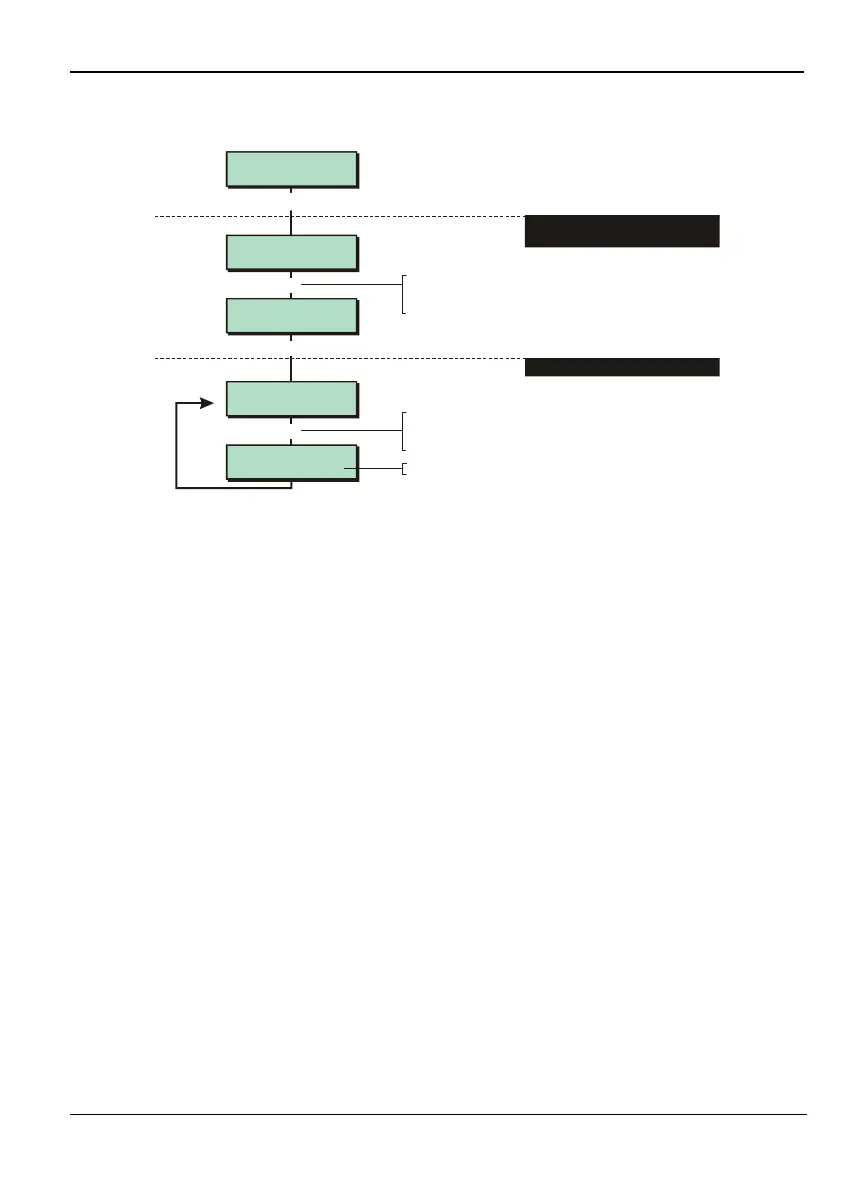
To select the configuration type:
Press or
"
"
|¬
to scroll, or
Press the option hot key
To select the configuration option:
"
"
Press or to scroll, or
Press the option hot key
|¬
Press
r
to toggle setting
1. SELECT WHETHER TO CONFIGURE
GENERAL, DD243 OR EN50131
2. SELECT CONFIGURATION OPTION
Option 1-9-1: Choosing General Configuration Options
01 – Ward OFF / Ward ON
Ward OFF (default) – With this option selected, a zone that is in multiple wards is armed
when any one of its wards is set. The zone is disarmed when any one of its wards is unset.
Ward ON – With this option selected, a zone that is in multiple wards is armed only if all of
its wards are set. The zone is disarmed when any one of its wards is unset.
02 – Bell Is an SAB / Bell is an SCB
Bell Is an SAB (default) – The control panel bell output applies 0V when active.
Bell is an SCB
– The control panel bell output removes 0V when active.
03 – View Alms Unset / View Alms P.set
View Alms Unset (default) – When the system is part set and an alarm occurs in a set
ward, the alarm information is displayed momentarily after a user enters a user code. No
information is displayed up to this point. Once the system is unset, details of the alarm
are displayed after entering a user code.
View Alms P.set
– When the system is part set and alarm occurs in a set ward, the alarm
information is displayed on all keypads immediately the alarm occurs.
04 – Engr Authorised / User Authorised
Engr Authorised (default) – When using Downloader software, data in the control panel
can be overwritten without the user's knowledge.
User Authorised
– When using Downloader software, data in the control panel can be
overwritten only with user authorisation, from User option 2-6-2 (see the Manager's
Manual).



 To Next Page