Engineer Menu 2-5 Engineering Manual
90
Option 2-5-1-5 – Choosing the Modem Options
Modem Options 2
Baud Rate
Baud Rate 2
2400
[
1234567890123456
1234567890123456
Downloader 5
Modem Options
Baud Rate 1
300
Modem Options 1
Rings To Answer
[
|
e.g.
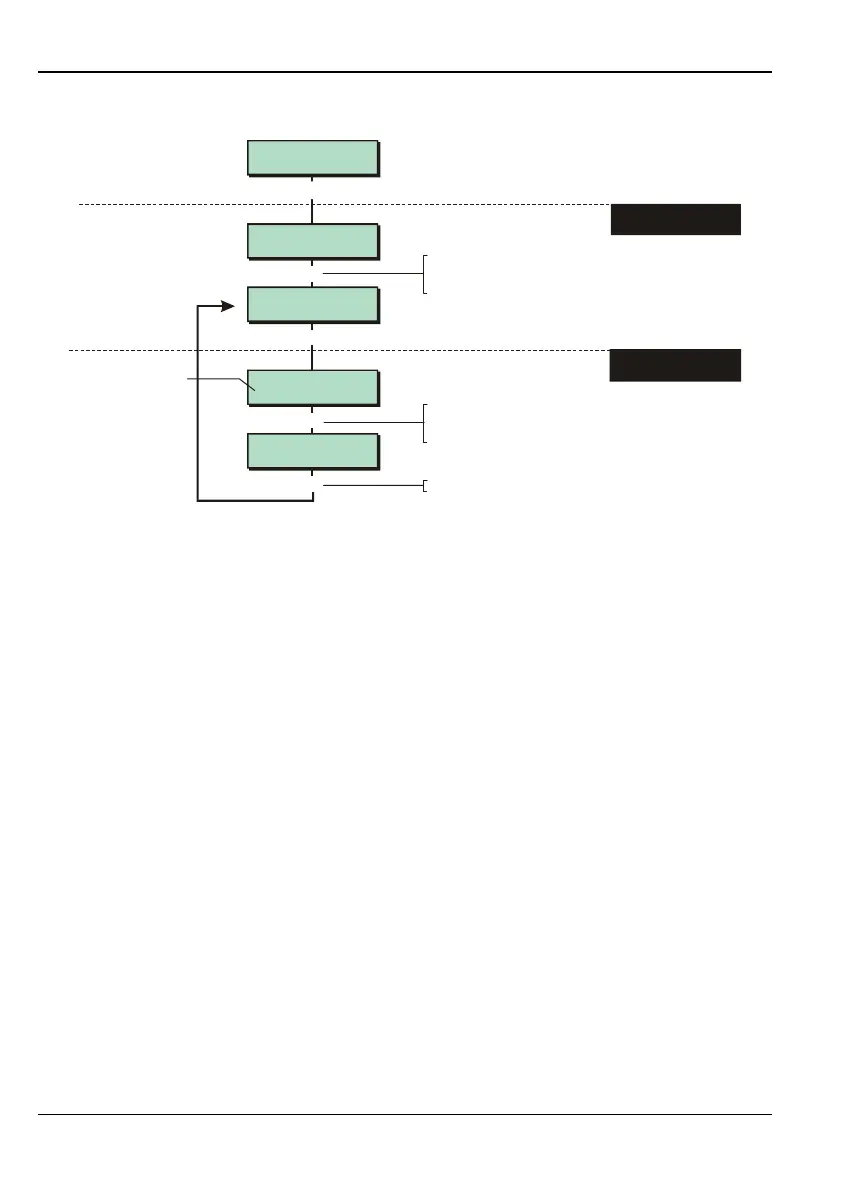
To select modem options:
Press or
"
"
|¬
to scroll, or
Press the hot key (1-3)
Shows current setting
1. SELECT MODEM
OPTION
2. IF REQUIRED,
CHANGE SETTING
[
Press to save changes and continue
[
|
To select the required setting:
Press or
"
"
|¬
to scroll, or
Press the hot key
This option is not available for M550 and M750 panels.
The following options are available:
1 – Rings to Answer
Specifies the number of rings before the panel answers an incoming call via the on-
board modem.
2 – Baud Rate
This is the baud rate used for communications over the telephone line to the Downloader
software. A setting of 1200 baud is normally used.
3 – Ans Phone Defeat
This option is useful if the telephone line is shared with an automatic telephone answering
machine (to record voice messages). If you select Enabled, the panel listens for a single
ring. If there is another call within 30 seconds, the panel assumes that the call is from
Downloader and answers the call immediately, thereby preventing the answering
machine from answering the call. The Rings to Answer option is not relevant when Answer
Phone Defeat is enabled.



 To Next Page