Engineering Manual Engineer Menu 2-7
105
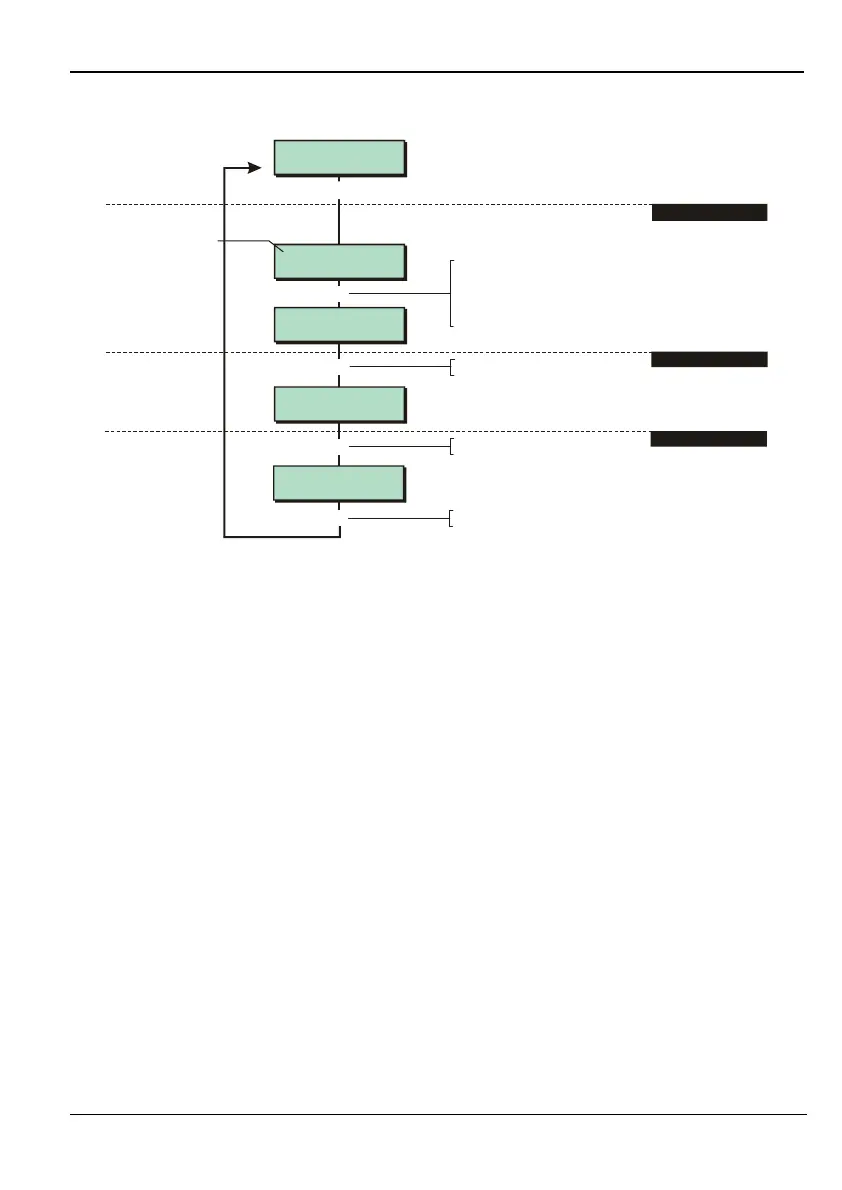
Option 2-7-2-4 – Testing Equipment Outputs
1:01:2 Remote
1:02:2 Remote
Is Turned OFF
1:02:2 Remote
Is Turned ON
[
1234567890123456
1234567890123456
Test Outputs 4
Equipment
1:01:1 Remote
[
r
|
2. PRESS ENT
3. TOGGLE OUTPUT
Press when you have finished
]
]
e.g.
Press to view output status
[
Press to toggle output on/off
r
Zone no. (network 1,
device 01, output 1)
1. SELECT OUTPUT
To select output:
Press or
"
"
"
|¬
r
to scroll, or
Enter network and device number (e.g. 1012
for network 1, device 01, output2)
Press to change network
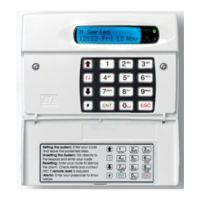
This option allows you to switch outputs connected to network devices, such as keypads, on
and off.



 To Next Page