Engineering Manual Engineer Menu 2-5
97
This option is not available for M550 and M750 panels.
Choose one of the following:
1 – Consecutive
If you have defined more than one ARC (page 95), the panel will attempt to contact the
first ARC when an alarm occurs. If there is no connection, the panel attempts again
several times, with a fixed delay between each attempt. If there is no connection, the
panel tries to contact the second ARC in the same manner. If there is no connection with
the second ARC, the panel tries to contact the final ARC before closing communication.
2 – Alternate
This is similar to the Consecutive option, but the panel attempts to connect to each ARC
only once before attempting the next. Once the last number has been attempted, the
system returns to the first and the sequence continues.
3 – All
With this option selected, the panel sends the alarm to all defined ARCs. The panel will
continue to attempt a connection to each ARC until the alarm has been sent to all of
them. Each telephone number is attempted a maximum of 15 times.
This option is applicable only if Fast Format is used (page 92). If SIA or Contact ID
is used, selecting All results in the same operation as the Alternate option.
Option
2
-
5
-
2
-
5
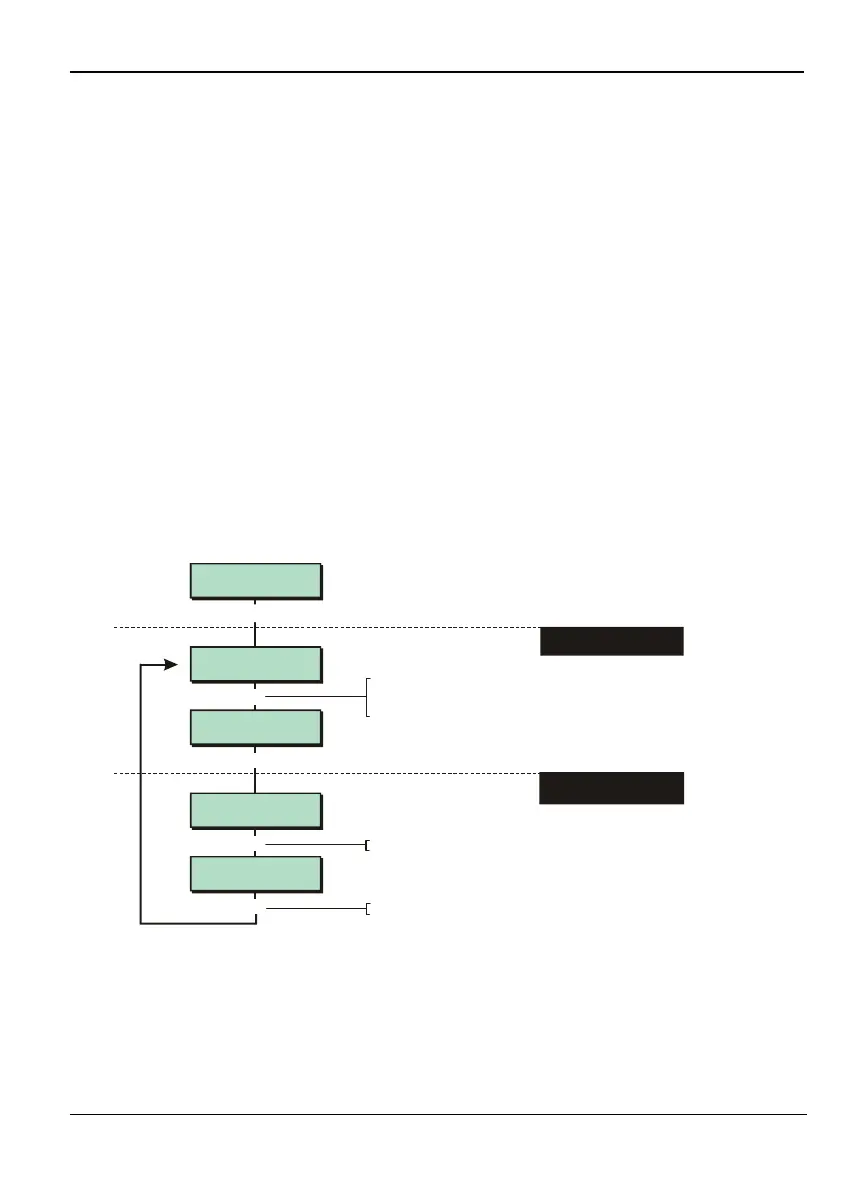
– Setting Other ARC Options
Options 2
Fast Format
FF Channels
8 FF Channels
[
1234567890123456
1234567890123456
DigiCom 5
Options
FF Channels
16 FF Channels
Options 1
Restore Signals
[
|
e.g.
To select option:
Press or
"
"
|¬
to scroll, or
Press the hot key (1-3)
1. SELECT OPTION
2. IF REQUIRED, CHANGE
SETTING
[
Press to save changes and continue
[
r
Press to toggle setting
r
This option is not available for M550 and M750 panels.
You can use this option to specify:
1 – Restore Signals
You can use this option to specify whether or not to send "restore" messages to the ARC.
If you disable restores, the panel will send alarm messages to the ARC, but will not send
restore messages. For example, for a normal zone alarm, a restore message would



 To Next Page