Engineering Manual Engineer Menu 2-5
91
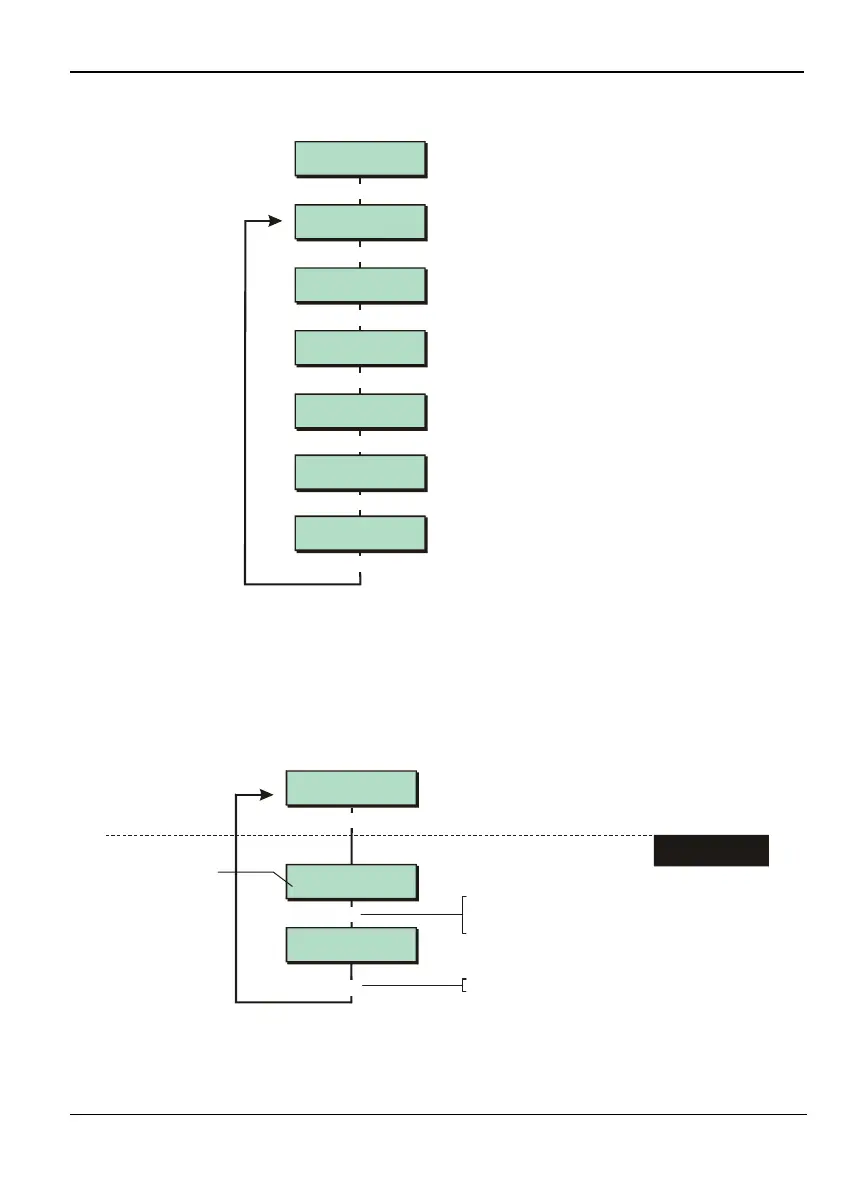
Option 2-5-2: Setting Up the DigiCom
DigiCom 2
ARC No.
DigiCom 3
Account Numbers
DigiCom 4
Dialling Mode
DigiCom 1
Comms Format
|
|
|
Use or
|¬
to scroll through options,
or press hot key (1-6)
|
Communication 2
DigiCom
[
DigiCom 5
Options
|
DigiCom 6
CID/SIA Reports
|
This menu is not available for M550 and M750 panels.
The options in the DigiCom menu determine the settings for communications with an Alarm
Receiving Centre (ARC) via the on-board modem. The options in the DigiCom menu are
described next.
Option 2-5-2-1 – Specifying the Communications Format
e.g.
DigiCom 1
Comms Format
Comms Format 1
Disabled
Comms Format 2
Fast Format
[
|
[
Press to save changes and continue
[
1. SELECT THE
COMMS FORMAT
Shows current setting
To select the comms format:
Press or
"
"
|¬
to scroll, or
Press the hot key
This option is not available for M550 and M750 panels.



 To Next Page