Engineer Menu 2-5 Engineering Manual
88
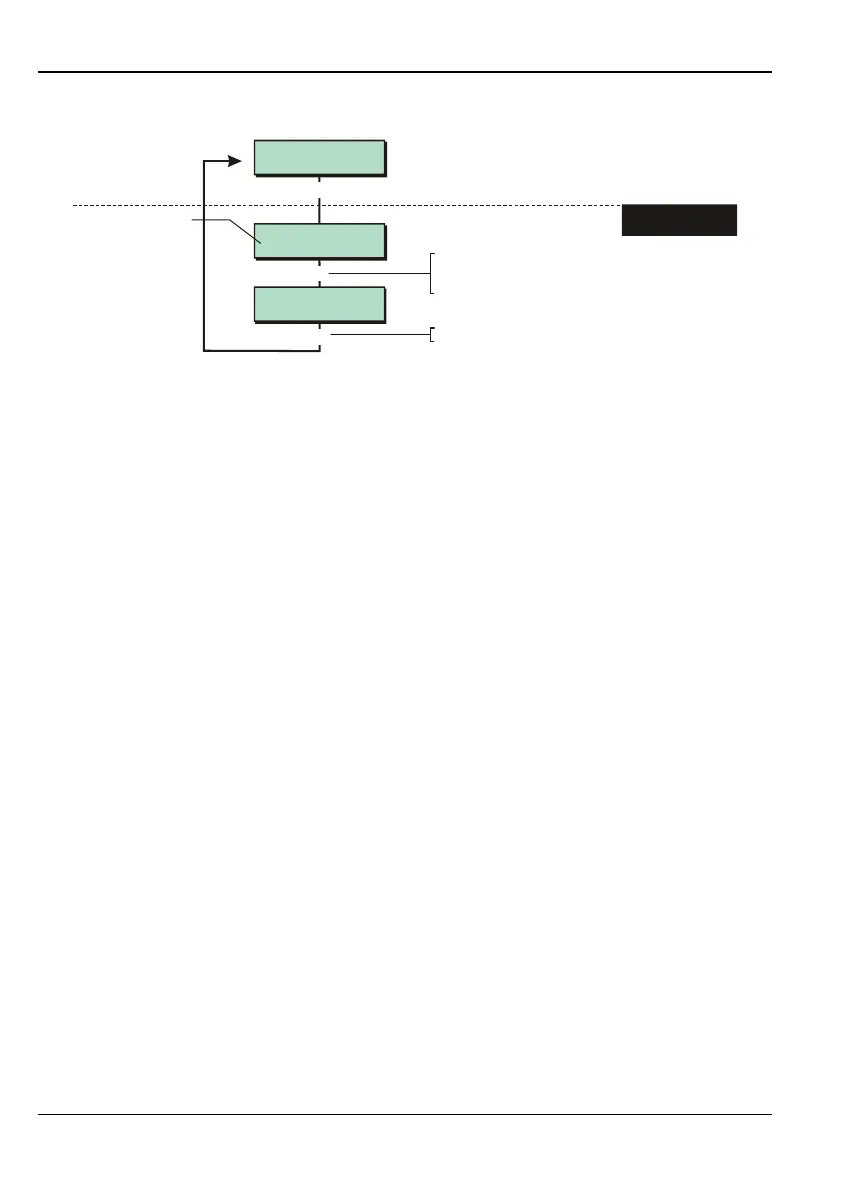
Option 2-5-1-3 – Defining the Access Mode
Shows current setting
e.g.
Downloader 3
Access Mode
Access Mode 1
Off
Access Mode 2
Secure Call Back
[
|
[
Press to save changes and continue
[
1. SELECT ACCESS
MODE
To select the access mode:
Press or
"
"
|¬
to scroll, or
Press the hot key (1-3)
This option is not available for M550 and M750 panels.
This option determines how the control panel responds to incoming calls from the Downloader
software via the on-board modem. Once the Downloader software is connected, it is able to
upload data and change settings.
Providing option 2 or 3 is selected, Downloader can connect, even if an engineer or user
is using the system.
Choose one of the following options:
1 – Off
Select this option to prevent the panel from answering incoming calls. A manual can be
made using option 2-5-3 (page 98) or User option 2-6-1.
2 – Secure Call Back
With this option selected, when the Downloader software has called the panel and
supplied the correct password, the panel immediately hangs up the telephone line and
calls back the Downloader software. This is a more secure method of establishing a link
than the Unattended option, since the Downloader software supplies the call-back ID,
which the panel uses to determine the telephone number to call back.
3 – Unattended
Select this option if you want the Downloader software to be allowed full access to the
control panel immediately after supplying the correct password.



 To Next Page