Engineering Manual Engineer Menu 2-7
115
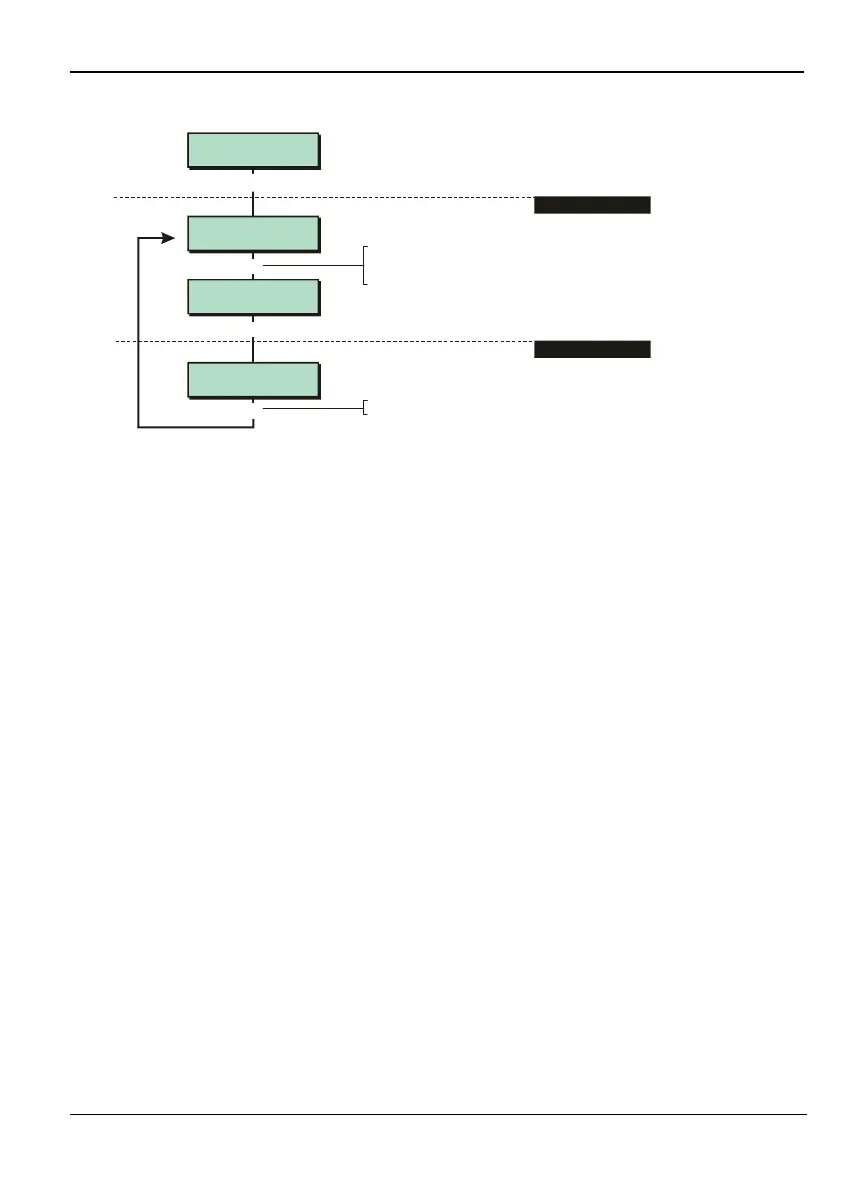
Option 2-7-5: Checking the Status of Fuses
Fuse Status 2
Bell
Bell Fuse
Healthy
[
1234567890123456
1234567890123456
Built In Tests 5
Fuses
Fuse Status 1
Auxiliary
[
|
e.g.
To select fuse:
Press or
"
"
|¬
to scroll, or
Press the hot key (1-4)
1. SELECT FUSE TYPE
2. VIEW STATUS
]
Press when you have finished
]
You can use this option to check the status of the automatically-resettable polyfuses on the
control panel PCB. You need to remove the load completely to reset a fuse.
Option 2-7-6: Checking the Battery Voltage
Displays the panel battery voltage after switching off the internal charger. The accuracy of this
measurement is ± 0.2V. Refer to page 102 if you want to find out the panel output voltage or
the battery charging voltage.
Option 2-7-7: ID Biscuits (M800ID Plus only)
You can use this option to test each of the 30 iD biscuits. When you select the option, the
display shows the status of each iD biscuit, which can be one of the following:
. = Not Present
H = Healthy
A = Active
T = Tamper
F = Faulty



 To Next Page