Engineer Menu 2-6 Engineering Manual
100
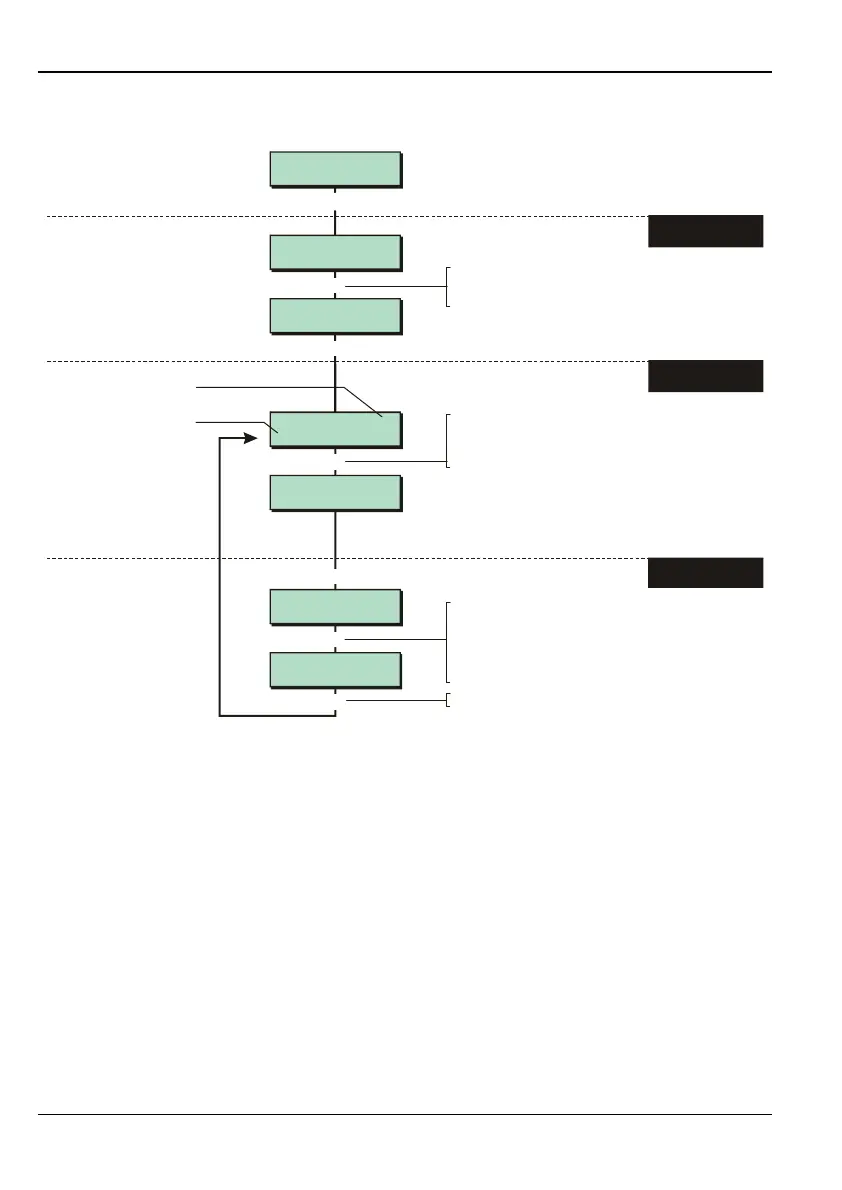
Option 2-6: Setting Up Shunt Groups
Edit Shunt Grps
Group 02
Group 02 Zone >1
Zone ----
e.g.
[
Eng 2 Menu 6
Alter Shunt Grps
Group 02 Zone >2
Zone ----
Group 02 Zone 2
Zone >0001
Group 02 Zone 2
Zone >0002
Edit Shunt Grps
Group 01
[
|
[
[
|
|
e.g.
To view the next zone number
in the shunt group:
Press or
"
"
|¬
to scroll, or
Press the hot key (1-8)
Press to save changes and continue
[
1. SELECT SHUNT
GROUP
2. SELECT THE ZONE
NUMBER TO EDIT
3. SPECIFY THE ZONE
NUMBER
To specify the zone number to include in
the shunt group:
Press or
"
"
|¬
r
to scroll, or
Press to choose zone on next network
(e.g. to change 0001 to 1001), or
Enter zone number (e.g. 0002)
"
e.g.
To select the shunt group:
Press or
"
"
|¬
to scroll, or
Enter the shunt group number (e.g. 02)
Shows the zone number
allocated to this slot in the
group. "----" means no zone
number allocated
There can be up to 8
zones in the shunt group
If a zone number is displayed, you can remove the
zone from the group by pressing , followed by
(or or ) while ">" is displayed on the top line.
r
|¬
]
Shunt groups provide a simple way to isolate zones until further notice.
Each shunt group can contain up to eight zones, and each group can be allocated to a user
of type "Shunt" (User option 2-4; see the Manager's Manual). When the user's code is first
entered, the zones are isolated. When the code is entered again, they are reinstated.
Although 24-hour zones are most commonly isolated, any zone can be assigned to a shunt
group.
Any zone selected must have the Shuntable attribute (page 32).
Reinstating zones may start the exit timer, depending on whether Unshunt, No Exit or
Unshunt & Exit is selected (page 76).



 To Next Page