Engineering Manual Engineer Menu 1-8
69
Option 1-8: Setting Up Groups
Option 1-8-1: Assigning Wards to Groups
Viewing Group 2
Ward : ........
Editing Group 2
Ward > *****...
[
[
1234567890123456
1234567890123456
1234567890123456
1234567890123456
Group Options 1
Assign Groups
Eng 1 Menu 8
Group Options
Editing Group 2
Ward > 1****...
Viewing Group 1
Ward : ........
[
|
1
e.g.
e.g.
To select the ward group:
Press or
"
"
|¬
to scroll, or
Press the ward group number
Press ward number to to toggle ward
in group (ward number shown) or not in
group ("*" displayed). A dot (".") indicates
that no zone is in the ward.
18
Shows the wards that are
currently in the ward group
3. SELECT THE WARDS YOU
WANT TO BE IN THE WARD
GROUP
4. EDIT TIMER VALUE
[
Press to save changes and continue
[
2. SELECT WARD GROUP
NUMBER
1. SELECT "ASSIGN GROUPS"
OPTION
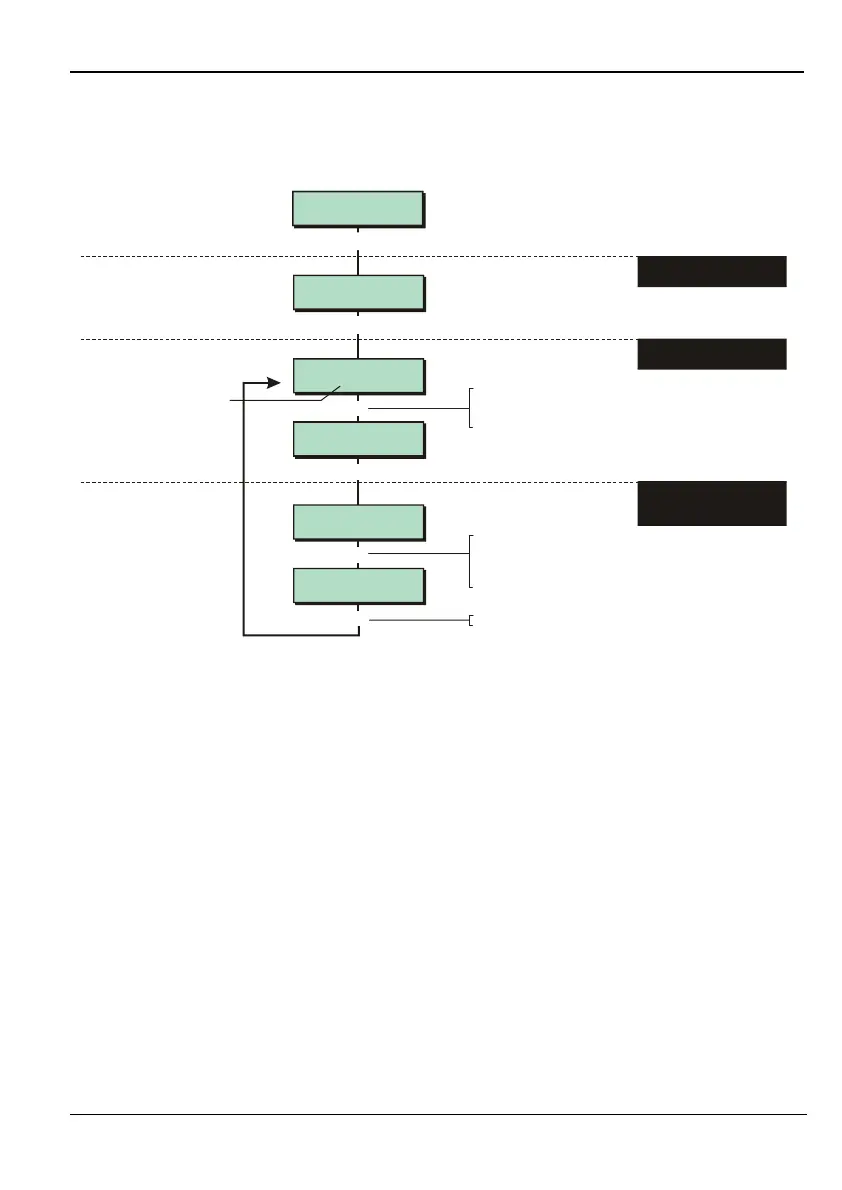
This option enables you to assign wards to groups, which enables a user to set or unset all
wards in a ward group with a single operation (as described in the User's Guide). Each ward
group can contain any combination of wards.
This option is also available from User option 2-8.



 To Next Page