Engineering Manual Engineer Menu 2-1
83
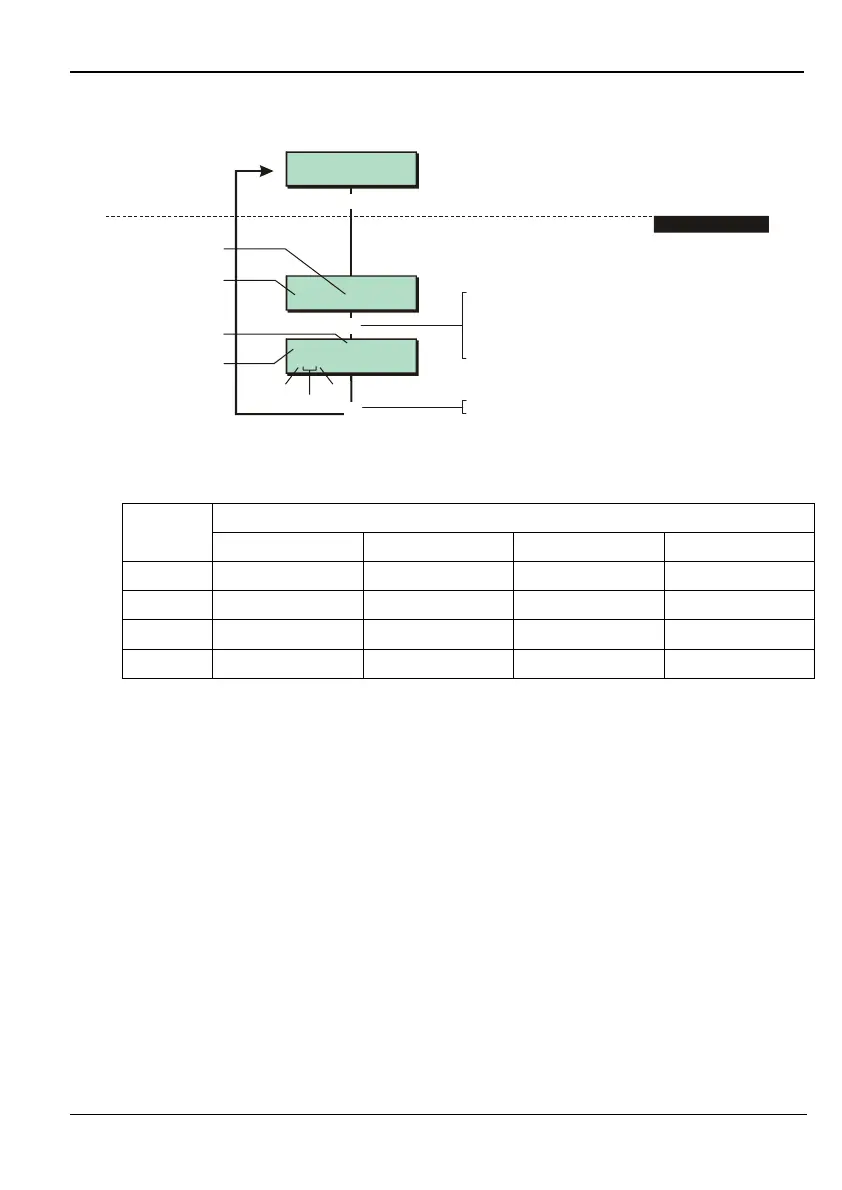
Option 2-1: Viewing Zone Status
e.g.
Eng 2 Menu 1
View Zones
Panel Zone 1
0001 Healthy
1,01A, Remote
1011 Active
]
r
[
Press when you have finished
]
1. SELECT ZONE
Shows current
state of zone
To select zone:
Press or
"
"
|¬
r
to scroll, or
Press to choose zone on next network
(e.g. to change 0001 to 1001), or
Enter zone number (e.g. 0002)
"
Indicates device
that zone is on
Zone number
Network
Zone No. (network 1,
device 01, zone A)
Device
Zone
This option enables you to determine the status of each zone. The zone status conditions and
resistance are shown in the following table for an FSL zone without masking (page 29):
FSL Resistor Configuration Selected (page 33)
Condition
4K7/2K2 1K0/1K0 4K7/4K7 2K2/2K2
Healthy
2.2 KΩ ± 20% 1.0 KΩ ± 20% 4.7 KΩ ± 20% 2.2 KΩ ± 20%
Active
6.9 K
Ω ±
20% 2.0 K
Ω ±
20% 9.4 K
Ω ±
20% 4.4 K
Ω ±
20%
Tamper
>6.9 K
Ω
+20% >2.0 K
Ω
+20% >9.4 K
Ω
+20% >4.4 K
Ω
+20%
Shorted
<2.2 KΩ - 20% <1.0 KΩ - 20% <4.7 KΩ - 20% <2.2 KΩ - 20%
For an FSL zone with masking:
Healthy = 2.2 K
Ω ±
20%
Active = 6.9 K
Ω ±
20%
Masked = 4.4 K
Ω ±
20%, or 9.1 K
Ω ±
20%
Tamper = <2.2 KΩ - 20%, or >9.1 KΩ +20%
For double-pole zone:
Healthy = Contacts close circuited and tamper contacts closed circuited
Active = Contacts open circuited and tamper contacts closed circuited
Tamper = Tamper contact open circuited



 To Next Page