Engineer Menu 1-5 Engineering Manual
56
Option 1-5: Setting Up Timers
Option 1-5-1: Setting Up Ward Timers
Ward Timers 2
Entry
Entry Delay 1
015 Seconds
Timer type
e.g.
[
1234567890123456
1234567890123456
Timers 1
Ward Timers
Entry Delay 2
015 Seconds
Entry Delay 2
> 015 Seconds
Entry Delay 2
> 020 Seconds
Ward Timers 1
Exit
[
[
[
|
|
|
e.g.
To edit timer value:
Press or
"
"
|¬
to scroll, or
Enter the value (e.g. 020)
1234567890123456
1234567890123456
[
Eng 1 Menu 5
Timers
e.g.
To select the timer type:
Press or
"
"
|¬
to scroll, or
Press the hot key (1 to 5)
To select the ward that the timer
applies to, press or to scroll
|¬
Ward number selected - timer
will apply to this ward. Only
those wards allocated to
zones are available
Timer duration
five times
Press to save changes and continue
[
1. SELECT "WARD
TIMERS" OPTION
2. SELECT TIMER TYPE
3. SELECT WARD
NUMBER
4. EDIT TIMER VALUE
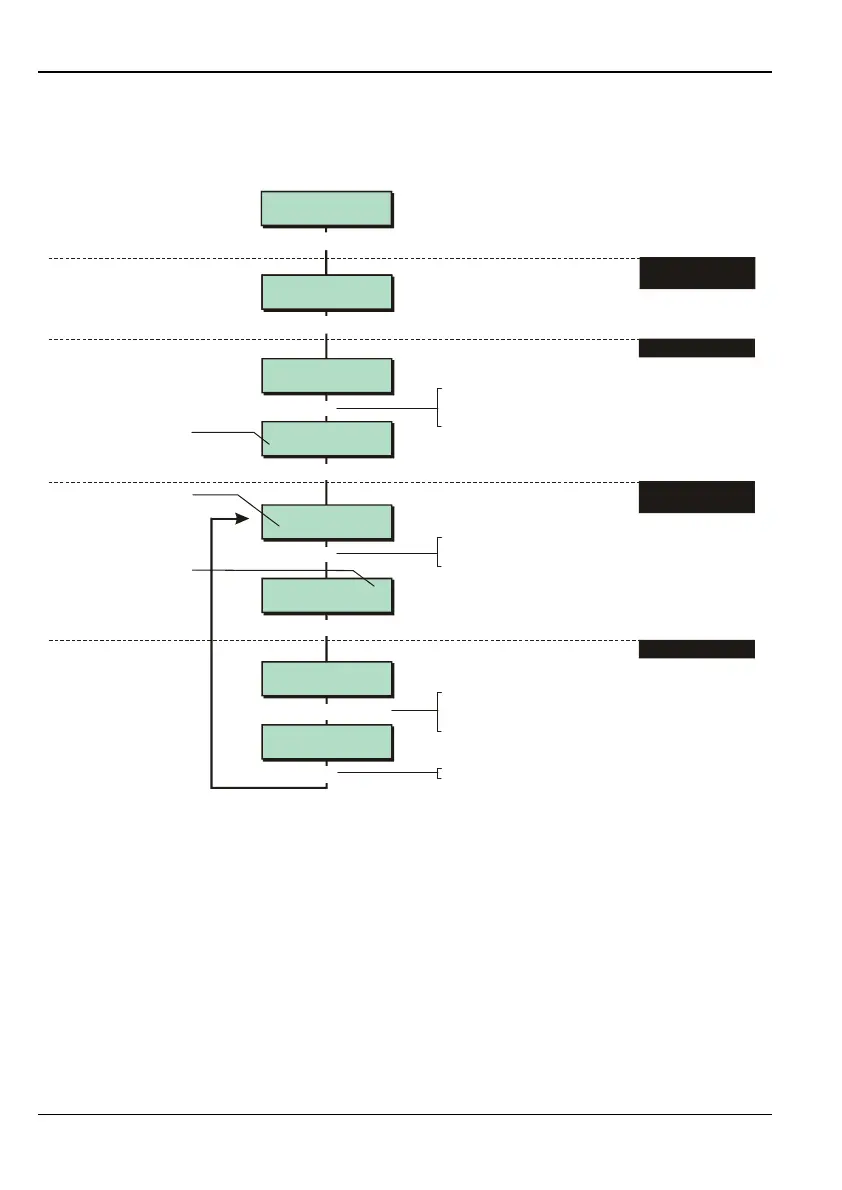
The Ward Timers option enables you to set up time periods that relate to wards, such as the
entry and exit delay.
The timers specified in option 1-8-3 (page 71) are used when wards are set via a ward
group.
It is possible to have different entry and exit delays for each ward. Therefore, if for
example, more than one ward is set at the same time, different exit delays may apply for
each ward.



 To Next Page