Engineer Menu 1-5 Engineering Manual
58
Option 1-5-2: Setting Up System Timers
Timers 2
System Timers
Confirmation 01
030 Minutes
e.g.
[
Eng 1 Menu 5
Timers
Sys Bell Dly 02
000 Minutes
Sys Bell Dly 02
> 000 Minutes
Sys Bell Dly 02
> 005 Minutes
Timers 1
Ward Timers
[
|
[
[
|
|
e.g.
X
To select the timer type:
Press or
"
"
|¬
to scroll, or
Press the hot key (e.g. 05)
Press to save changes and view
next timer
[
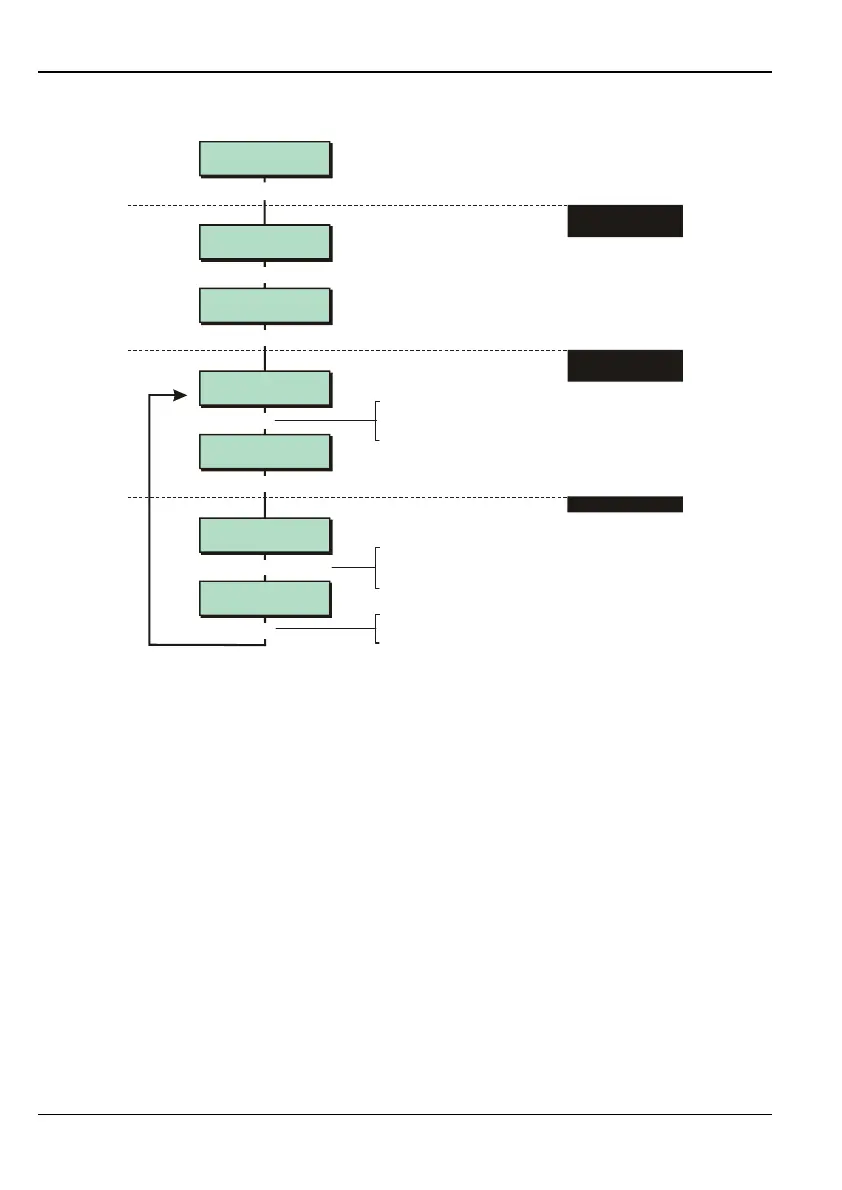
1. SELECT "SYSTEM
TIMERS" OPTION
2. SELECT
TIMER TYPE
3. EDIT TIMER VALUE
five times
To select timer value:
Press or
"
"
|¬
to scroll, or
Enter the value (e.g. 010)
The System Timers option enables you to set up time periods and counters that relate to the
whole system, such as entry and exit delays, bell duration and the number of "knocks" required
for alarm activation.
System Timer Types
In step 2, choose the timer type:
01 – Confirmation (Default = 030 Minutes)
This timer is relevant only if the Confirmation On option is selected (page 77). A
confirmed alarm occurs only if the two zones trigger within the time period specified by
this timer. If the second zone is not triggered within this time period, the sounders and
strobe are cancelled, overriding the Bell Duration (page 57) or Sys Bell Dur (page 59)
time, and the system re-arms (isolating any zones that are still triggered).
02 – Sys Bell Dly (Default = 000 Minutes)
When a full alarm is triggered, activation of the external bell and strobe outputs can be
delayed by the value of this timer. This timer is used only if the system is full set and the
Global Bell Time configuration option is selected (see page 75). Otherwise, the ward Bell
Delay timer (page 57) is used.
Bell Delay or Sys Bell Dly are considered to be zero if Bells on Unconf (page 77) is
selected.



 To Next Page