14. Express card reader board connector
15. USH board connector
16. GPS connector
17. M.2 2230/2280 solid state drive connector
18. Smart card reader connector
19. NFC connector
20. Left battery cable connector
21. LED board connector
22. Right battery cable connector
23. Hall sensor
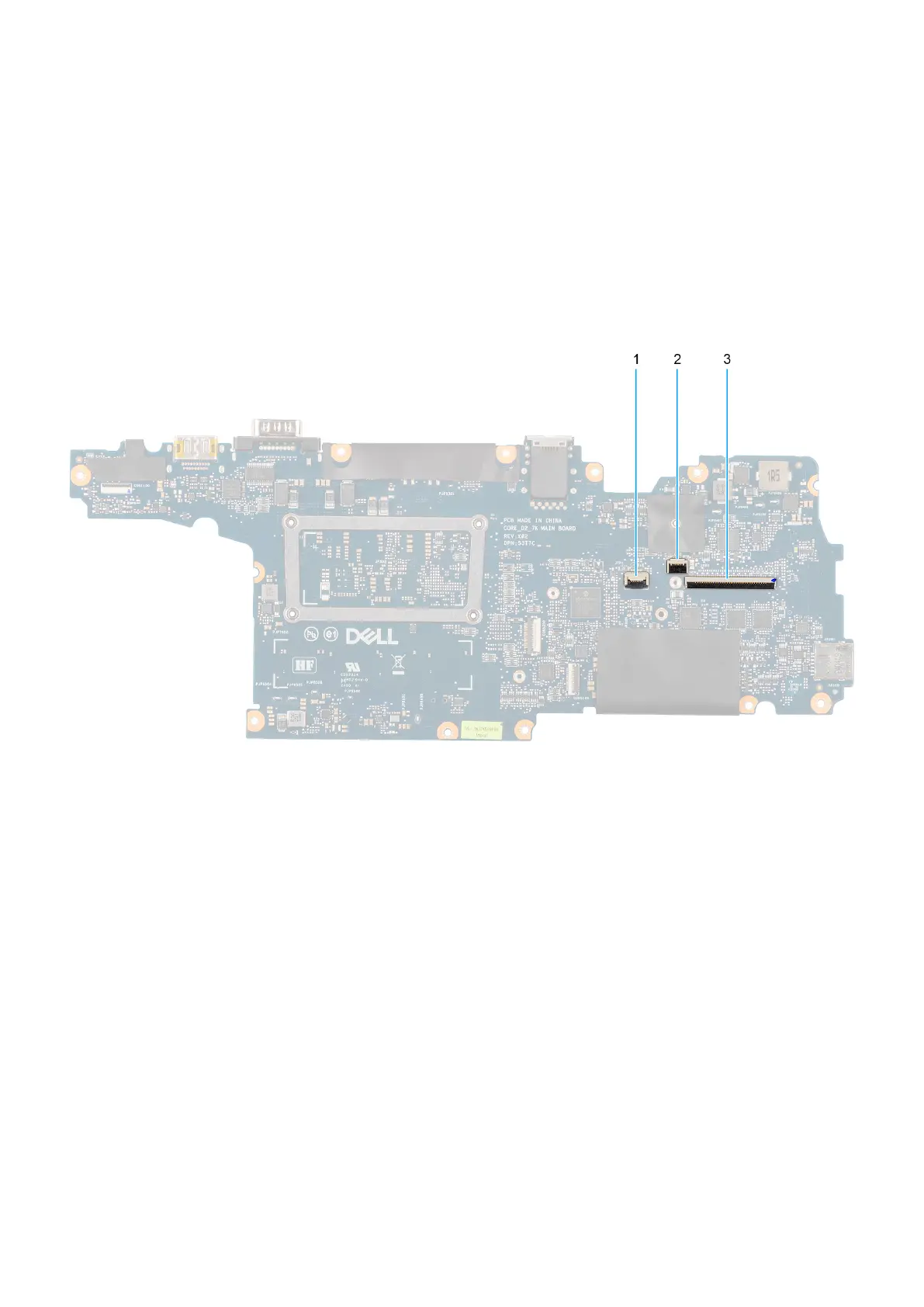
Figure 94. System board connectors
1. Touchpad cable connector
2. Backlight flat printed cable connector
3. Keyboard cable connector
The following images indicate the location of the system board and provide a visual representation of the removal procedure.
Removing and installing Field Replaceable Units (FRUs)
133











 To Next Page