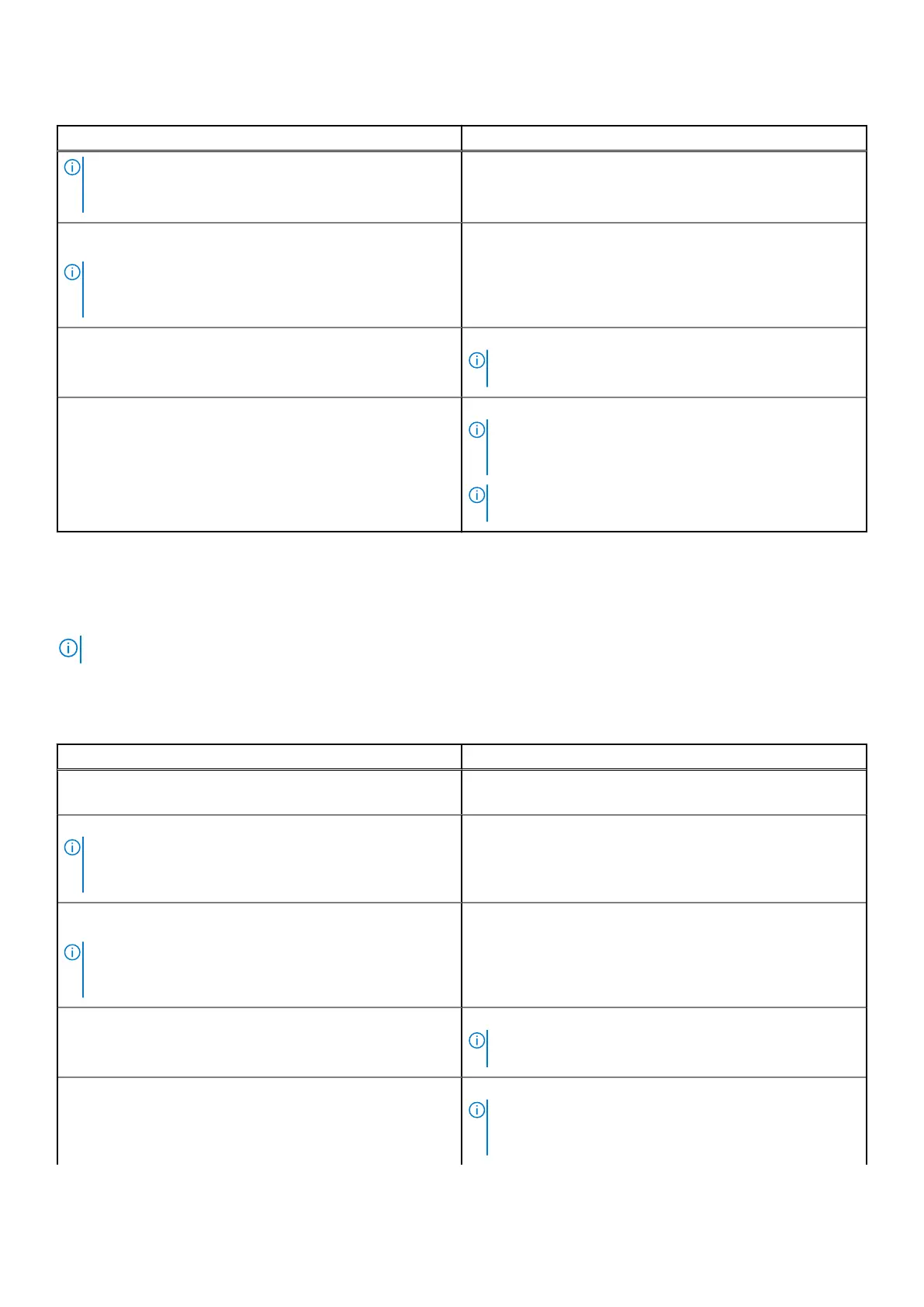
Table 23. Power adapter requirements(continued)
Description Value
NOTE: A warning message may appear informing you
about the use of a lower-powered adapter and slower
charging speed.
Minimum power that is required from a power adapter to
operate the computer and charge the battery.
NOTE: A warning message appears informing you about
the use of a lower-powered adapter and slower charging
speed.
27 W
USB Power Delivery (PD) fast charging Supported
NOTE: Ensure that the computer is connected to a 65 W
power adapter for this feature to be supported.
ExpressCharge mode Supported
NOTE: ExpressCharge mode must also be enabled in
the BIOS Setup screen by selecting Power > Battery
Configuration > ExpressCharge, then pressing Enter.
NOTE: Ensure that the computer is connected to a 65 W
power adapter to achieve ExpressCharge .
Power adapter requirements (for computers shipped with Intel
Core Ultra 7—H series processors)
NOTE: The information in this section is applicable only to computers shipped with Intel Core Ultra 7—H series processors.
If you did not purchase the Dell-branded power adapter that is recommended for your computer, ensure that the power adapter
you use meets the following requirements:
Table 24.
Power adapter requirements
Description Value
Power that is required from a power adapter to achieve
optimal performance.
100 W
Power that charges the computer at a slower speed.
NOTE: A warning message may appear informing you
about the use of a lower-powered adapter and slower
charging speed.
Less than 75 W
Minimum power that is required from a power adapter to
operate the computer and charge the battery.
NOTE: A warning message appears informing you about
the use of a lower-powered adapter and slower charging
speed.
27 W
USB Power Delivery (PD) fast charging Supported
NOTE: Ensure that the computer is connected to a 100 W
power adapter for this feature to be supported.
ExpressCharge mode Supported
NOTE: ExpressCharge mode must also be enabled in
the BIOS Setup screen by selecting Power > Battery
Configuration > ExpressCharge, then pressing Enter.
30 Specifications of Dell Pro Rugged 13 RA13250











 To Next Page