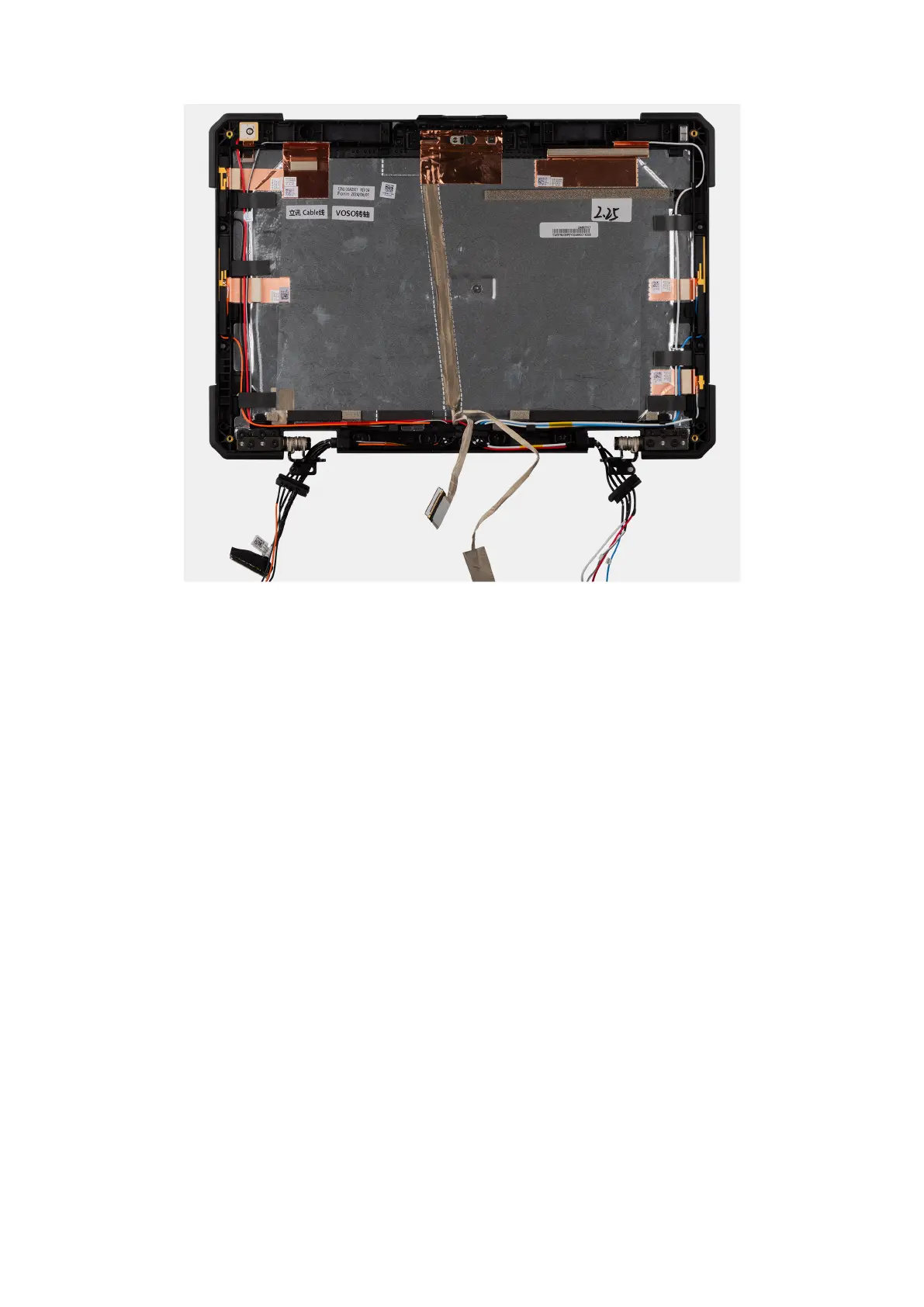
Figure 121. Installing the display back-cover assembly
Steps
After performing the succeeding steps, you are left with the display back-cover assembly.
Next steps
1. Install the display-panel assembly.
2. Install the display assembly.
3. Install the system board.
4. Install the left Type-C board.
5. Install the heat sink .
6. Install the fan.
7. Install the dock I/O-bracket.
8. Install the dock I/O-module.
9. Install the WWAN card.
10. Install the WLAN card.
11. Install the RF switch board.
12. Install the rear I/O-board.
13. Install the GPS board.
14. Install the base cover.
15. Install the keyboard (rubberized) or keyboard (standard).
16. Install the solid state drive carrier.
17. Install the batteries.
18. Follow the procedure in after working inside your computer.
Removing and installing Field Replaceable Units (FRUs)
159











 To Next Page