Setting the Connection with the Computer
101
4. Useful Functions
F
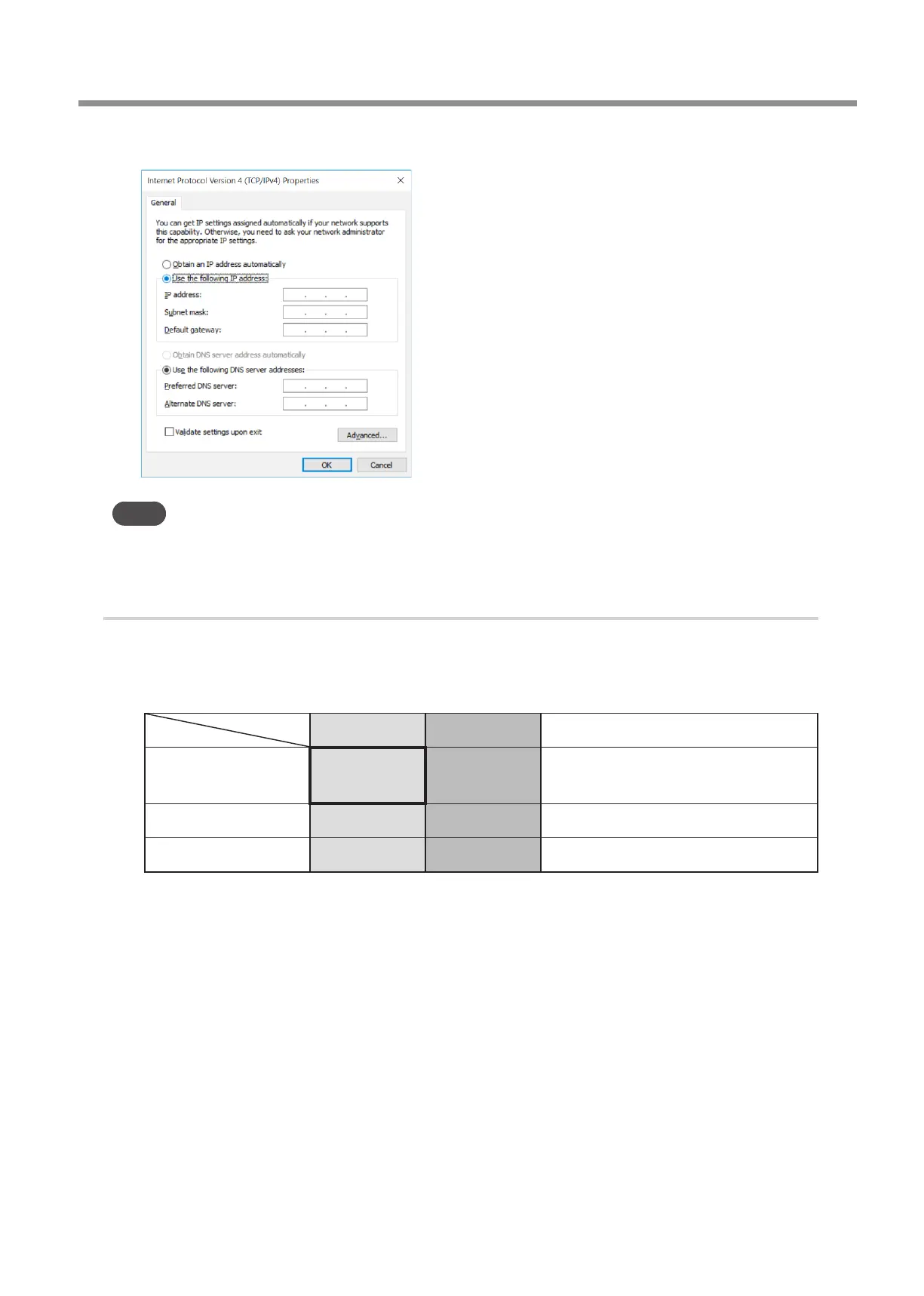
Record the settings displayed in this window.
Point
After changing the settings with the operations described here, it is necessary to return the settings to their original
values. Be sure to record the current settings by writing a memo or saving a screenshot.
2.
Change the computer's network environment (temporarily).
A
Check the network address for temporarily connecting the computer and milling machine.
Once completed, connect the computer directly to the milling machine using a LAN cable. Set the IP address of the
milling machine and the subnet mask of the computer and milling machine as shown below. Determine the IP
address of the computer after checking with your network administrator.
Computer Milling machine Remarks
IP address 192.168.1.XXX 192.168.1.254
"XXX" should be a numeric value that does
not overlap with the milling machine and other
network equipment.
Subnet mask 255.255.255.0 255.255.255.0 Be sure to set the subnet mask to this value.
Default gateway No setting required No setting required



 To Next Page