Setting the Connection with the Computer
105
4. Useful Functions
H
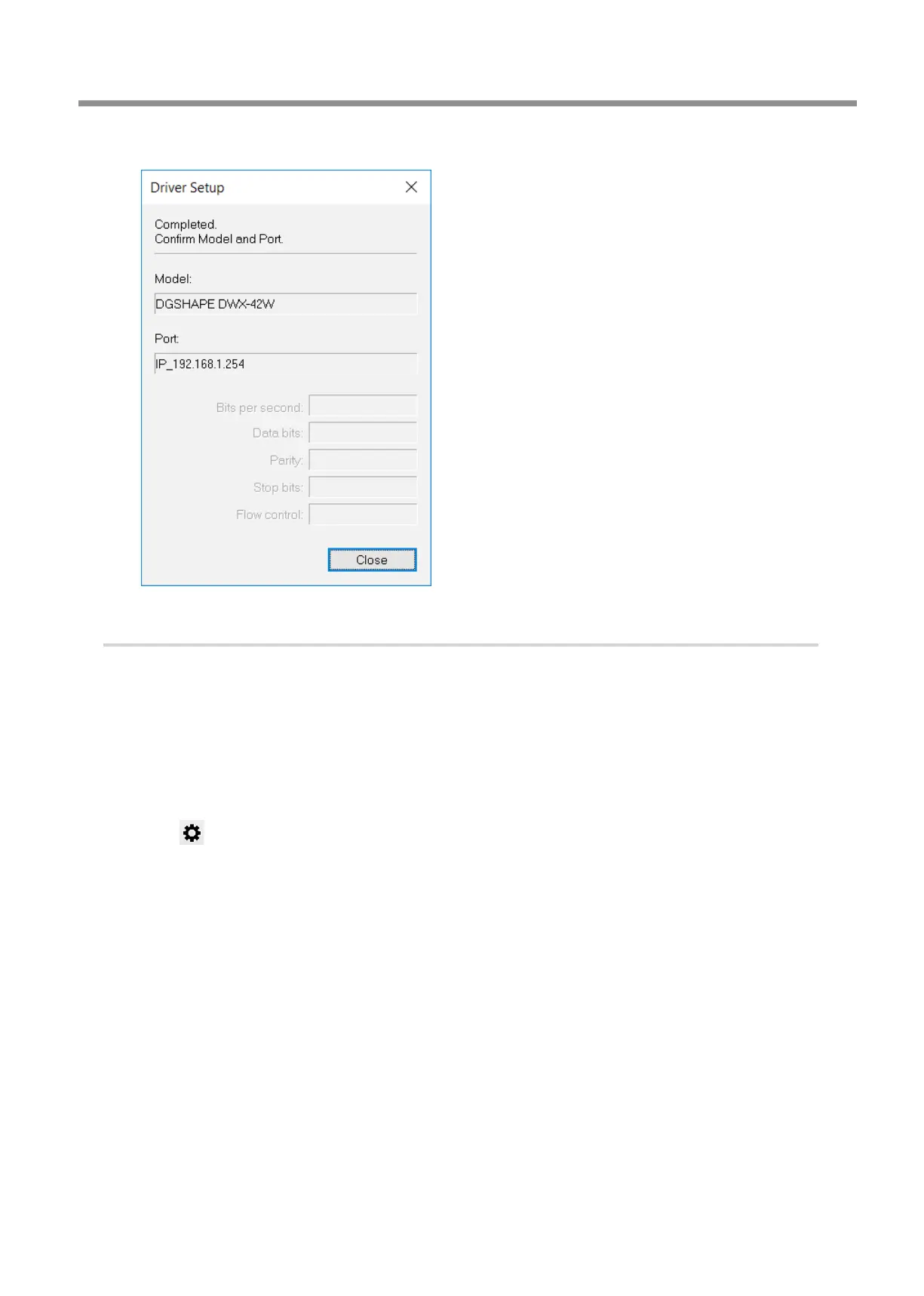
When the following window is displayed, click [Close].
4.
Set the machine's network environment.
A
Show VPanel.
"
B
Check the following items for the machine connected with a LAN cable.
• The operating status is [READY].
• The machine's status light ashes when you click the machine's image.
After checking the above items, proceed to the next step. If you cannot verify these items, the connection has failed,
so redo the procedure from the beginning.
C
Click .
The [Settings] window is displayed.



 To Next Page