E
Click [OK].
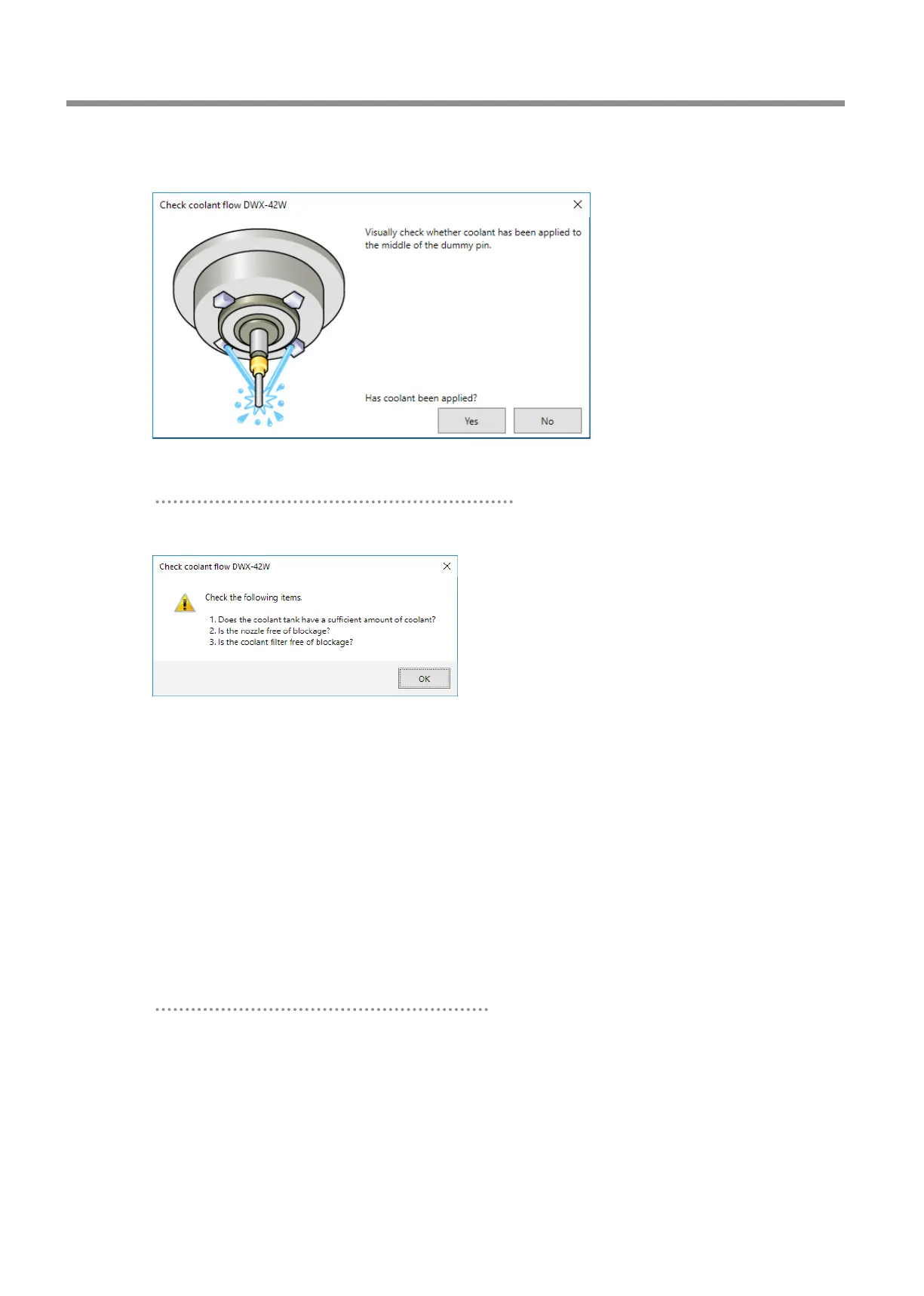
Coolant is applied to the dummy pin, and then the following window is displayed.
F
Visually check that coolant is applied to the middle of the dummy pin.
If coolant is not applied to the middle of the dummy pin
1 Click [No].
The following window is displayed.
2 Click [OK], and then check the following items.
• Coolant amount
"
• Coolant nozzle clogging
" .
• Coolant lter clogging
" .
3 Once more, visually check that coolant is applied to the middle of the dummy pin.
Proceed to step 5.
If the coolant ow rate is still insucient even after adding coolant and cleaning the coolant nozzles, contact your
authorized Roland DG Corporation dealer.
If coolant is applied to the middle of the dummy pin
Click [Yes].
This completes the procedure for replacing coolant lters.
Replacing Consumable Parts
82
3. Maintenance



 To Next Page