Manuale operativo
CHORUS
Rev. 0 del 06/2012 115
In case the
procedure is skipped, the instrument will not allow
you to execute the hydraulic check, since the
cleaning solution is a necessary requirement for this
test.
Furthermore, the instrument will not start a working
cycle until the cleaning solution is identified properly.
fig. 117
5.5.2 Identification of the Buffer Solution for Infectious diseases
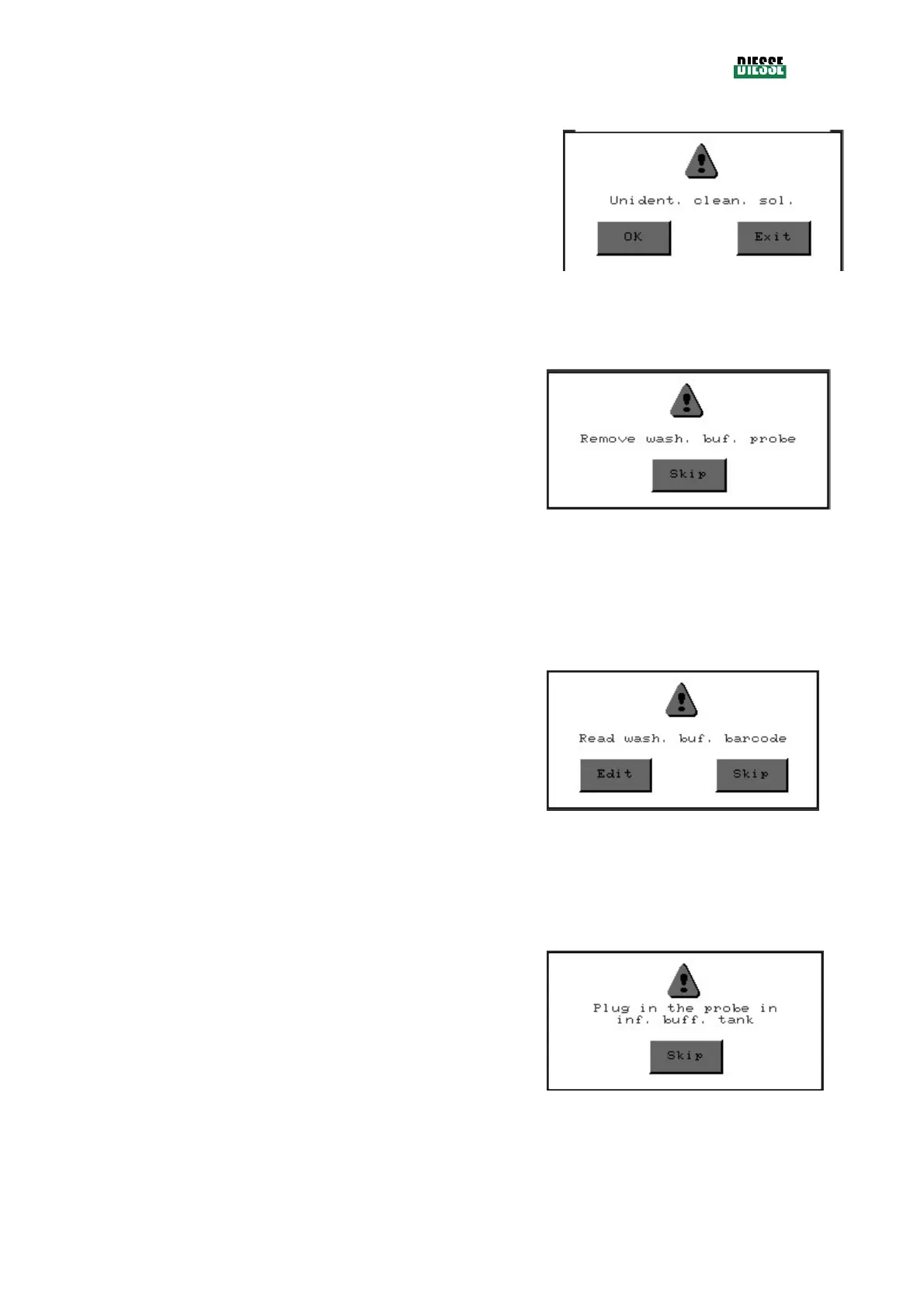
A window is displayed (
) which requests
removal of the probe of the buffer solution for
infectious diseases (this window will not appear
when the procedure is started automatically after the
extraction of the probe from the solution of the tank).
Using the Skip key, it is possible to skip this check
(fig. 121).
fig. 118
As soon as removal of the probe is detected, the
following window (fig. 119) will request the reading
of the bar code. Whenever a bar code reader is not
available, it is possible to enter the code manually
by pressing the Edit key (code = 42461005).
If the text “Wrong inf. buff. bar code” is displayed
after the introduction of the code, this indicates that
you are trying to enter a different bar code than
expected by the instrument.
Using the Skip key, it is possible to skip this check
(fig. 121).
fig. 119
Subsequently, you will be requested to insert the
probe into the tank (not empty) of the buffer
solution that was previously identified (fig. 120).
Using the Skip key, it is possible to skip this check
(fig. 121).
fig. 120



 To Next Page