Manuale operativo
CHORUS
Rev. 0 del 06/2012 57
4.5.1.2 Insertion of the following sample codes
ATTENTION
The Insertion mode must be enabled.
Note:
As the CHORUS automatically recognizes the strip codes, the QC codes (quality control) and the
calibrator codes, the selection bar may be positioned indifferently either on the “samples” column or on
the “test” column.
Note:
Up to 60 sample codes can be inserted, after which the message “C-List full!” will appear.
INSERTION USING THE BAR CODE READER
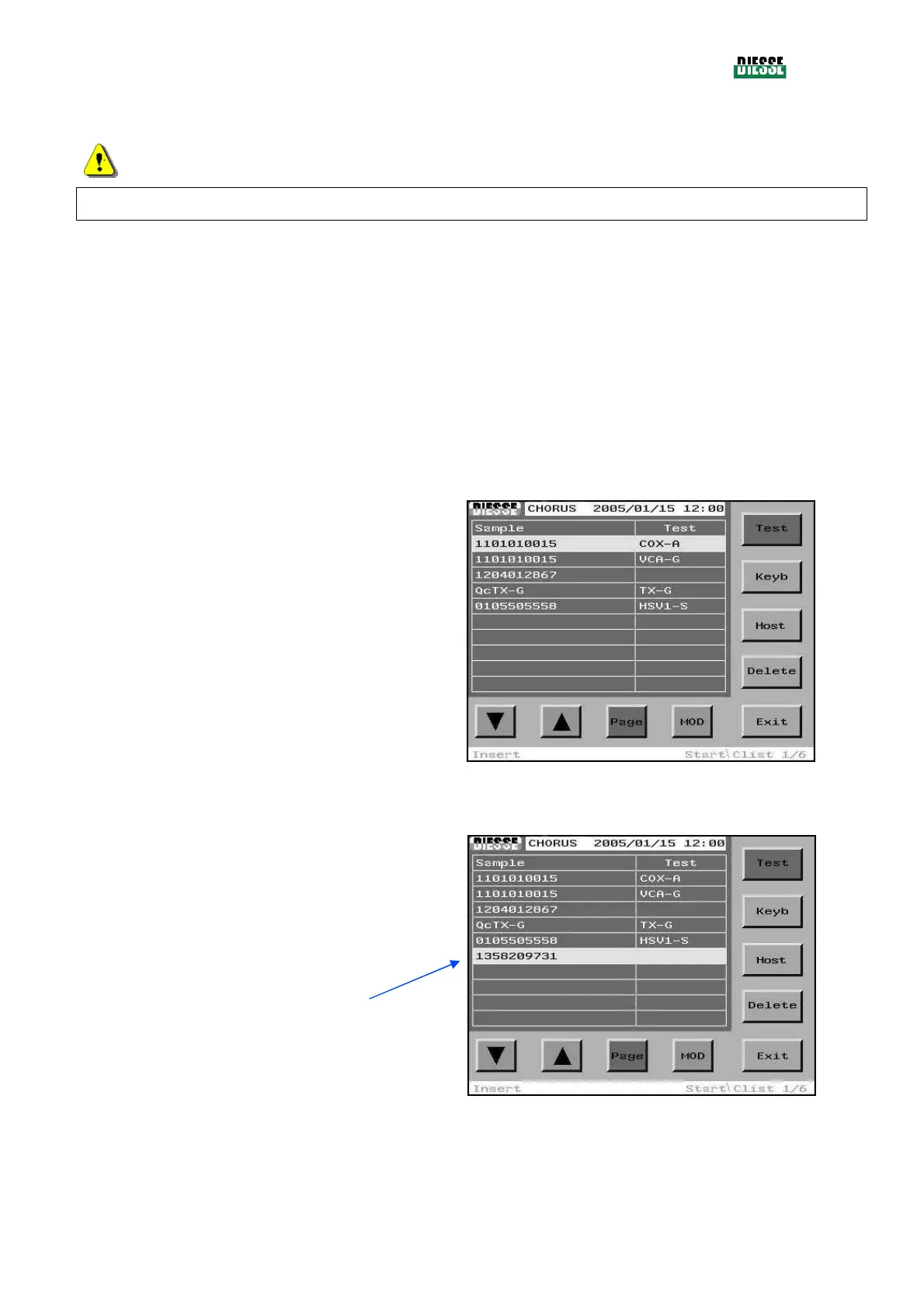
To insert a new code, scan the valid sample code (in
the insertion mode, the position of the selection bar is
not important).
fig. 46
The new code is inserted at the bottom of the list of
sample codes already present.
The selection bar moves to the new code.
fig. 47



 To Next Page