Manuale operativo
CHORUS
Rev. 0 del 06/2012 49
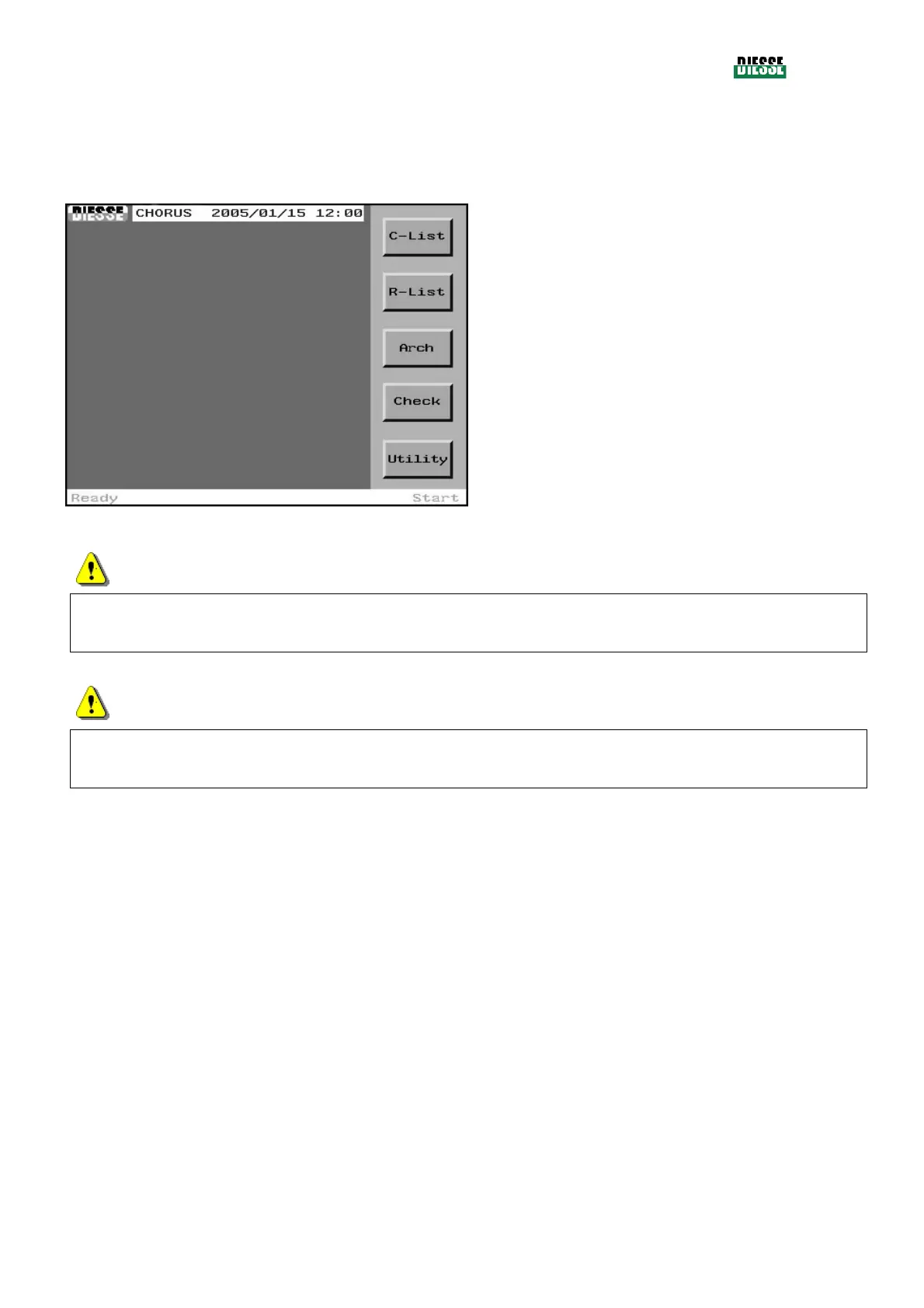
4.3 MAIN WINDOW (START WINDOW)
The start window appears at the end of the initial controls, and it is possible to go from this window to
all the different functions of the instrument. There is no Exit key.
C-List: to access the C-list
R-list: to access the R-list
Arch: to access the archives of the test runs
Check accesses the check window
Pressing the center of the status bar the error
window is opened
Utility: to go into the utilities section of the
instrument
fig. 31
ATTENTION
The R-List key is disabled if a recoverable or fatal error is found, or if it is necessary to perform a
control procedure.
ATTENTION
If 7 days have passed since the last sanitation, pressing the R-list key will display a window that alerts
that it is necessary to execute the sanitation procedure (see 3.6.4).



 To Next Page