Manuale operativo
CHORUS
52 Rev. 0 del 06/2012
4.4.3 E
DITING IN MODIFY MODE
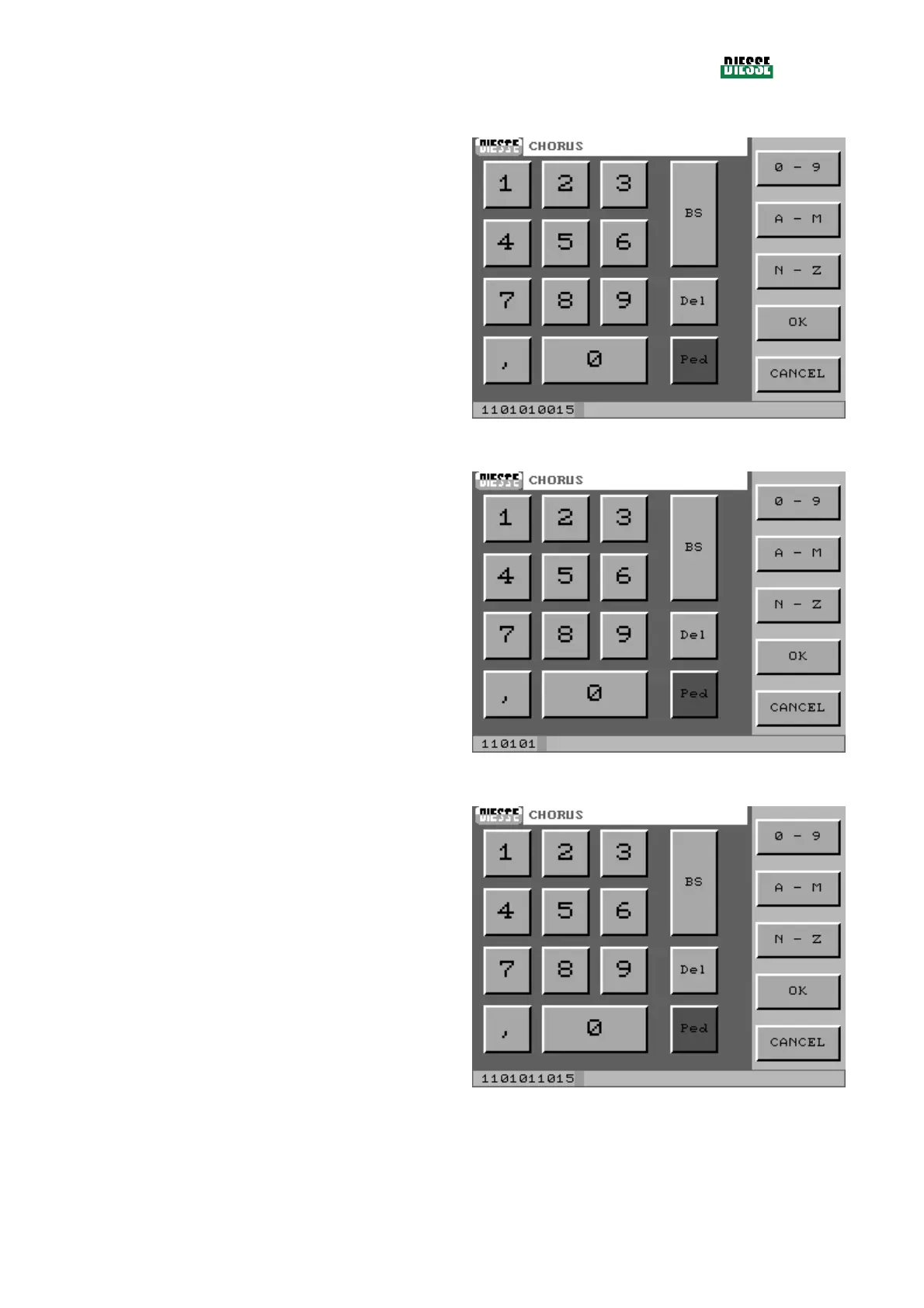
When the operator enters the modify mode of editing,
the bar shows the whole code selected, with the cursor
positioned after the last character.
fig. 35
The characters to be modified are cancelled by
pressing the BS (backspace) key.
fig. 36
Insert the correct characters and press the OK key to
save and exit the window.
fig. 37



 To Next Page