Manuale operativo
CHORUS
88 Rev. 0 del 06/2012
4.12 ERRORS WINDOW
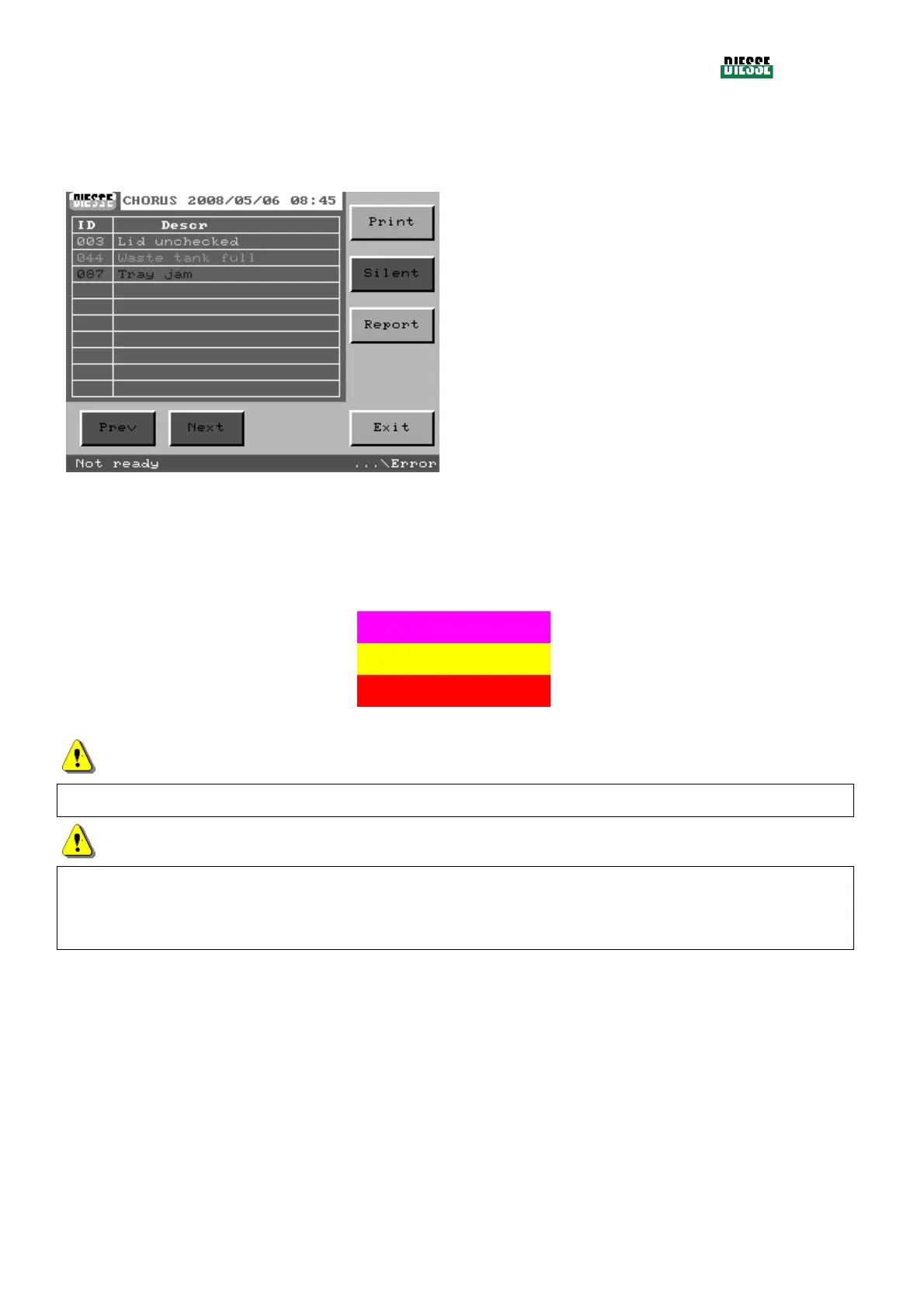
If errors are found during the initial check procedure, the following summary appears:
Print: prints the list of errors found with numeric
identification and corresponding string
Silence: disables the sound alarm
Report: prints all the errors with numeric
identification, corresponding string and status (KO
for those found)
Prev/Next: moves to the preceding or next page of
errors
Exit: returns to the main window
fig. 101
Depending on the types of errors found, the status bar will become a different color and the sound
alarm will give specific signals:
Type of error Colour of the status bar
Alarm
Recoverable errors (RE) Magenta Acute intermittent signal
Errors of attention or Warnings (WE) Yellow
Fatal errors (FE) Flashing Red Bitonal signal
ATTENTION
Not all the User Interface commands will be available if errors are found.
ATTENTION
The Silent key is activated only when the sound alarm is active. When pressed, the key will remain
disabled until a new error is detected.
The keys Prev and Next are active only if there are more pages of detected errors.
Note:
It is possible to go to the errors window from nearly all the other windows, simply by pressing the
central part of the status bar.



 To Next Page