Manuale operativo
CHORUS
Rev. 0 del 06/2012 51
In the starting window, the editing command can be activated in two different ways:
- insert mode (default mode)
- modify mode
When the operator enters the screen in insert mode, the editing bar is empty and ready for the new
code to be inserted.
In modify mode the editing bar shows the code to be modified with the cursor positioned directly after
the last character of the code itself.
4.4.2 E
DITING IN
I
NSERT MODE
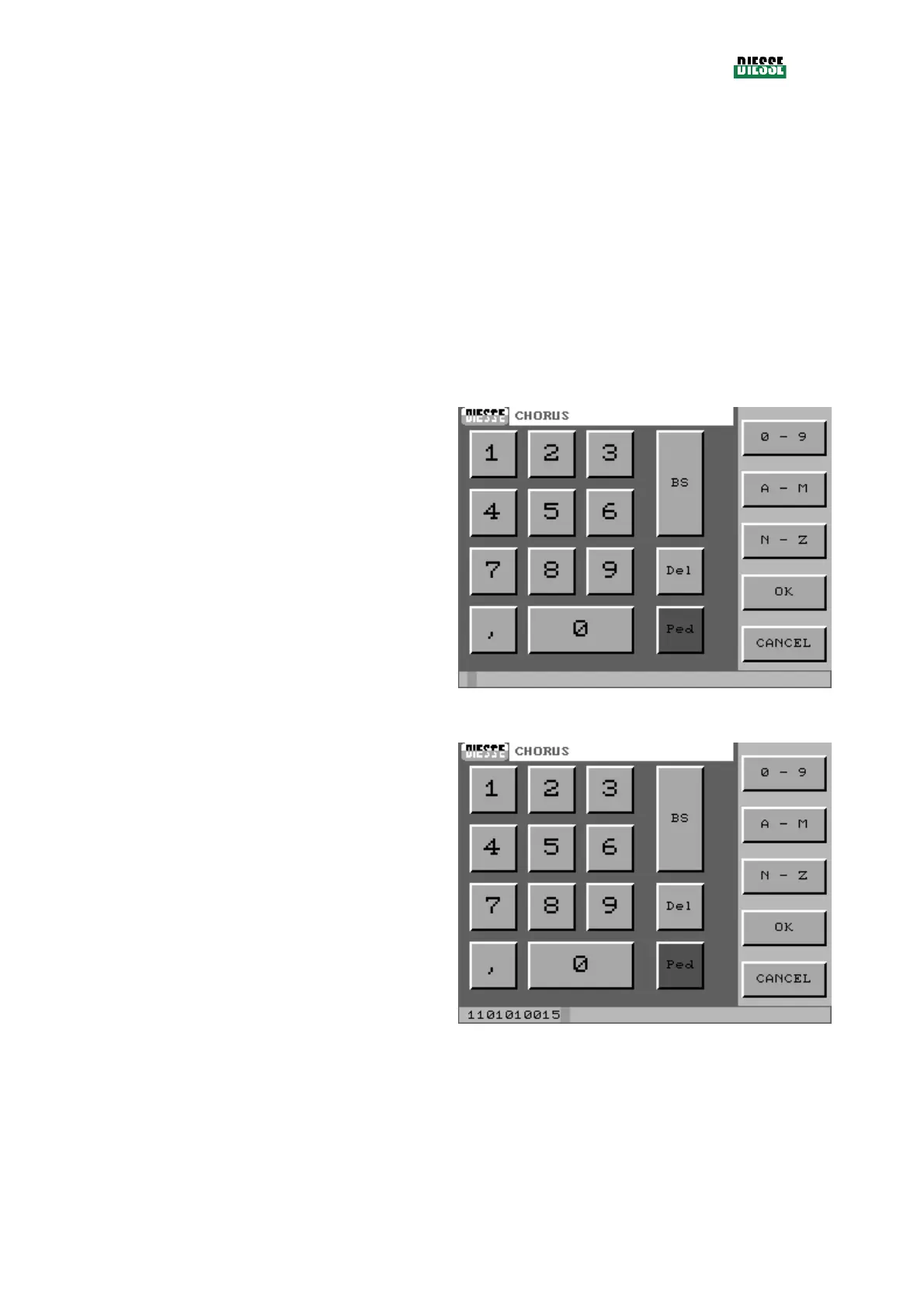
When the operator enters the Insert mode of editing,
only the cursor is visible.
fig. 33
The desired code is inserted by typing the characters
on the keyboard.
Press the OK key to save the code and return to the
previous window.
fig. 34



 To Next Page