Manuale operativo
CHORUS
90 Rev. 0 del 06/2012
5.2 TOUCH SCREEN CALIBRATION
Calibration of the touch screen is activated, when chosen by the operator, during the starting
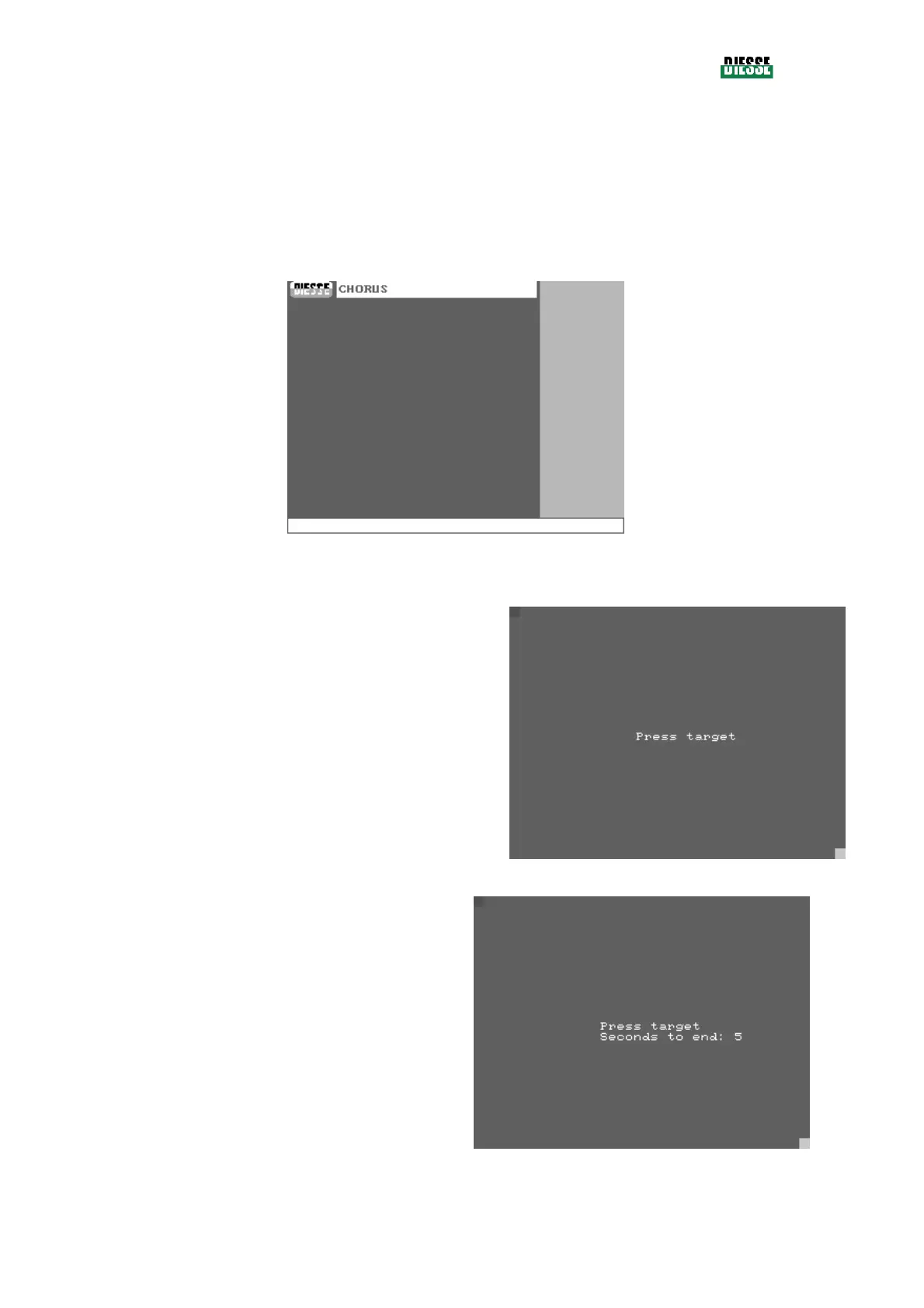
procedure of the instrument, pressing the screen within 5 seconds from the moment the first empty
screen is formed (see fig. 102)
fig. 102
Once the calibration procedure is started, a red square
moves from the center of the screen to the upper left
side and “Press target” is displayed.
fig. 103
To calibrate the upper edge, press the upper left angle
of the red square with a pointed object (for example
pencil) and keep pressed for 5 seconds (a count down
is displayed)
fig. 104



 To Next Page