Manuale operativo
CHORUS
Rev. 0 del 06/2012 31
3.4 START-UP CONTROLS
When switching on the instrument, a series of checks is performed automatically, as reported below, to
prepare for correct functioning.
3.4.1 E
LECTRONIC CHECK
During this phase the instrument executes:
- Memory check : ram, flash, video-ram.
- Loading and check of the data in memory.
- If an error is detected during the memory check, the instrument will block itself, indicating
the nature of the detected error.
- Display check and printer.Check of the peripherals: modem, bar-code reader, strip
presence sensor.
- Check of the strip and instrument thermometer, by setting the stand-by temperatures. If an
error is detected, the instrument immediately terminates the controls and displays the error code and
description in the errors window.
3.4.2 C
ALIBRATION OF THE TOUCH
-
SCREEN
This is performed on request by the user, by pressing the touch screen within 5 seconds from the
moment in which, right after the screen of the initial electronic check, the blue side bar and the DIESSE
logo are shown (for a complete handling see 5.2).
3.4.3 C
ONTROL OF THE LID
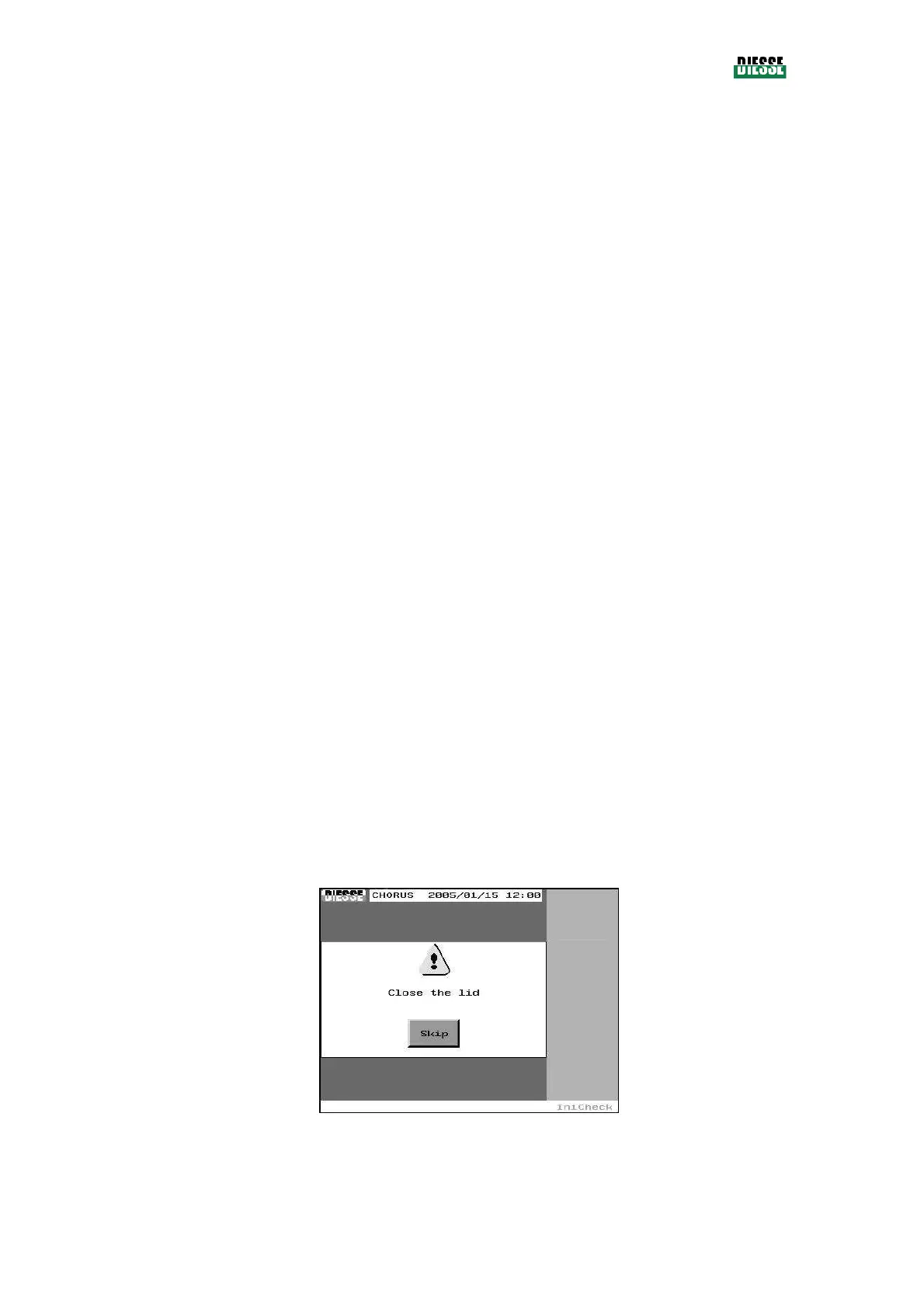
The control procedure for function of the lid, which is necessary for safety reasons (the operator does
however have the option of skipping this check using the Skip key), consists of opening and/or closing
the lid to ensure that the sensor is working correctly.
In particular:
If the lid is closed, two consecutive windows (20 seconds apart) request in sequence that the lid be
opened (to check the sensor) and then, closed (for safety reasons).
If the lid is open, there will be a single request to close the lid (for safety reasons).
fig. 23
If the operator presses the Skip key, the system check will proceed.



 To Next Page