Manuale operativo
CHORUS
Rev. 0 del 06/2012 37
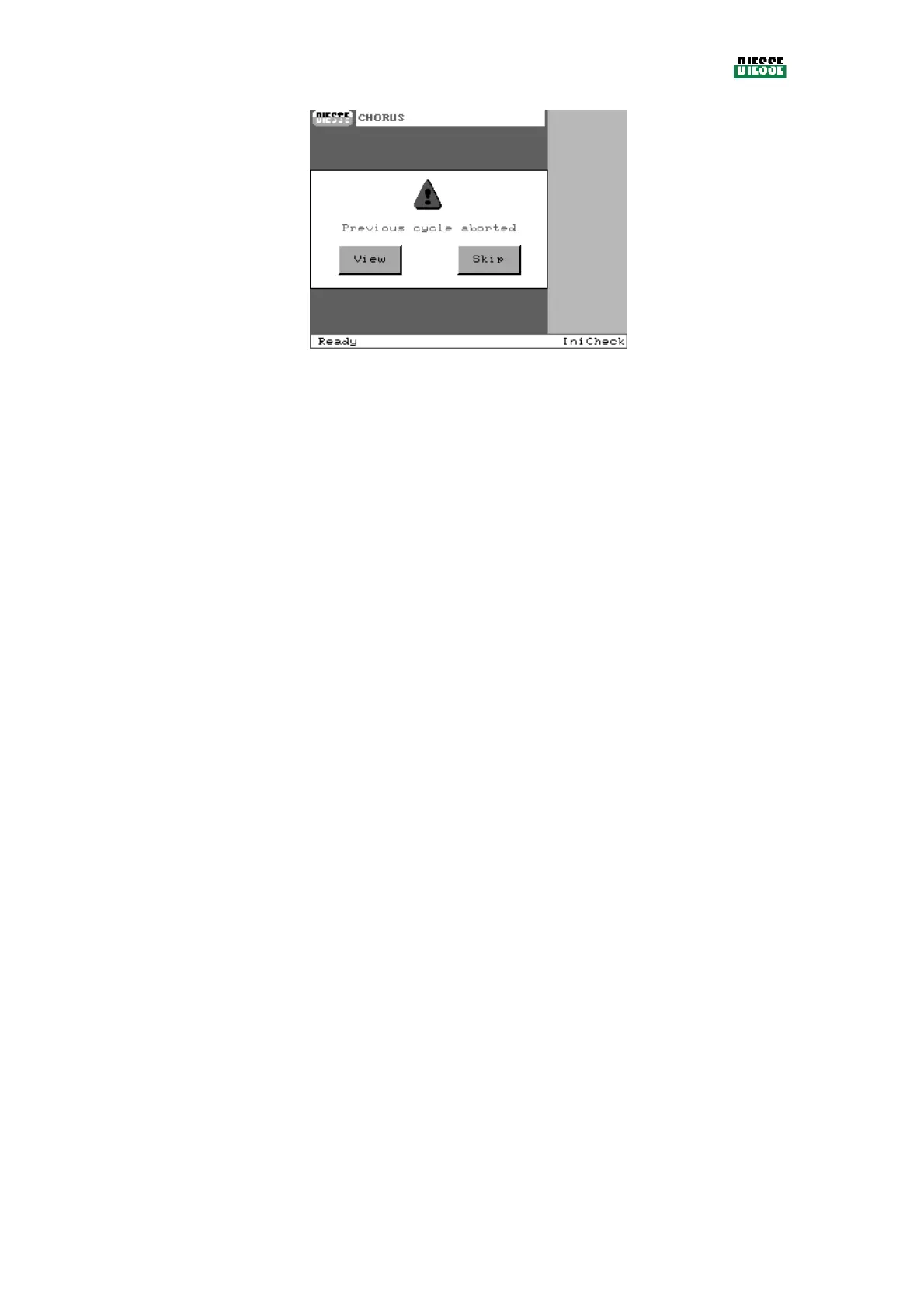
fig. 28
Note:
In this case, before performing a new cycle the instrument automatically performs a quick priming of
the washers
Note:
If there are any outstanding controls, the status bar will show the information “Not ready”. The check
window (see 4.11) can be used to view the elements that need an efficiency check.
If 7 days have passed from the last sanitation, at the end of the checks a window displays that informs
the user of the need to execute the sanitation procedure (see 3.6.4 ).
3.4.6 W
ARM
-U
P
The execution of the cycle is connected to the temperature of the strips indicated in the methods.
Therefore, at switch-on, the instrument will start a warming procedure to reach the rest temperature.
Whenever the instrument is not able to reach or maintain that temperature, it will give a thermostation
error signal.
3.4.7 S
CREEN SAVER AND STAND
-
BY STATUS
If the display is not pressed for more than 6 minutes, the screen saver will activate (whenever it has not
been disabled); to exit this modality it is sufficient to press the display.
The stand-by status is activated automatically when the instrument does not execute any operational
functions; in stand-by the motors are fed to guarantee a minimum consumption.
3.4.8 A
DJUSTMENTS
Three adjustments can be performed using the variable resistor controls seen in the instrument’s
software:
- setting of time and date,
- contrast of the display,
- volume of the speaker.



 To Next Page