Manuale operativo
CHORUS
76 Rev. 0 del 06/2012
4.7 STARTING THE RUN
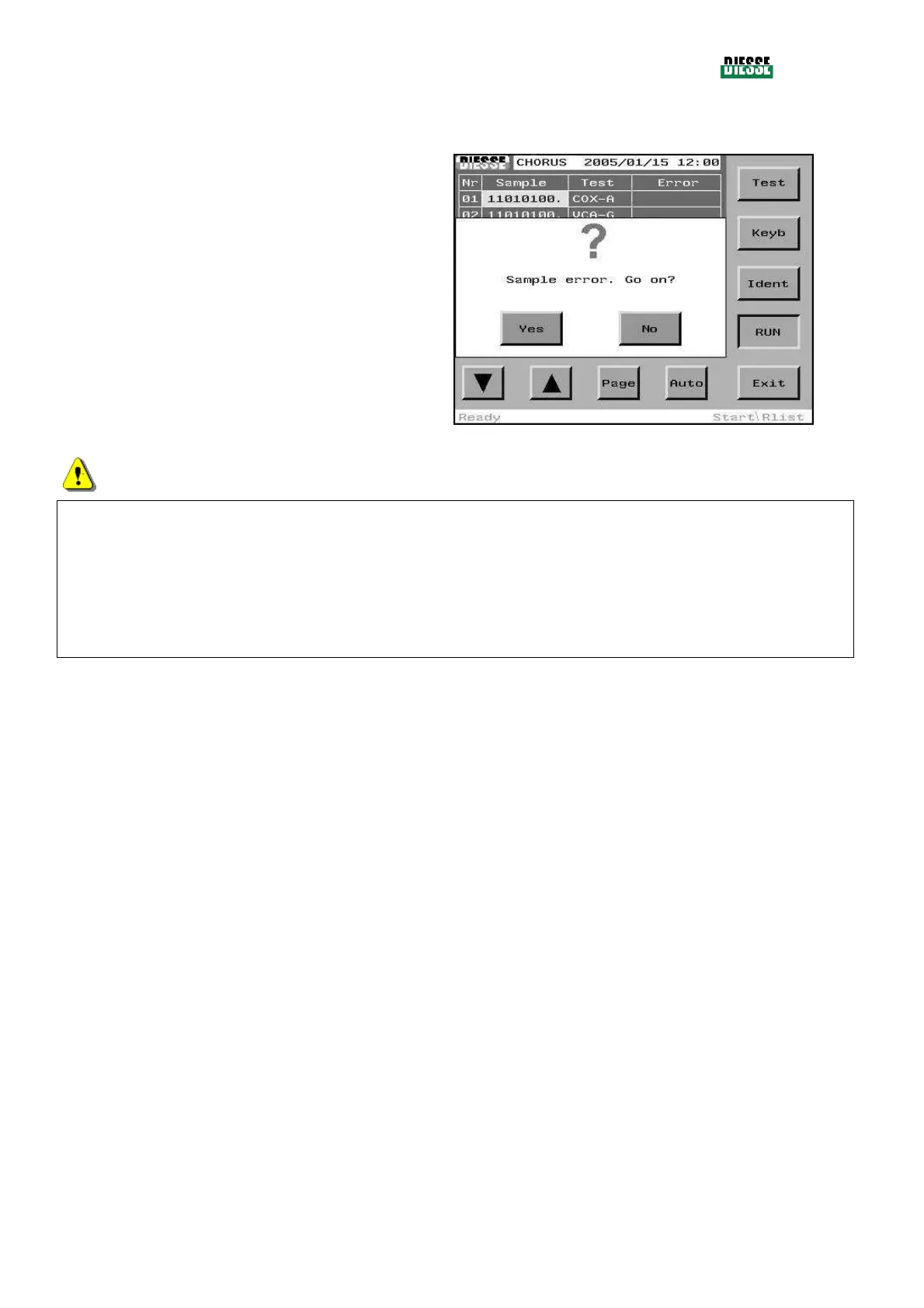
At the end of the identification phase, press the Run
key to start the cycle.
If any strips give an error, a message will appear
asking for confirmation to start the cycle.
Whenever expired strips are present on the tray, a
message box will display to indicate whether they have
to be processed in the cycle as well.
fig. 86
ATTENTION
The quantity of the buffer solution and of the washing solution depends on the number of tests to be
executed; in particular:
- if there are more than 15 tests to be executed:
a check ensures that both tanks contain at least 50% of the liquid
- if there are 15 or less tests to be executed:
a check ensures that both tanks contain at least 25% of the liquid
Note:
Strips giving an error will not be processed.
If no strips can be processed, the RUN key is disabled.



 To Next Page