Manuale operativo
CHORUS
Rev. 0 del 06/2012 67
ATTENTION
It is advised not to cancel the tests from the Job List because at the end of the RUN, the system
automatically cancels those which have been performed, leaving only those still to be executed on the
list.
4.5.1.5 Modification of a strip code
ATTENTION
The MOD mode must be enabled.
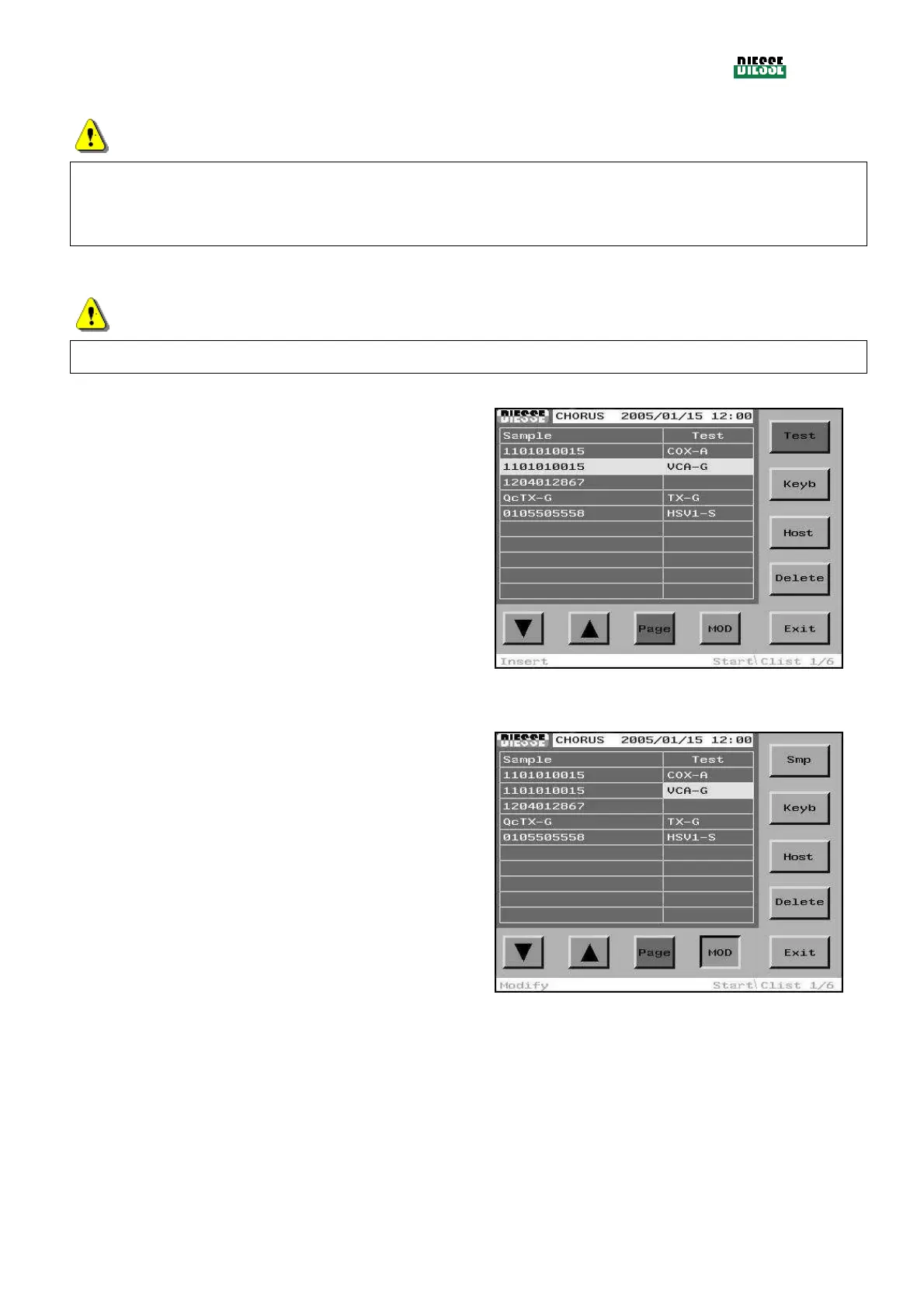
MODIFICATION USING THE BARCODE READER
The selection bar must be positioned on the line
relative to the strip code to be changed.
Press the MOD key to enter the modification mode and
then the Test key to move the selection bar to the test
column.
fig. 71
Scan the new barcode using the barcode reader.
fig. 72



 To Next Page