Manuale operativo
CHORUS
68 Rev. 0 del 06/2012
Scanning the new code leads to immediate
replacement of the previous one.
fig. 73
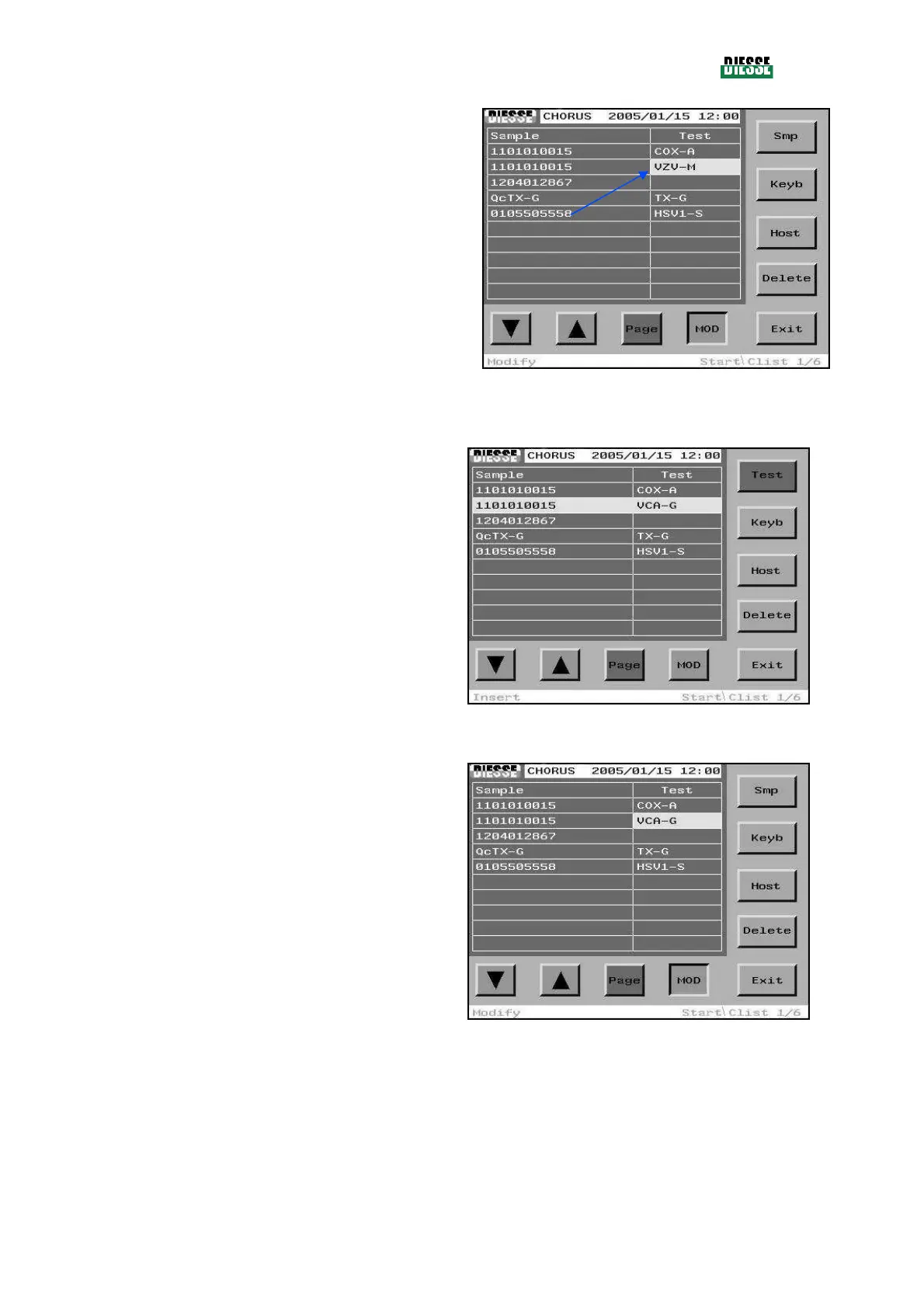
MODIFICATION THROUGH MANUAL EDITING
The selection bar must be positioned on the line
relative to the strip code to be changed.
fig. 74
Press the MOD key to enter the modification mode, and
then the Test key to move the selection bar to the test
column.
To enter the insertion mode, press the Keyb key.
fig. 75



 To Next Page