Manuale operativo
CHORUS
Rev. 0 del 06/2012 83
4.10.1 S
ETTINGS WINDOW
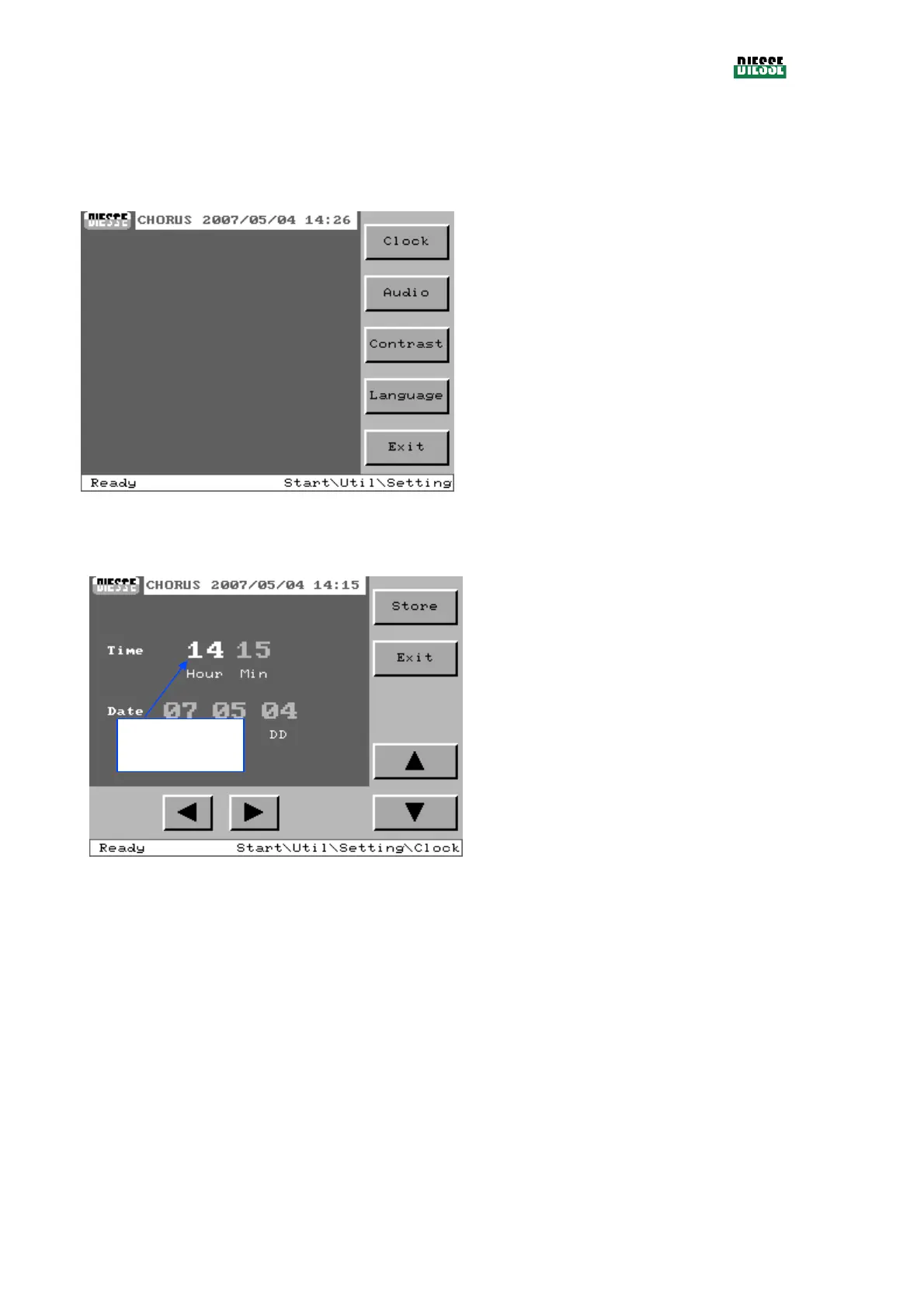
This window makes it possible to reach the instrument settings windows.
Clock: sets the date and time of the instrument
Audio: sets the volume of the speaker
Contrast: sets the contrast of the monitor
Language: sets the instrument language
Exit: returns to the utilities window
fig. 94
4.10.1.1 Clock setting
Store: memorizes the date and time that have
been set (only enabled in case of modification)
Exit: returns to the settings window
⊳
: select the number to be set
:
increases the number selected
: decreases the number selected
fig. 95
Number selected
(in white)



 To Next Page