Manuale operativo
CHORUS
82 Rev. 0 del 06/2012
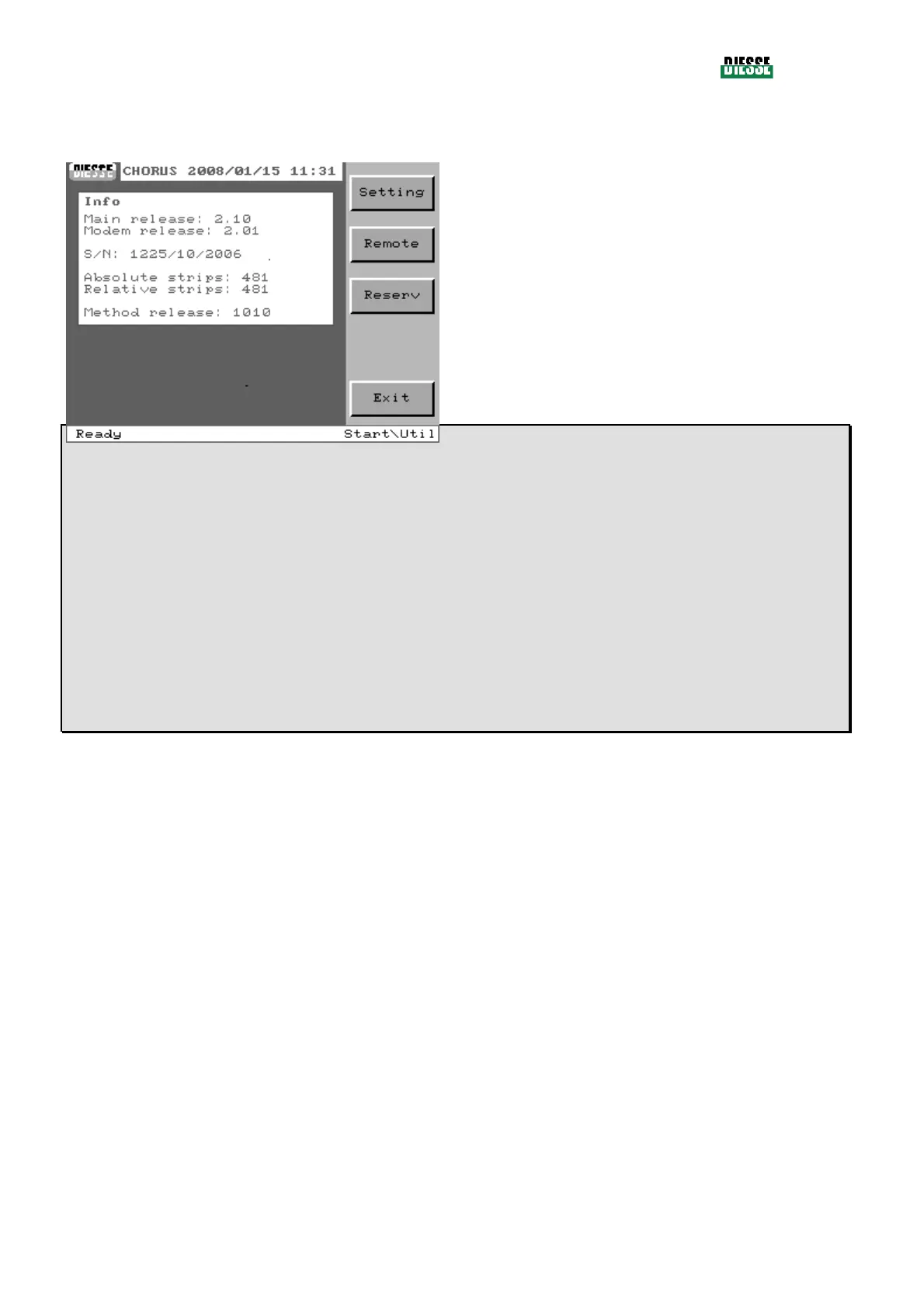
It is possible to enter the different utilities functions from here.
Setting: enters the settings window
Remote: enters the window for remote connection
Reserv.: enters the area reserved to technical
assistance personnel (a password is required)
Exit: returns to the main window
fig. 93
Main Release:
Release firmware of the CHORUS
Modem Release:
Release firmware of the modem
S/N:
Serial number of the CHORUS instrument (serial number/month of production/year of production)
Absolute strips:
Absolute counter of the strips processed by the instrument
Relative strips:
Relative counter of the strips processed (returns to zero after an intervention by technical staff)
Method release :
Release of the test methods stored
In instruments installed in the USA and Canada the significant parts of the code are only the first two digits



 To Next Page