Manuale operativo
CHORUS
Rev. 0 del 06/2012 91
If the pressure is not maintained for all 5 seconds, or if
the press point is not stable, it is requested to repeat
the operation.
If, after 5 tries, the calibration operation of the edge
fails, the calibration is interrupted and the instrument
continues the starting procedure.
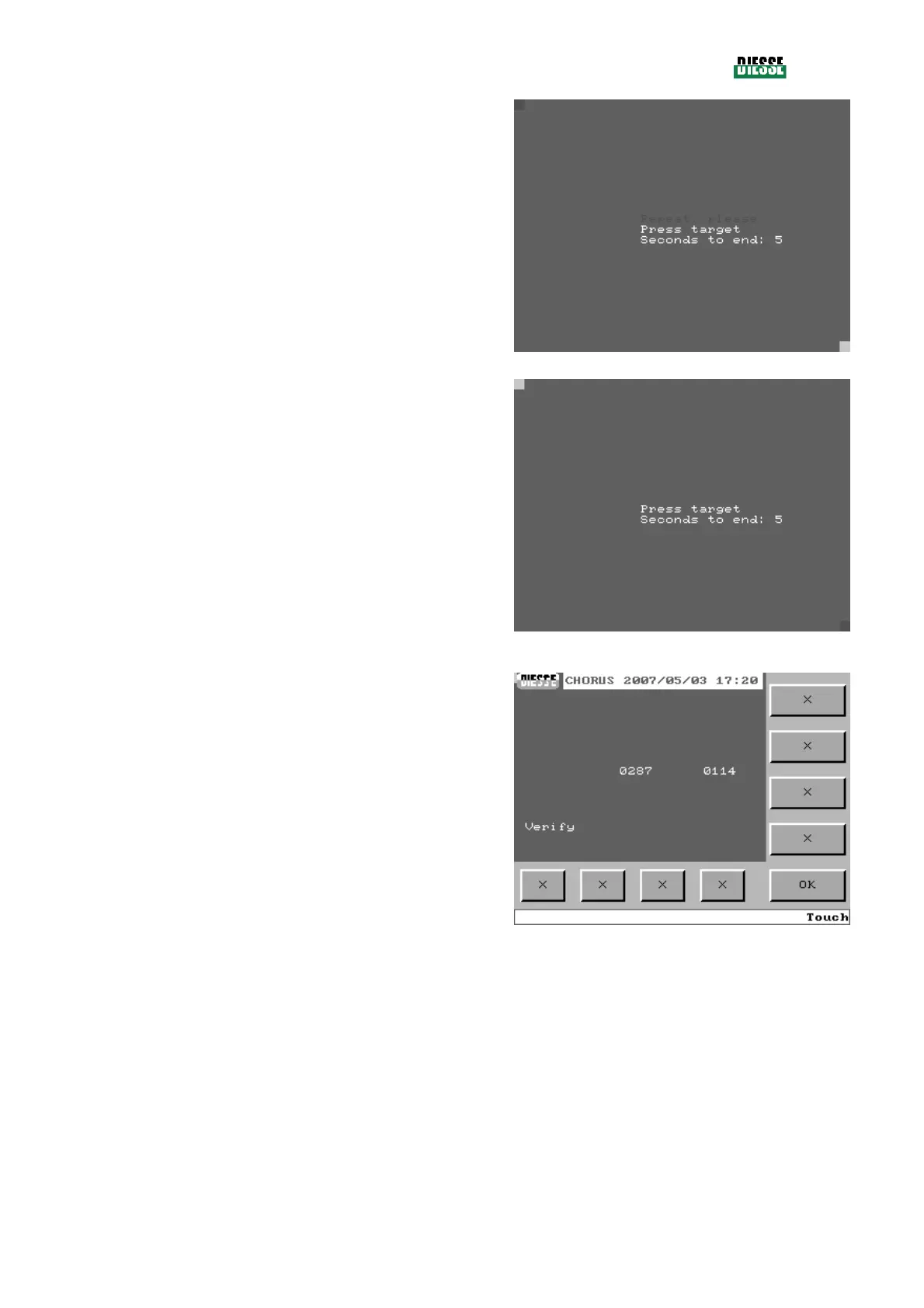
fig. 105
If the operation is executed correctly, the red square
will move from the center of the screen to the lower
right edge. Again the request “Press target” will appear.
Repeat the operations previously described on the
lower edge, pressing the right lower angle of the red
square.
fig. 106
If the operation was executed correctly, the check
window is displayed which makes it possible to verify
the calibration of the touch screen.
In the data area, one at a time, the coordinates of the
pressure points are shown.
Pressing OK, the calibration parameters are saved, the
verification window is closed and the instrument
continues with the start procedure.
fig. 107



 To Next Page