SHANGHAI ESURVEY GNSS CO., LTD.
26
2. Do one of the following:
o Manually set the orientation:
i. To enter MANUAL INPUT display, press F1 / 1.
ii. Set backsight point, reflector height and Hz-direction (Azimuth).
iii. Press F1 ALL to trigger measurement. The display shows Data Saved
and Orientated.
o Set the orientation with coordinates:
i. To enter COORDINATE ORIENTATION display, press F2 / 2.
ii. Do one of the following:
Press F1 LIST, and select a point stored in the internal
memory.
Press F2 ENH, set the backsight point and coordinates of
north, east and H, and press F4 ENT.
iii. Set the reflector height.
iv. Press F1 ALL to trigger measurement. The display shows Data Saved
and Orientated.
5.2.1.4 Start Survey
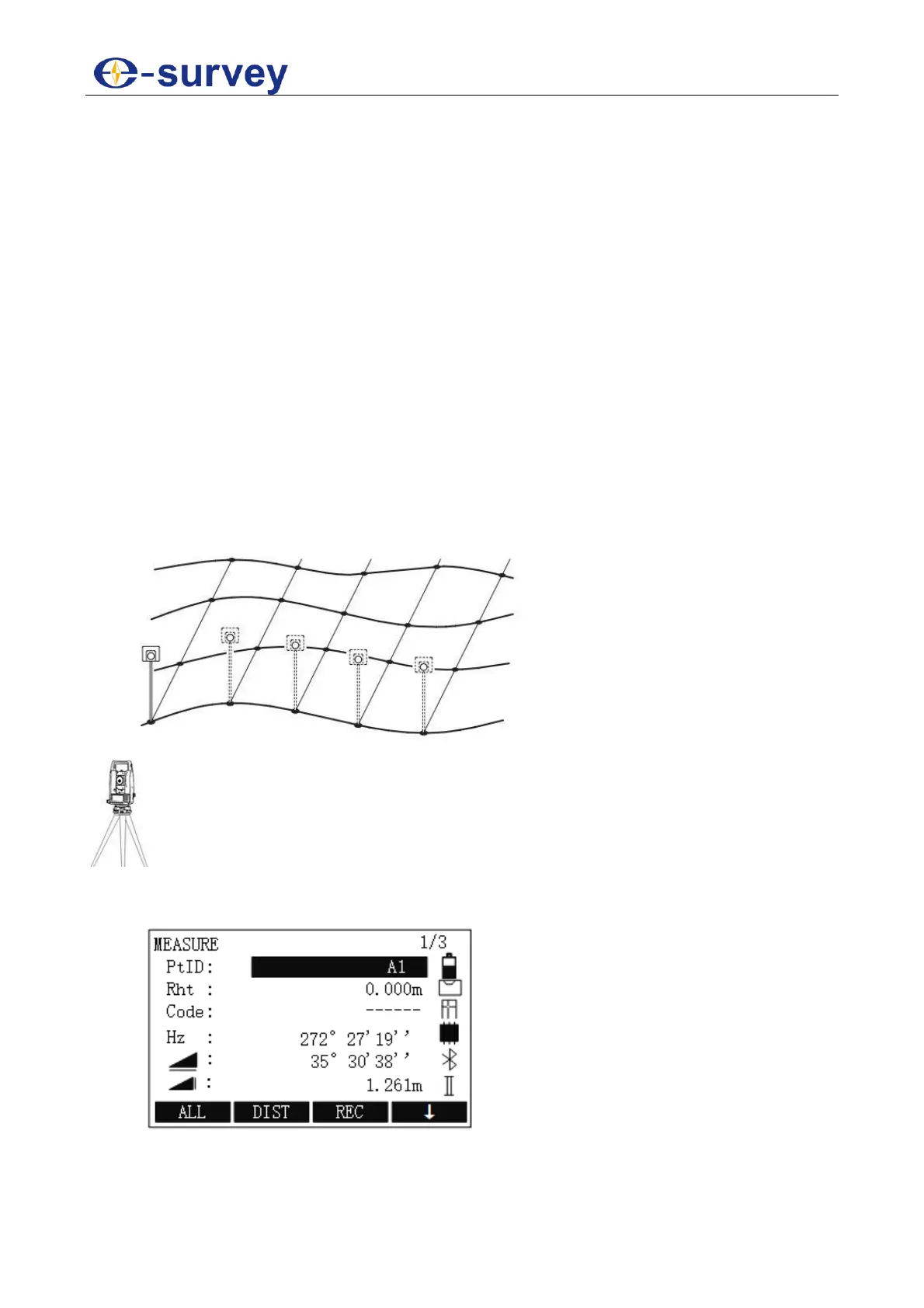
It is used to start surveying with an unlimited number of points.
The principle is as follows:
To start survey, do the following:
1. To enter MEASURE display, in MEASURE SET display, press F4 / 4:
2. Set the point ID, reflector height.



 To Next Page